
Best Productivity Apps and Tools for Remote Workers (We Actually Use These)
Last Tuesday I spent twenty minutes looking for a file someone sent me… somewhere. Slack? Email? Google Drive? Who knows. If you’ve had a day like that, you’re not alone — and that’s exactly why the best productivity tools matter more than ever when you work remotely.
Remote work gives you freedom, but it also gives you chaos. No one’s glancing over your shoulder, the fridge is ten steps away, and your tools either hold your day together or scatter it to the wind. So here’s our honest, tested list of apps that keep remote teams sane.
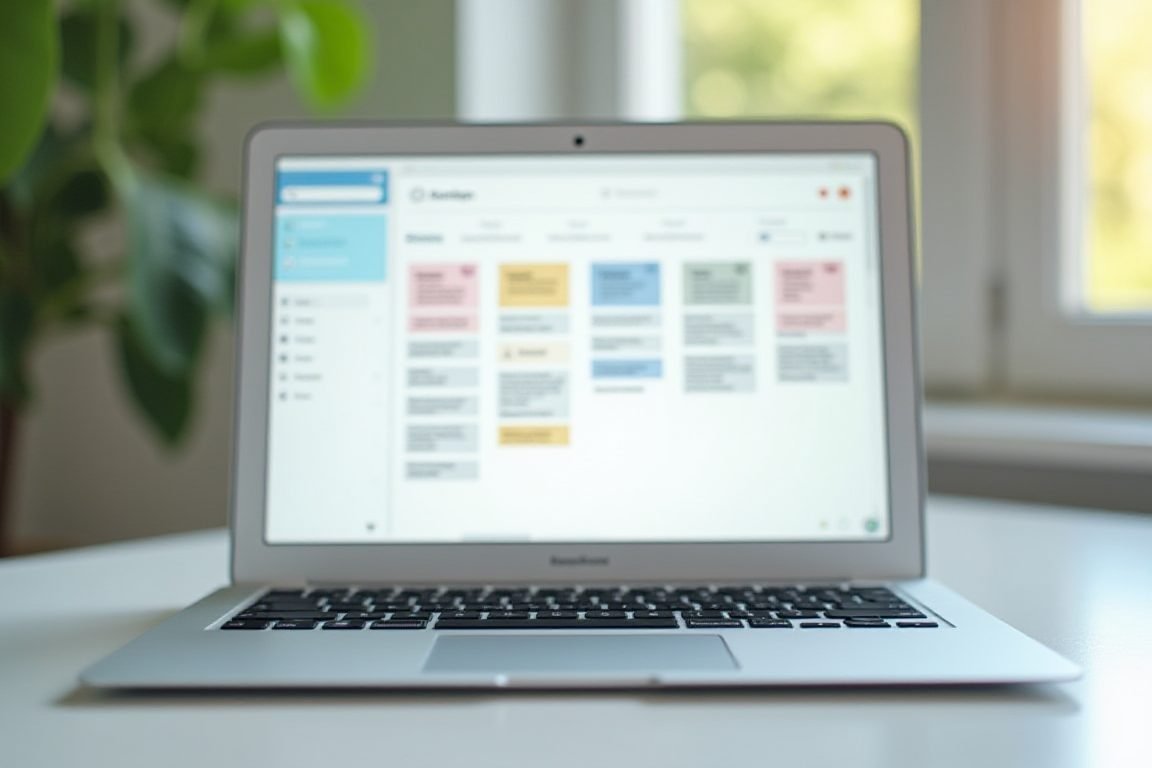
Task Management: Where Everything Should Live
If your to-dos live in five different places, you’re doing twice the mental work. The fix is one reliable task manager.
Todoist is my personal favorite for solo work — clean, fast, and the natural language input (“call Sara tomorrow at 3”) feels like magic. For team projects, Asana and Trello are the classics. Asana shines when you’ve got complex projects with dependencies; Trello’s Kanban boards work beautifully for simpler flows.
My take? Don’t overthink it. Any of these beats a sticky-note system. Pick one, move everything in, and stop splitting your attention.
Communication Without the Noise
Chat apps can be a lifeline or a productivity killer — often both in the same hour.
Slack remains the standard for team chat, and its channel structure keeps conversations organized. The trick is muting channels you don’t need. If your team lives in the Google ecosystem, Google Chat gets the job done with less setup.
For async teams spread across time zones, Loom is a game-changer. Record a five-minute video instead of scheduling a meeting that eats thirty. Honestly, half your meetings could be Looms.

Focus Tools: Your Defense Against Distraction
Remote work means you’re your own manager, and your brain isn’t always a great employee.
Forest gamifies focus — you grow a virtual tree that dies if you leave the app. Silly? Yes. Effective? Weirdly, also yes. Freedom blocks distracting sites and apps across all your devices at once, which stops the “I’ll just check one thing” spiral.
And don’t sleep on Notion. It’s technically a notes app, but people build entire second brains in it — wikis, docs, habit trackers, the works. Start small though; Notion rabbit holes are real.
Things You Need: Pro Tips for the Setup
Software is half the equation. A few physical upgrades make the best productivity apps work even better:
- Logitech MX Master 3S mouse — the side scroll wheel alone justifies it for long workdays
- Noise-canceling headphones (Sony WH-1000XM5 or Bose QC45) — non-negotiable if you share space with kids or roommates
- A laptop stand plus external keyboard — your neck will thank you after month three of remote work
I resisted the ergonomic stuff for a year. Don’t be me.
Building Your Stack Without Overdoing It
Here’s the thing nobody tells you: more tools don’t equal more productivity. I’ve watched teams adopt six new apps in a quarter and end up slower.
A solid remote stack is usually just four pieces: a task manager, a chat app, a docs home, and one focus tool. That’s it. Master those before adding anything else.
The best productivity system is the one you’ll still use in six months — not the one with the most features. Start with Todoist and Slack, add Loom when meetings pile up, and adjust from there.
FAQ
What is the single best productivity app for remote workers?
There’s no universal winner, but Todoist or Notion covers most people’s needs. Todoist if you want simple task tracking; Notion if you want docs, notes, and projects in one place. Start with one and stick with it for a month.
Are free productivity apps good enough?
Mostly, yes. Slack, Trello, Notion, and Google Workspace all have solid free tiers. You’ll only hit paywalls when your team grows or you need advanced features like admin controls and unlimited integrations.
How do I stop getting distracted while working from home?
Combine a focus app like Forest or Freedom with clear boundaries — a dedicated workspace, set working hours, and phone in another room. Tools help, but routines do the heavy lifting.
How many apps should a remote team use?
Keep it to three or four core tools. Every extra app adds context-switching and notification noise. If a tool doesn’t replace something you already do, skip it.
Is Notion worth learning for a small team?
Yes, if you want a shared brain for docs and projects. There’s a learning curve, so begin with a simple wiki and task list — resist the urge to build an elaborate system on day one.
ชอบบทความนี้? ค้นพบสินค้าที่เกี่ยวข้องบน Shopee