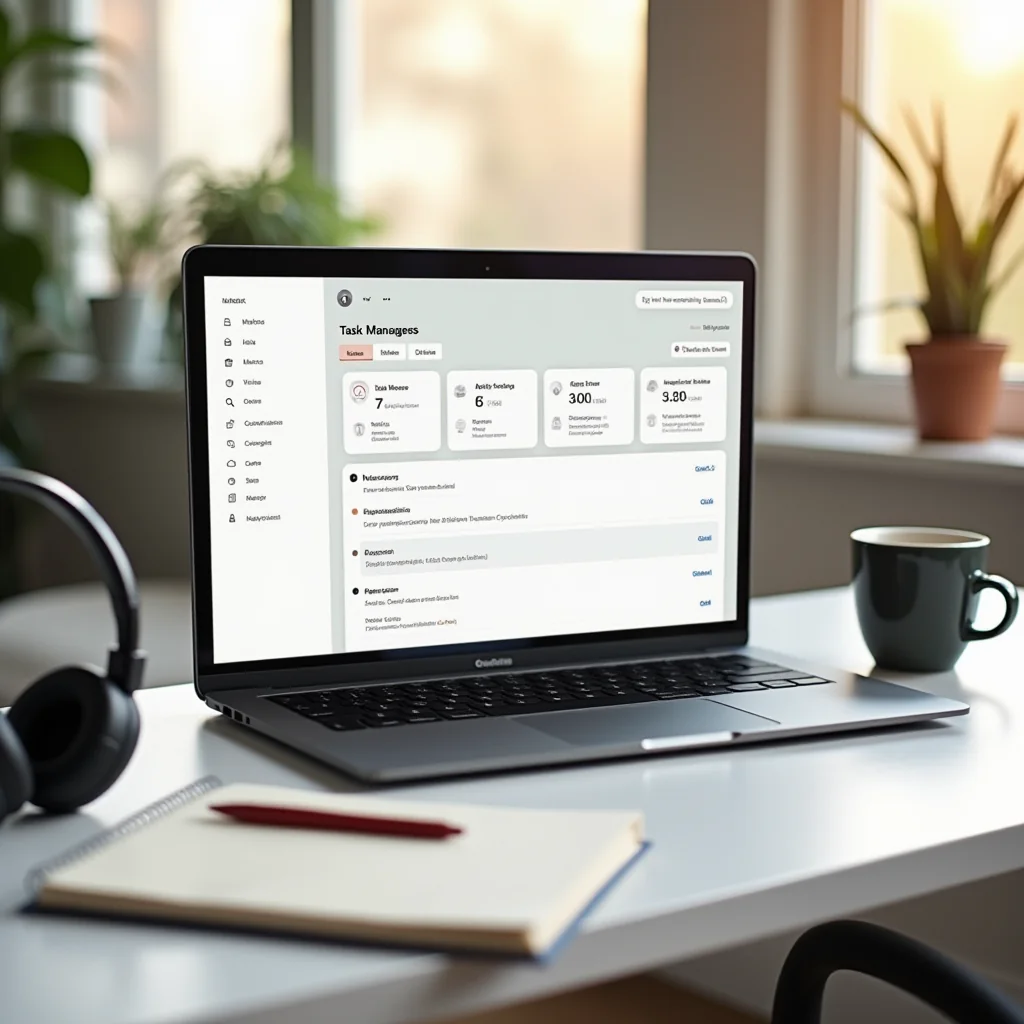
The Best Productivity Apps for Remote Workers
Three years into remote work, I still remember the Monday I lost 45 minutes digging through Slack threads, email chains, and three different note apps just to find one link. That was the day I stopped downloading apps at random and started building a real toolkit. If you’ve had a week like that, this list is for you.
Here’s the honest truth about finding the best productivity apps: the winning stack isn’t the biggest one. It’s four or five tools that fit how you work day to day — and that you’ll still be opening six months from now.
Task Managers That Stick
Every solid remote setup starts here. A good task manager is the difference between ending the day feeling accomplished and ending it wondering where the hours went.
- Todoist — my personal pick after trying nearly everything. Type “call the bank every Friday at 10” and it builds the reminder for you. The free tier covers most solo workers.
- Notion — the everything app. Wikis, databases, project boards, and meeting notes all in one place. The learning curve is real, but once it clicks, nothing else comes close for organizing your entire work life.
- Asana — built for teams. Timeline views, task dependencies, and clear ownership keep projects from slipping. Solo? It’s overkill. Five or more people? It shines.
My advice: pick one and commit for two full weeks. App-hopping is its own sneaky form of procrastination — I learned that the hard way.
Communication Without the Chaos
Remote teams rarely fail because of bad work. They fail because of bad communication — and because of the 47th meeting that could have been a message.
- Slack — still the standard. Use threads religiously, set a status when you’re heads-down, and schedule messages instead of pinging teammates at 7am.
- Loom — the best productivity upgrade I made last year was replacing half my meetings with five-minute screen recordings. Share the link, let people watch on their own schedule, keep your calendar clean.
- Zoom — reliable when you genuinely need face time. Keep sessions short, agendas tight, and cameras optional.
If your team spans time zones, set your working hours in your Slack profile. It’s a small courtesy that prevents a lot of late-night pings.
Sometimes the best productivity tool isn’t an app at all. It’s a meeting you deleted.

Focus Tools and Time Trackers
Home is full of distractions — the dishwasher, the dog, that closet you keep meaning to reorganize. These tools help you protect your attention when it counts.
- Forest — grow a virtual tree by leaving your phone alone. Silly? Absolutely. It works anyway, and the app’s partners plant real trees.
- RescueTime — runs quietly in the background and shows exactly where your hours go. My first weekly report was humbling.
- Toggl Track — one-click timers, perfect for freelancers billing clients or anyone who wants honest data on how long tasks really take.
Pair one tracker with one focus app and you’ve built a feedback loop: the tracker shows the problem, the focus tool fixes it.
Pro Tips: Gear That Earns Its Desk Space
Software gets you halfway. A few pieces of hardware close the gap.
Start with noise-canceling headphones — the Sony WH-1000XM5 or Bose QuietComfort series turn a noisy apartment into a private office. Pair those with an aluminum laptop stand and an external keyboard; your neck will thank you within a week. And if you’re saving up for one big upgrade, a second monitor (or a portable one like the ASUS ZenScreen) might be the single best productivity investment a remote worker can make.
One honest note before the questions: even the best productivity apps can’t fix a team that meets itself to death or a workload that’s simply too heavy. Fix the system first, then let the apps support it.
Here’s how I’d build a stack from scratch:
- Pick one task manager and move everything into it this week.
- Set communication hours in Slack and tell your team when you’re reachable.
- Add a focus or tracking tool once the first two feel automatic — not before.
Frequently Asked Questions
What’s the single best productivity app for remote workers?
There’s no universal winner, but the best productivity combo for most people is Todoist plus Slack. Add Loom when your calendar starts drowning in meetings.
Are the free versions enough, or should I pay?
For solo work, the free tiers of Todoist, Notion, and Toggl handle almost everything. Teams of five or more usually hit collaboration limits fast — that’s when paid plans start earning their cost.
How many apps should my remote toolkit include?
Three or four, maximum. I’ve watched people juggle nine tools and lose hours just managing the tools. A few apps used deeply beats a crowded dock every time.
How do I stop notifications from killing my focus?
Turn everything off by default and whitelist only true emergencies. Check Slack and email in batches two or three times a day — nobody on a healthy remote team expects a reply in 90 seconds.
ชอบบทความนี้? ค้นพบสินค้าที่เกี่ยวข้องบน Shopee