The Best Productivity Tools for Remote Workers
You roll out of bed, grab a cup of coffee, and sit down at your desk. Suddenly, it’s 2 PM, you’ve attended three video calls, and your to-do list hasn’t budged. Working from home brings incredible freedom, but it also requires intense self-discipline.
Without a manager peeking over your shoulder, staying organized is entirely on you. To achieve the best productivity, you need a digital toolkit that actually works as hard as you do. Let’s explore the top apps that keep remote teams efficient, focused, and sane.
Taming Your Tasks and Projects
When you work remotely, your inbox shouldn’t double as your task manager. Relying on email leads to dropped balls and missed deadlines.
You need a dedicated hub where tasks live, breathe, and get checked off. Finding the best productivity setup for your specific workflow changes everything. Here are our favorite project management tools:
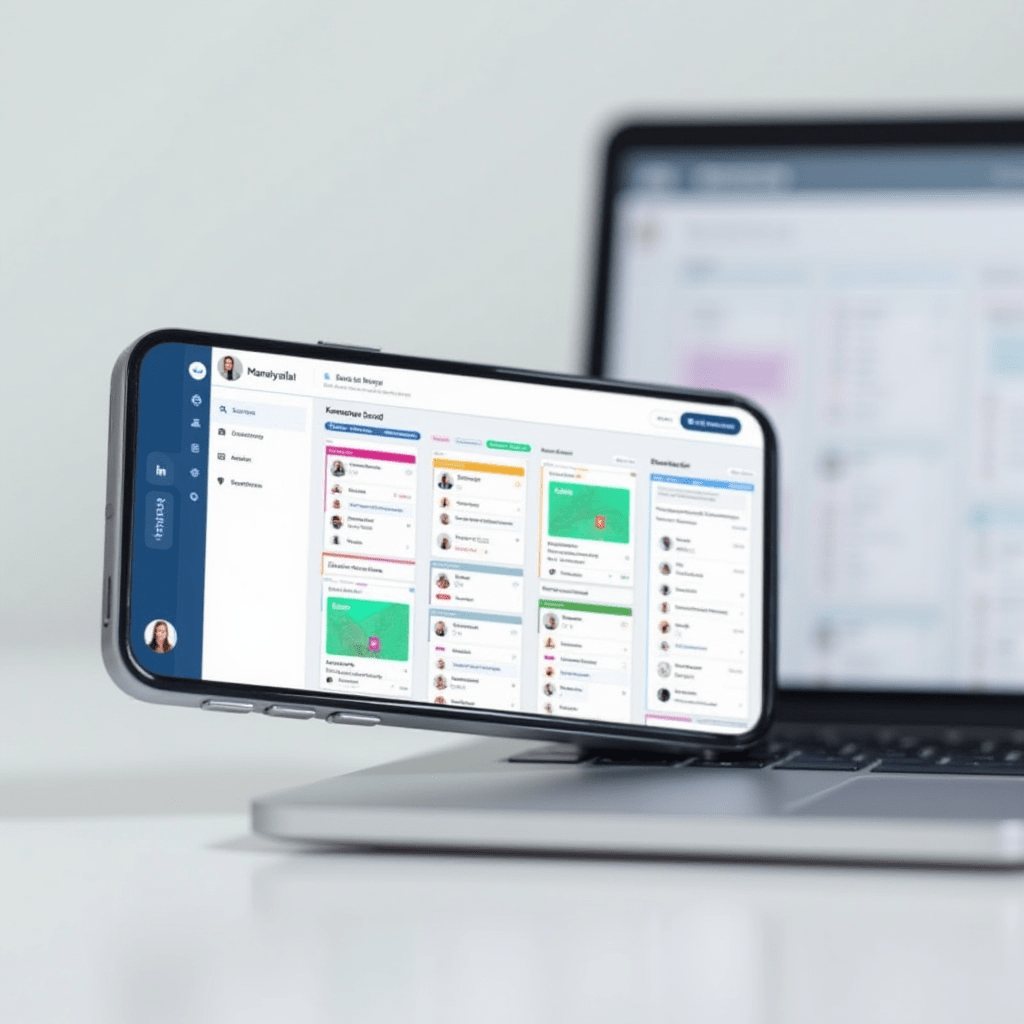
- Asana: Perfect for teams who love visual timelines. You can assign tasks, set dependencies, and track progress without endless email chains.
- Notion: Think of this as your team’s shared brain. It handles wikis, databases, and custom dashboards. If you can dream it, you can build it here.
- Trello: The classic Kanban board. It remains unmatched for simple, drag-and-drop task tracking.
Communication Without the Clutter
Communication makes or breaks a remote team. You can’t just walk over to a coworker’s desk for a quick answer.
That’s why having a solid messaging app is non-negotiable. But you have to use it correctly, or it becomes a massive distraction.
Slack is the undisputed king of team chat. We love creating specific channels for projects to keep things neat. You can integrate it with almost anything, making it a central piece of the best productivity stacks out there.
Zoom handles the face-to-face stuff. Just remember to schedule meetings with intention. If a message takes three paragraphs to explain, jump on a quick five-minute video call instead.
Finding Your Flow State
Notifications are the enemy of deep work. When your phone pings every ten minutes, you never settle into a real flow.
You need apps that protect your attention. Blocking out distractions is a required step for maintaining the best productivity throughout the workday.
Try Freedom to block distracting websites across all your devices during work hours. If you struggle to start tasks, use Forest. You plant a virtual tree when you start a timer, and if you leave the app to scroll social media, your tree dies. It sounds silly, but it works incredibly well.

Pro Tips: Gear and Gadgets You Need
Software solves half the problem, but the right hardware handles the rest. Upgrading your physical workspace makes a massive difference in your daily output.
If you want to maximize your setup, we highly recommend picking up a few of these remote work essentials:
- Sony WH-1000XM5 Noise-Canceling Headphones: When the neighbor’s dog won’t stop barking, these block out the world so you can focus.
- Logitech MX Master 3S Mouse: The ergonomic design saves your wrist, and the customizable buttons let you switch between apps instantly.
- BenQ ScreenBar Monitor Light: This lights up your desk without causing screen glare. It reduces eye strain during those late afternoon pushes.
Automating the Busy Work
Stop wasting time on repetitive tasks. If you do the exact same thing every Tuesday, let a robot handle it.
Automation is the secret weapon for the best productivity in any industry. Zapier connects apps that don’t normally talk to each other. For example, you can set a rule that creates a new Trello card every time a prospect fills out a form on your website.
Setting up these automations takes a little time upfront, but it pays dividends. You essentially put routine tasks on autopilot, freeing your brain for creative, high-level work.
Frequently Asked Questions
What is the best app for time tracking?
Toggl Track is fantastic. It features a simple one-click timer that integrates with dozens of project management tools, making it painless to log your billable hours.
How do I stop procrastinating while working from home?
Try the Pomodoro Technique using an app like Focus Booster. You work for 25 minutes, then take a 5-minute break. Breaking the day into smaller chunks makes large projects feel much less intimidating.
Are free productivity apps good enough for remote teams?
Yes, to an extent. Tools like Trello and Asana offer excellent free tiers. However, as your team grows and your projects become more complex, you will likely need to upgrade to paid tiers for premium integrations and larger file storage.
Can too many productivity apps hurt my workflow?
Absolutely. App fatigue is a real phenomenon. If you spend more time managing your tools than doing your actual work, scale back. Pick one project manager and one chat app, and stick to them.
ชอบบทความนี้? ค้นพบสินค้าที่เกี่ยวข้องบน Shopee