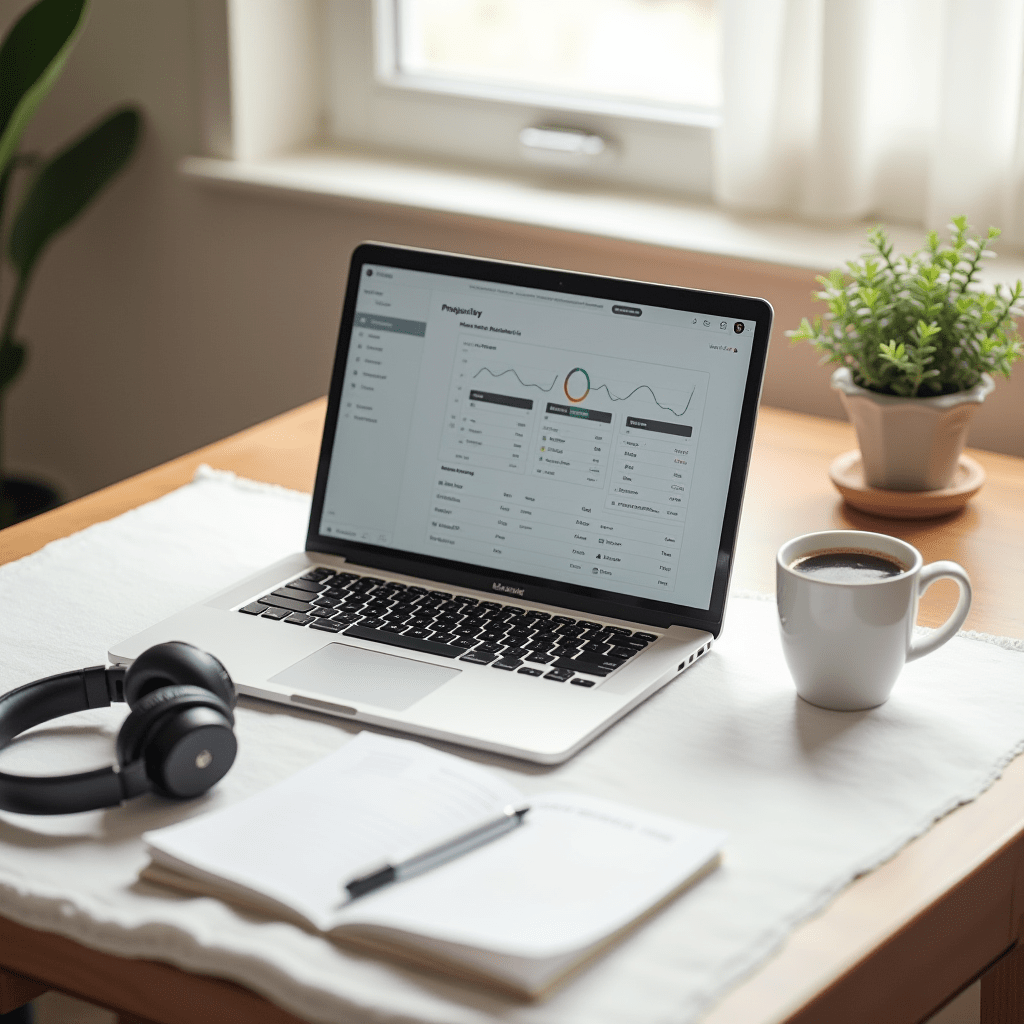
Best Productivity Apps for Remote Teams
I once lost an entire afternoon searching for a single document buried in six different chat threads. That was the day I stopped pretending I could “just remember” where things were and started taking my tool stack seriously.
If you’re working remotely, your apps are your office. Pick the wrong ones, and you’ll spend more time managing tools than doing real work. Pick the right ones, and things just flow.
Here’s what works for remote teams chasing the best productivity they’ve ever had.
Why Your Current Setup Might Be Broken
Most remote workers stack tools randomly. A Slack here, a Google Doc there, maybe a Trello board someone set up three months ago and forgot about. Sound familiar?
The problem isn’t having too many apps. It’s having apps that don’t talk to each other. When your task list lives in one place, your conversations in another, and your files somewhere else entirely, you lose time just context-switching.
The best productivity systems aren’t about doing more. They’re about removing friction from the work you’re already doing.
Task Management That Doesn’t Make You Want to Scream
After testing dozens of tools across different teams, these are the three I keep coming back to.
Todoist is my go-to for personal task management. It’s dead simple, fast, and the natural language input means I can type “finish the Q4 report every Friday at 9am” and it just works. No fiddling with forms or dropdown menus.
Notion shines when you need flexibility. I’ve seen teams build entire project hubs, knowledge bases, and company wikis inside it. The learning curve is real though — give yourself two weeks before you judge it.
Asana fits larger teams that need clear ownership and deadlines. The timeline view alone makes it worth it for projects with multiple moving parts. If you’ve ever asked “wait, who’s doing what by when?” during a meeting, Asana solves that.
My honest take? Pick one. Don’t run all three. The best productivity comes from commitment, not collection.

Communication Tools That Respect Your Focus
Slack changed how teams talk, but it also created a monster. The constant pinging, the notification anxiety, the “just one quick question” messages that derail an hour of deep work.
I’m not saying ditch Slack. I’m saying use it smarter. Set your status to “deep work” and enforce it. Use threads religiously so channels stay clean. Mute everything that isn’t urgent.
For async communication, Loom has been a game-changer. Instead of scheduling a 30-minute call to explain something, record a three-minute video. Your teammates watch it when they’re ready, and you get your afternoon back.
Discord might sound like a gaming app, but smaller remote teams are adopting it fast. The voice channels let people drop in and out naturally, mimicking the “overhearing a conversation” feel of an office without the interruption.
The best productivity hack for communication is simple: default to async unless it’s truly urgent. Most things aren’t.
Pro Tips: Gear That Completes Your Setup
Apps only get you so far if your physical setup is fighting against you. Here’s what I recommend to the remote workers I coach:
Noise-canceling headphones are non-negotiable. The Sony WH-1000XM5 or Bose QuietComfort 45 will save your sanity in a noisy home. I’ve used the Sonys for two years and they’re still going strong.
A decent webcam like the Logitech Brio makes you look sharp on calls instead of blurry and washed out. Your teammates will notice, even if they don’t say anything.
If you’re staring at spreadsheets all day, a monitor light bar like the BenQ ScreenBar reduces eye strain dramatically. It clips onto your monitor and lights your desk without causing screen glare.
These aren’t luxury purchases. They’re the physical foundation that lets your best productivity apps do their job.
Frequently Asked Questions
At the end of the day, the best productivity system is the one you’ll use. Not the one with the most features, the coolest design, or the loudest marketing. Try one app from each category above, give it two honest weeks, and see how your days feel different.
ชอบบทความนี้? ค้นพบสินค้าที่เกี่ยวข้องบน Shopee