
Best Productivity Apps to Keep Remote Teams on Track
Working from your couch sounds great until you realize you’ve spent 45 minutes looking for that one link someone dropped in a chat three weeks ago. Without a physical office to anchor your routines, remote work can quickly turn into a chaotic free-for-all. That’s where the best productivity apps come in.
They aren’t magic wands, but they do fix the annoying bottlenecks that slow distributed teams down every single day. We’ve tested dozens of tools over the past few years and narrowed them down to the ones that actually stick.
Communication That Doesn’t Drain Your Energy
Slack is the obvious default, but it becomes a nightmare if you don’t actively tame it. We use strict channel naming conventions like “proj-website-redesign” to keep historical conversations searchable.
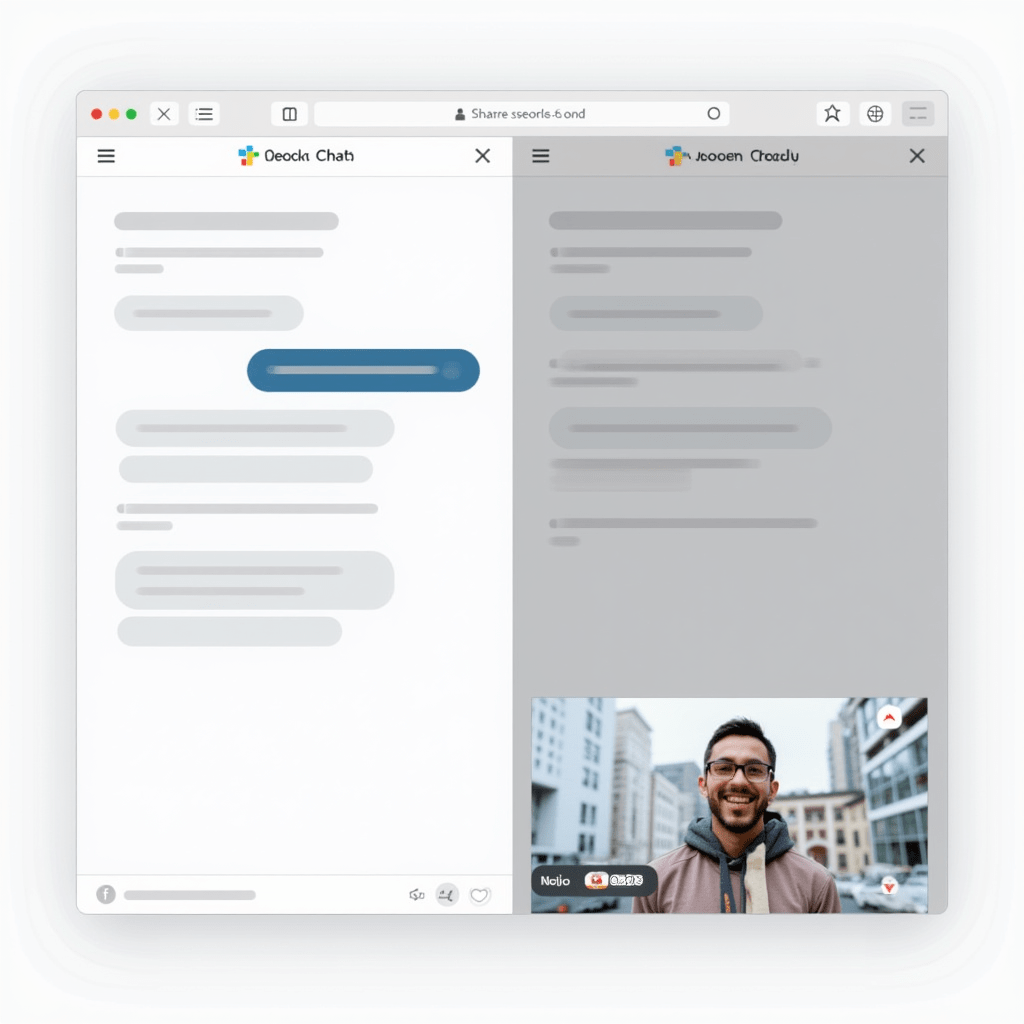
For quick async syncs that don’t require a calendar invite, Loom is our absolute go-to. You record your screen, talk through your thoughts, and share the link. Our team even has a rule: if a conversation takes more than five messages, you have to send a Loom video instead.
It saves everyone from sitting through yet another pointless status meeting.
Task Management for Scattered Brains
If your team’s to-do list lives inside someone’s head, you’re going to miss deadlines. ClickUp and Asana are solid bets for building the best productivity workflows because they let you see the big picture.
You can break huge quarterly goals into bite-sized weekly tasks and assign clear owners. Trello works better for visual thinkers who just want a simple drag-and-drop Kanban board without the learning curve.
The key is picking one system and forcing everyone to use it, rather than letting tasks scatter across email, Slack, and sticky notes.
Pro Tips: Gear That Actually Helps
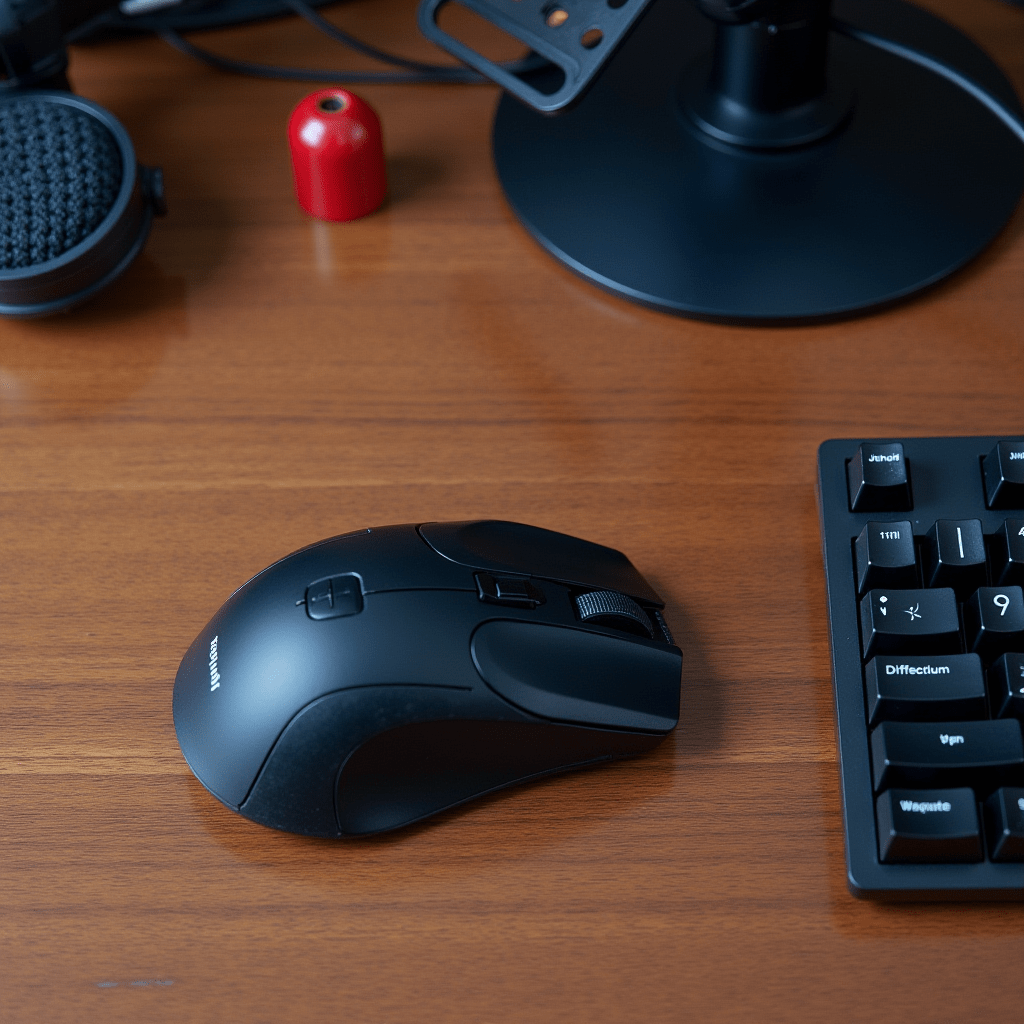
Software only gets you so far if your physical setup is fighting you every step of the way. I learned the hard way that a good Logitech MX Master 3S mouse makes a massive difference when you navigate between apps all day.
Pair that with a Blue Yeti USB microphone so your voice sounds crisp on those Loom videos and client calls. Finally, grab a Time Timer (a physical visual countdown clock).
It sounds a bit silly, but watching the red disc disappear keeps me off social media during deep work blocks. Investing a little cash in your home office hardware pays dividends in how fast you move through your daily queue.
Time Blocking and Focus Tools
Remote work completely blurs the line between “on the clock” and “off the clock.” You need aggressive boundaries to protect your mental energy.
Todoist integrates beautifully with Google Calendar to turn your task list into time-blocked appointments. For the actual focus part, try the Forest app.
You plant a virtual tree when you start a timer, and if you open a distracting tab, the tree dies. I usually set my Forest timer for 50-minute sprints, followed by a 10-minute walk away from the screen.
It’s gamified peer pressure, and finding the best productivity rhythm usually comes down to just protecting your attention span.
Automating the Boring Stuff
Manual data entry is the enemy of getting things done. Zapier or Make connect your apps so they talk to each other without you lifting a finger.
You can set a rule that automatically creates a Trello card whenever someone emails a specific address. When people ask me about the best productivity stacks, I always tell them to start here.
It takes a few minutes to map out the triggers, but the mental relief of never copying and pasting data again is huge. Automating just three repetitive tasks a week buys back hours of focused time.
File Sharing Without the Friction
Emailing documents back and forth is a fast track to version-control hell. Google Workspace handles the basics fine, but Notion is unbeatable for complex teamwork.
It acts as a shared wiki, a database, and a file hub all rolled into one clean interface. Setting up a centralized team workspace in Notion might take a weekend.
New hires can read through past decisions, find brand assets, and understand processes without having to interrupt a senior team member. It’s easily one of the best productivity investments you can make for remote onboarding and documentation.
Don’t try to adopt all of these at once. Pick the category causing your team the most pain right now, test one tool for two weeks, and expand from there.
Frequently Asked Questions
What is the best productivity app for a small remote team?
For small teams, Slack for chat and Trello for tasks are usually the perfect starting point. They both have incredibly low learning curves and generous free tiers that won’t drain your startup budget.
Do I need to pay for productivity apps?
Not always. Many of the best productivity tools offer robust free plans that work perfectly for solopreneurs or tiny teams. You should only open your wallet when you hit hard limits on storage, user seats, or advanced reporting.
How do I stop my team from getting app fatigue?
Pick exactly one core tool for each category: one for chat, one for tasks, one for files. Force all communication and document storage into those three buckets, and ruthlessly archive or delete the rest.
Which app is best for asynchronous communication?
Loom takes the crown here. It lets you record your screen and voice to explain complex ideas without forcing your team to be online at the exact same time.
ชอบบทความนี้? ค้นพบสินค้าที่เกี่ยวข้องบน Shopee