
Best Productivity Apps for Remote Teams
When my team first went fully remote back in 2020, we tried every single tool on the market. We ended up with a bloated tech stack that did nothing but drain our budget.
I once lost an entire afternoon looking for a single PDF buried in a messy Slack thread. Remote work gives you freedom, but it also throws a hundred different apps at your face. Finding the best productivity apps isn’t about downloading everything.
It’s about building a simple system that keeps your remote team sane.
Communication That Doesn’t Drain You
Slack is great, but it can quickly become a black hole for focus. Asynchronous communication is the secret sauce of remote work. It lets people work when they actually feel creative, not just when everyone else is online.
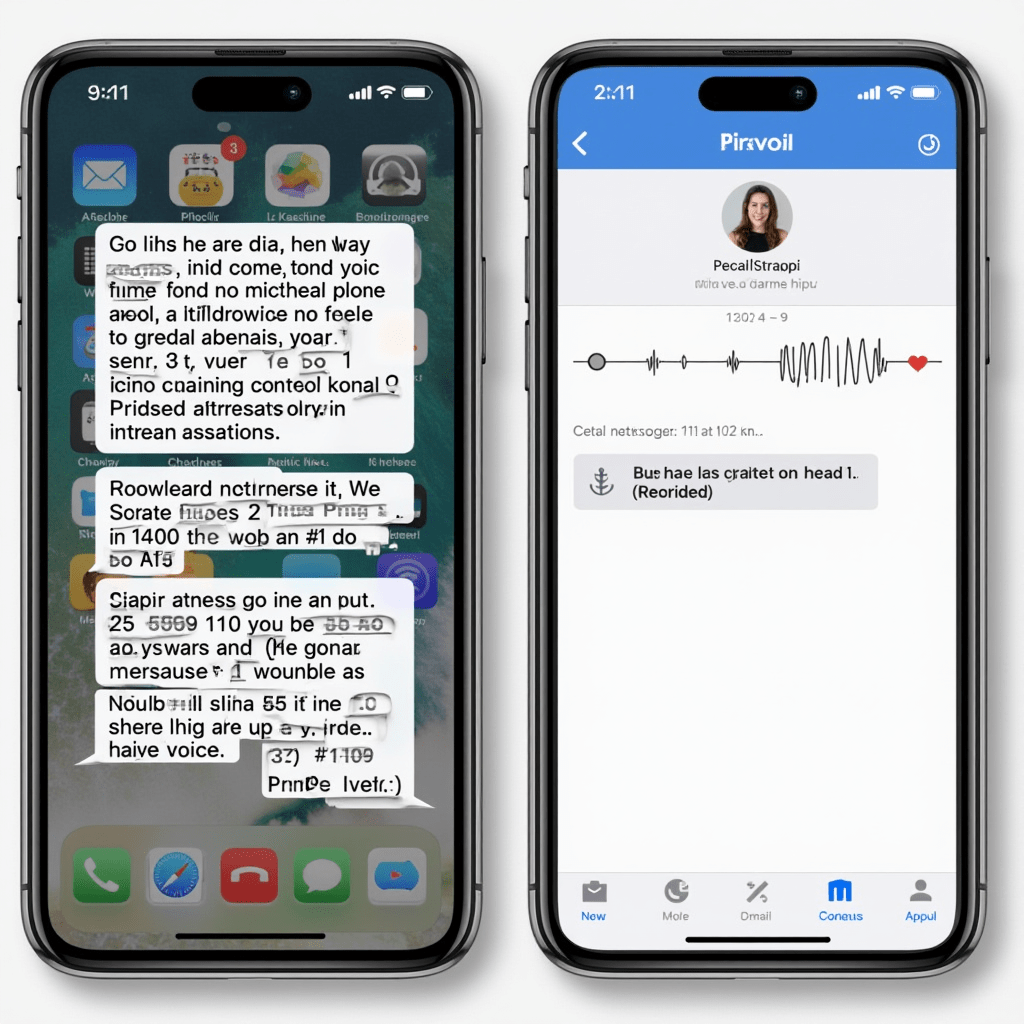
We switched our quick catch-ups to Voxer last year, and it changed everything. It works like a walkie-talkie. You send quick voice notes instead of typing out long messages.
This cuts down on screen time and keeps the tone personal. For video calls, Gather makes virtual offices feel less awkward. You see little avatars walking around a digital space.
You only hop on a call when you literally bump into someone. It’s one of the best productivity hacks for reducing meeting fatigue.
Task Management That Actually Works
If your to-do list lives in five different places, you’re doing it wrong. You need one source of truth. Notion gets a lot of hype, and for good reason.
You can build exactly what your team needs, from simple boards to wild databases. But if Notion feels too overwhelming, try Todoist. It’s bare-bones and fast.
I use Todoist for my daily personal tasks and Notion for team projects. ClickUp is another beast entirely. It tries to be everything—docs, whiteboards, chats—all in one place.
I find it a bit heavy, but marketing teams seem to love it. The goal is to pick one and stick to it. Constantly switching tools kills your momentum.
Combining these platforms gives you some of the best productivity workflows without the clutter.
Pro Tips: Gear Up Your Workspace
Software only gets you so far if your physical setup fights you every step of the way. I learned this the hard way after dealing with back pain for months. Here are a few physical upgrades that genuinely boost your output:
- Logitech MX Master 3S Mouse: The customizable buttons let you switch between apps instantly. It saves me dozens of clicks a day.
- BenQ ScreenBar Monitor Light: It lights up your desk perfectly without causing screen glare. No more eye strain during late-night sprints.
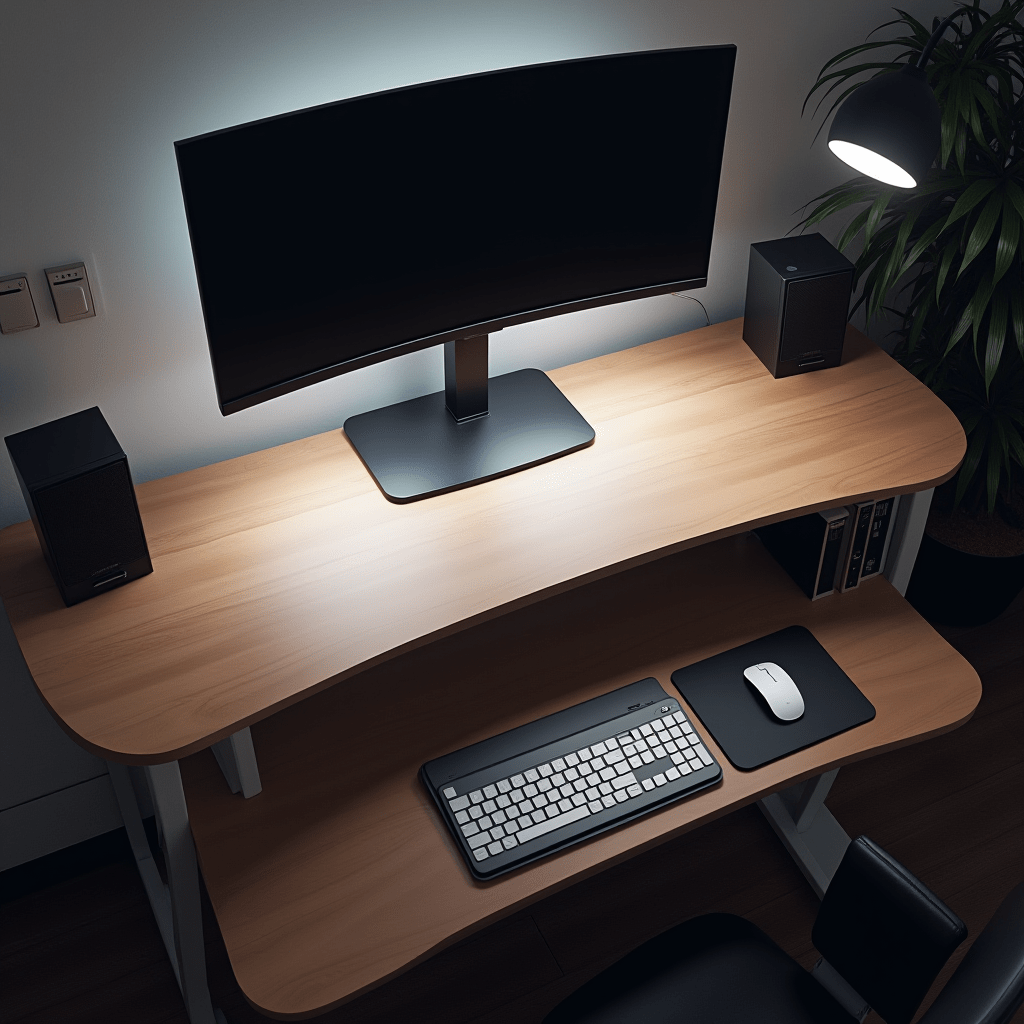
- Xiaomi Mi Smart Standing Desk: Alternating between sitting and standing keeps your energy up. Pair this with the best productivity apps, and you’ll barely feel the afternoon slump.
Time Tracking Without the Micromanagement
Nobody likes feeling like their boss is watching a timer tick. Good time tracking should help you understand your habits, not punish you. Toggl Track nails this balance perfectly.
You hit a button when you start a task and stop it when you’re done. At the end of the week, you get a clear pie chart showing where your hours went. I realized I was spending four hours a week on emails alone.
Seeing that data helped me batch my inbox time. RescueTime runs quietly in the background of your computer to track this passively. It flags your biggest distractions automatically.
Comparing Toggl’s active tracking with RescueTime’s passive data gives you a complete picture. You can’t fix your time leaks if you don’t know where they are. That single tweak was a massive best productivity win for our entire remote squad.
File Sharing and Note-Taking
Google Drive is the default, but it can get messy fast. When your folder structure turns into a maze, files get duplicated or lost forever. We moved our team wiki to Obsidian recently.
It links your notes together like a Wikipedia page for your brain. It takes a minute to learn, but the search function is lightning fast. Free tiers usually cap your storage at 15GB anyway.
That fills up quickly with video files and design assets. For client-facing file sharing, Dropbox still reigns supreme. The commenting features and version history are just more reliable than Google’s.
Picking the right storage tool is a quiet but powerful best productivity strategy. Don’t let a messy drive slow down your whole team.
At the end of the day, no app will do the work for you. The real magic happens when you pick two or three tools that fit your team’s vibe and commit to them completely. Stop hunting for the perfect setup and start using what you have.
Frequently Asked Questions
What is the best productivity app for remote teams?
There isn’t a single winner. Notion is incredible for organizing complex projects, while Todoist is perfect for simple daily task lists. It really depends on how complicated your workflow is.
Are free productivity tools good enough?
Free versions are great for freelancers or tiny teams. However, you usually hit storage or user limits fast. Paid plans unlock the automation features that actually save you time.
How do I stop procrastinating when working from home?
Start by using time blocking in your calendar. Treat your work hours like immovable meetings. Combining that with a tool like Toggl can force you to stay accountable.
ชอบบทความนี้? ค้นพบสินค้าที่เกี่ยวข้องบน Shopee