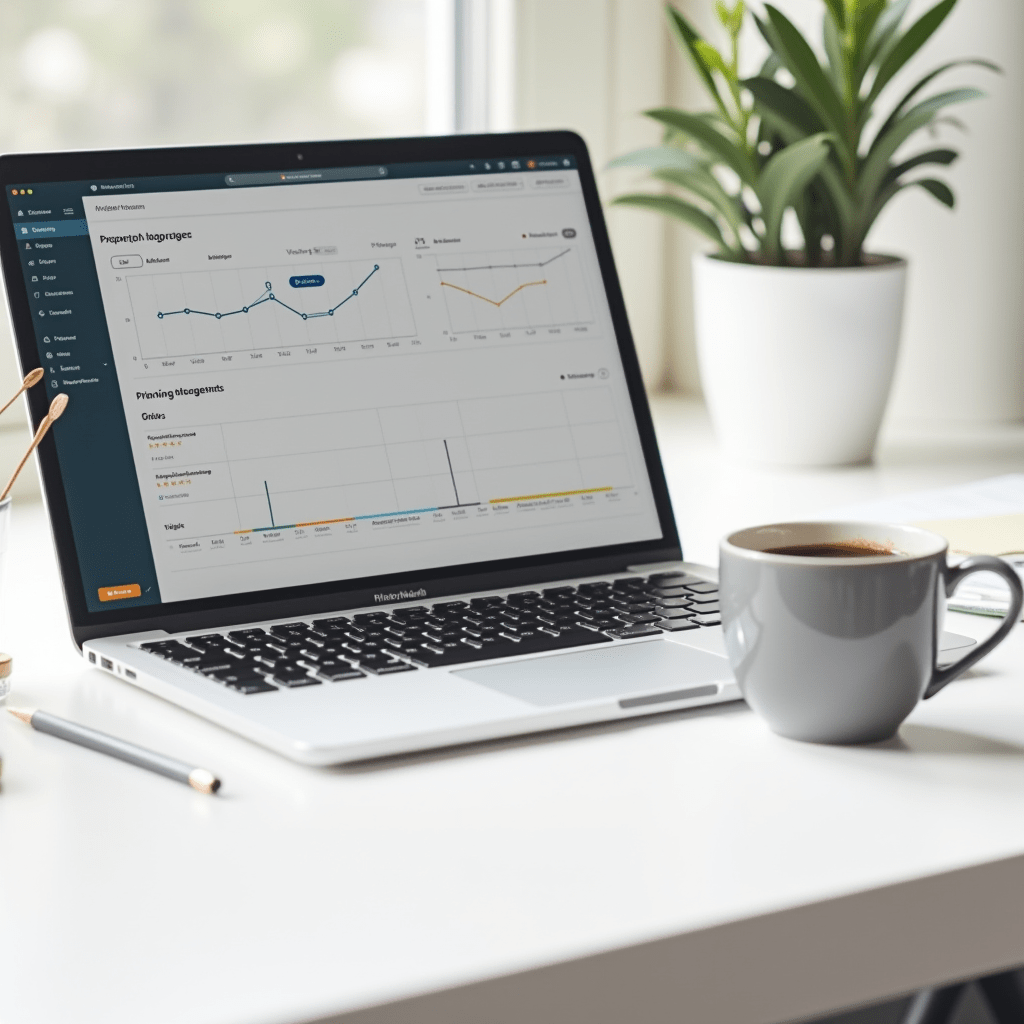
Best Productivity Apps for Remote Workers
Working from your living room sounds great until you realize your laundry is staring at you and your Slack notifications won’t stop buzzing. I’ve been remote for over five years, and I’ve learned that willpower only gets you so far. You need solid systems in place to get anything meaningful done.
Finding the best productivity tools isn’t about downloading every single app on the market. It’s about building a lightweight stack that handles your specific workflow without adding more digital clutter to your life. Let me walk you through the ones that made a real difference for my team.
Taming the Chaos with Task Management
Without a central hub, tasks get lost in email chains and forgotten DMs. If your to-do list lives in a paper notebook that you keep losing, you need a digital upgrade. I forced my team onto Notion two years ago, and it completely changed how we operate.
The beauty of Notion is its sheer flexibility. You can build simple daily task lists or go crazy with linked databases and custom project trackers. Asana is another heavy hitter if you prefer a more structured, traditional project management feel.
We use it specifically for client work because it gives clear timelines and assigns ownership so nothing slips through the cracks. For smaller teams that love visual boards, Trello remains a reliable, drag-and-drop favorite. It takes about five minutes to learn and requires zero setup.
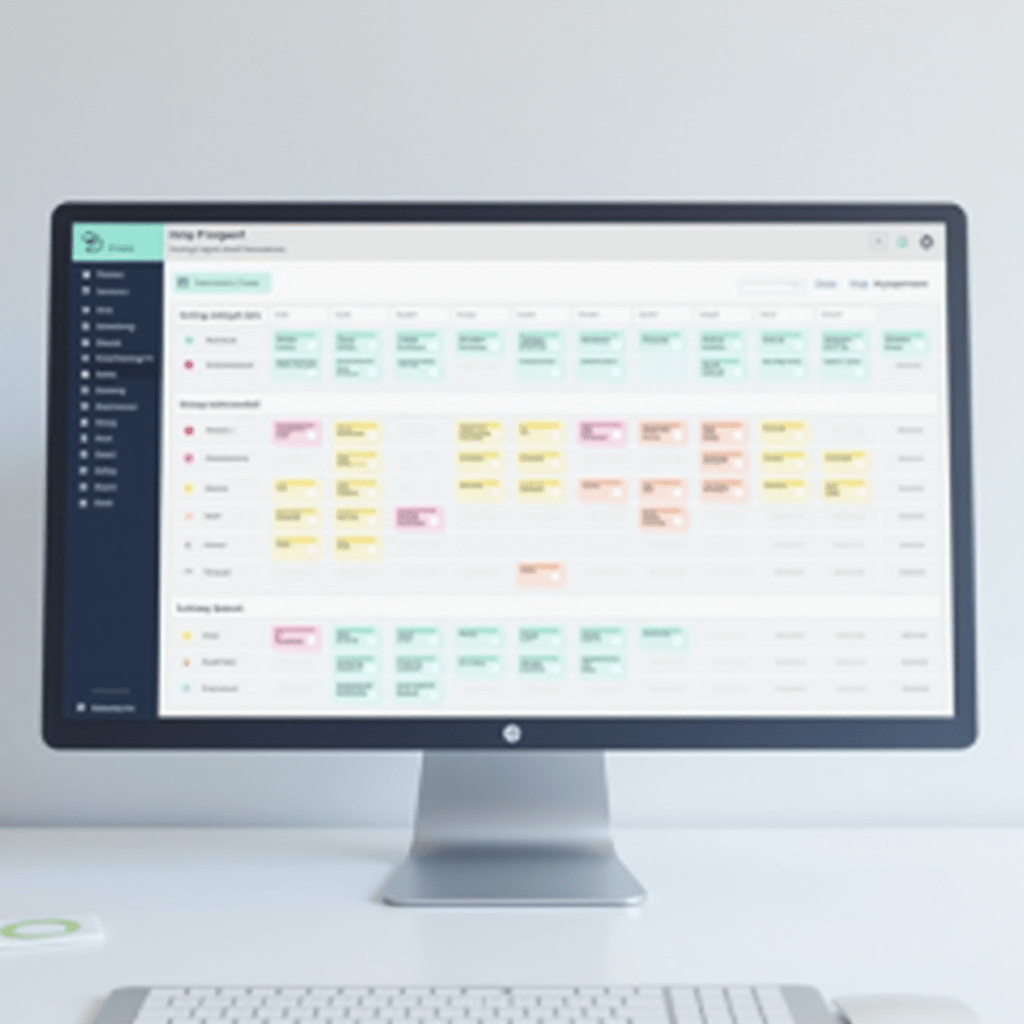
Communication Without the Burnout
Slack is inevitable in most remote setups, but left unchecked, it becomes a massive drain on your daily focus. We moved our long-form discussions out of direct messages and into dedicated threads to keep the main channels clean. This single habit saved us hours of interrupted work each week.
The ‘always-on’ culture is a real problem when your office is also your bedroom. You have to intentionally create boundaries so your teammates know you aren’t ignoring them, you’re just doing deep work. Setting your status to ‘focusing’ goes a long way.
For teams that want to escape real-time chat entirely, Twist is a fantastic alternative. It organizes conversations by topic rather than time, making it easy to catch up on your own schedule without guilt. Choosing the right chat tool is easily one of the best productivity decisions you’ll make for your mental health.
Pro Tips for the Best Productivity Setup
Software only gets you halfway there when you’re working from home. Your physical environment matters just as much if you want to avoid backaches and afternoon brain fog. Here are a few gear upgrades that genuinely moved the needle for me:
- Logitech MX Master 3S Mouse: The programmable buttons and infinite scroll wheel save me ridiculous amounts of time when I’m digging through long documents or editing spreadsheets.
- Sony WH-1000XM5 Headphones: Noise-canceling is non-negotiable if you have roommates, kids, or a noisy street outside your window. They block out everything so you can focus.
- BenQ ScreenBar Monitor Light: It clips right onto your monitor to light up your desk without causing screen glare. No more late-day eye strain when you’re pushing to meet a deadline.

Time Tracking That Doesn’t Feel Like Micromanagement
Nobody likes feeling like Big Brother is watching them type. Toggl Track fixes this by making time tracking incredibly simple and entirely employee-driven. You just click a button when you start a task and click it again when you stop.
RescueTime takes a totally different approach by running quietly in the background of your computer. It tracks where you spend your digital hours and gives you a brutally honest report at the end of the week. It’s a great wake-up call for anyone wondering where their afternoon disappeared to.
Tracking your time isn’t about punishing yourself for taking a long lunch. It’s about collecting hard data so you can accurately estimate how long future projects will take. Once you know how long things really take, you can stop overbooking your calendar.
The Best Productivity Stack is a Personal One
The best productivity stack is the one you’ll use every single day. Copy-pasting someone else’s workflow rarely works out perfectly. Start with one app from this list, use it for a solid month, and see if it sticks before adding another tool to the mix.
The goal here is to reduce friction, not add new login credentials to remember. I suggest picking a task manager first, then layering on a communication tool that respects your focus time. Once those two are humming along smoothly, you can look into time tracking to fine-tune your daily habits.
Keep it simple, test often, and don’t be afraid to ditch an app that isn’t pulling its weight. Your ideal setup is out there, you just have to build it intentionally.
Frequently Asked Questions
What are the best productivity apps for solo remote workers?
Solo workers usually don’t need heavy project management tools. Stick to a simple task manager like Todoist or Notion, and use a timer like Toggl Track to keep yourself accountable.
Are paid productivity apps worth the money?
It depends on the app, but paying for your core tools usually makes sense. Free versions often limit the number of projects or integrations, which becomes frustrating fast when your workload grows.
How do I stop remote work apps from distracting me?
Turn off non-essential push notifications immediately. Set specific hours to check Slack or email, and use Do Not Disturb mode on your computer when you need to do deep, focused work.
Can too many productivity tools slow you down?
Absolutely. App fatigue is real, and switching between five different tools wastes more time than it saves. Pick two or three that cover your main needs and ignore the rest.
ชอบบทความนี้? ค้นพบสินค้าที่เกี่ยวข้องบน Shopee