
Remote Work: Your Best Productivity Toolkit
Working remotely often feels like juggling flaming torches while riding a unicycle. We’ve all been there – drowning in emails, missing project updates, and feeling a little isolated. But what if there was a way to make it all click? The secret isn’t magic, it’s about leveraging the right tools to unlock your best productivity.
A well-curated digital toolkit can transform your remote work experience from chaotic to collaborative. It helps remote teams stay organized, communicate seamlessly, and ultimately, get more done. Let’s dive into some of the top apps and strategies that can help you achieve your remote work goals.
Taming Your Tasks & Projects
Keeping track of tasks and projects across a distributed team can be a major headache. You need a centralized hub where everyone knows what’s happening, who’s doing what, and when deadlines are. This is where dedicated project management tools shine, making sure your team stays aligned.
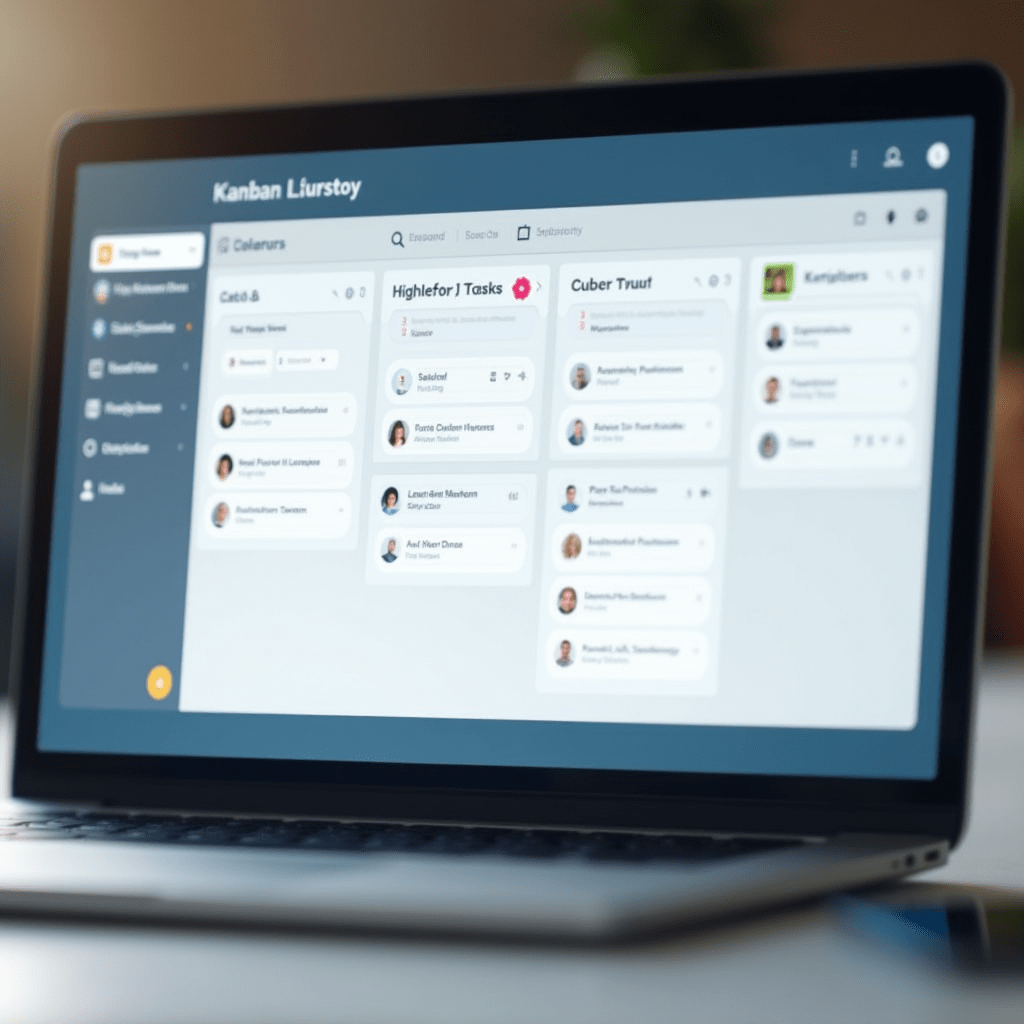
For visual thinkers, Trello offers a fantastic Kanban board system. You can easily drag and drop tasks, add checklists, and assign members, making it super intuitive. It’s great for smaller teams or specific projects that need a clear workflow.
If your projects are more complex, with intricate dependencies and reporting needs, Asana or ClickUp might be your go-to. These platforms offer robust features like Gantt charts, workload management, and extensive integrations. Finding the best productivity solution here really depends on your team’s size and complexity.
Seamless Communication & Collaboration
In a remote setup, crystal-clear communication isn’t just nice to have; it’s absolutely essential. Misunderstandings can derail projects, and slow responses can kill momentum. We need tools that bridge the distance and keep conversations flowing naturally.
Slack is practically synonymous with remote team chat. Its channel-based communication helps organize conversations by project or topic, reducing email clutter significantly. Plus, those quick huddles and easy file sharing are game-changers for quick queries.
For deeper collaboration, especially on documents, Google Workspace (Docs, Sheets, Slides) is a lifesaver. Real-time co-editing means multiple people can work on the same file simultaneously, seeing changes as they happen. It’s a core component for best productivity when brainstorming or finalizing reports.

Mastering Your Time & Focus
Distractions are everywhere when you’re working from home. From laundry to a barking dog, maintaining focus can be a real struggle. Luckily, there are clever apps designed to help you reclaim your precious time and stay in the zone.
To block out digital noise, apps like Forest encourage focused work sessions by growing a virtual tree. If you leave the app, your tree dies – a simple but effective gamification. For tracking where your time actually goes, RescueTime runs quietly in the background, giving you insights into your digital habits.
Scheduling meetings can also be a time sink. Calendly takes the back-and-forth out of finding a meeting time, letting others book slots directly from your availability. These tools are fantastic for ensuring personal best productivity and preventing burnout.
Pro Tips for Your Remote Workspace
Beyond software, your physical setup plays a huge role in your overall efficiency and comfort. Investing in good hardware isn’t a luxury; it’s a necessity for sustained best productivity. Small upgrades can make a world of difference.
Things You Need:
- Ergonomic Keyboard: A comfortable keyboard, like the Logitech Ergo K860, reduces strain and allows for longer, more productive typing sessions.
- Noise-Cancelling Headphones: Block out distractions with a quality pair like the Bose QuietComfort 35 II. They’re perfect for deep focus or taking calls in a busy household.
- High-Quality Mouse: The Logitech MX Master 3S offers precision and customizable buttons, minimizing hand fatigue and speeding up your workflow.
Remember, a comfortable and distraction-free environment empowers you to do your best work. Don’t underestimate the power of physical tools to boost your mental game.
The Secret Sauce for Best Productivity
While these apps and tools are incredibly powerful, remember they’re just that: tools. The real magic happens when you consistently integrate them into your workflow and adapt them to your needs. What works for one person might not work for another, so don’t be afraid to experiment.
Building a robust remote work system takes time and iteration. Keep seeking out new solutions, refine your processes, and prioritize your well-being. By doing so, you’ll truly boost your best productivity and thrive in the remote world. Now go forth and conquer your to-do list!
FAQ
What’s the most important app for remote team communication?
While many tools exist, a dedicated messaging app like Slack or Microsoft Teams is crucial. It centralizes discussions and reduces email overload, keeping everyone on the same page.
How can I stay focused working from home?
Try focus apps like Forest or RescueTime to minimize distractions and track your habits. Setting clear boundaries for your workspace and using noise-cancelling headphones also helps immensely.
Should I pay for productivity apps?
Many excellent apps offer free tiers that are perfect for individuals or small teams. However, if a paid feature truly enhances your workflow and saves you significant time, the investment is often worth it for the added capabilities.
Are physical tools as important as software for remote productivity?
Absolutely! An ergonomic setup with a good keyboard, mouse, and noise-cancelling headphones can drastically improve your comfort, reduce fatigue, and boost your focus, directly impacting your overall productivity.
ชอบบทความนี้? ค้นพบสินค้าที่เกี่ยวข้องบน Shopee