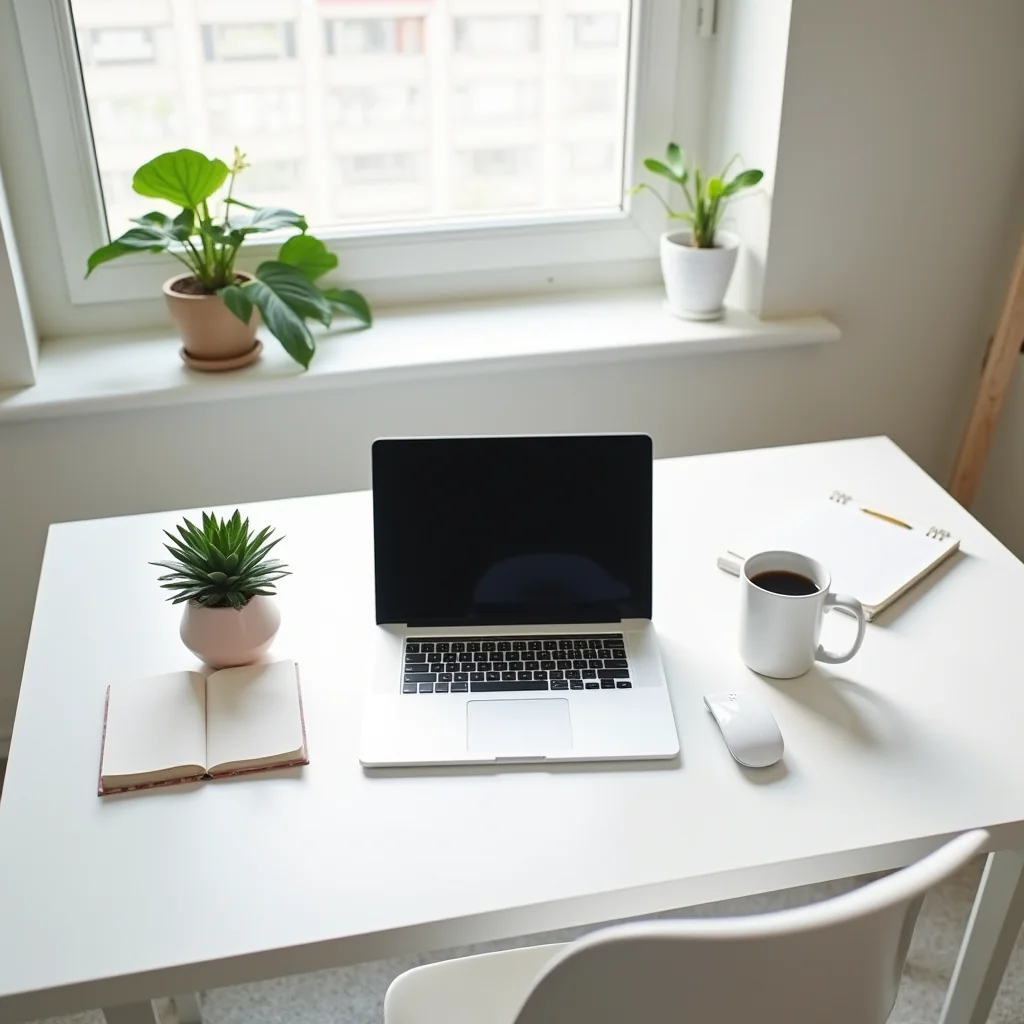
Best Productivity Apps for Remote Workers
My cat jumped on my keyboard during a client call last Tuesday. That’s when I realized my home office setup needed more than just a laptop and good intentions. After testing dozens of tools over the past year, I’ve narrowed down the best productivity apps that actually make remote work manageable.
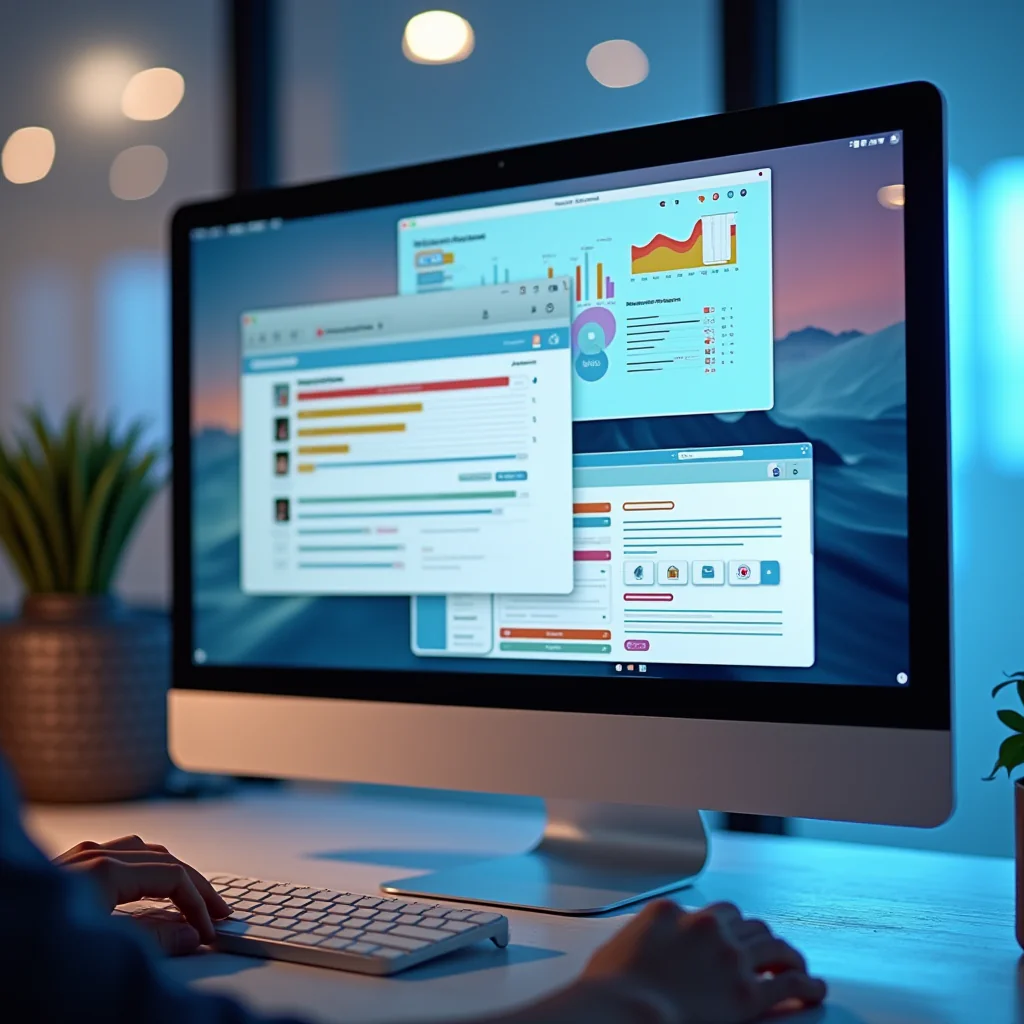
Why Remote Work Demands Better Tools
Working from home sounds easy until you’re drowning in Slack messages, email threads, and scattered documents. Without a physical office to create natural structure, you have to build it yourself. The best productivity systems combine task tracking, communication, and focus tools into a workflow that doesn’t fight against your brain.
I’ve seen teams crumble under the weight of too many apps. The sweet spot? Three to five core tools that cover your bases without causing notification fatigue.
Finding the best productivity tools isn’t about downloading everything—it’s about matching the right app to your specific pain points.
Task Management That Doesn’t Suck
Notion has become my digital brain. I use it for project tracking, meeting notes, and even personal grocery lists. The flexibility is ridiculous—you can build simple to-do lists or complex databases without touching code.
For teams that need something more structured, Asana wins. The timeline view alone saved my last project from missing its deadline. You can see exactly who’s doing what and when, which eliminates those frustrating “I thought you were handling that” conversations.
Todoist keeps things dead simple for personal tasks. I dump everything there—work stuff, home repairs, birthday gifts—and it stays out of my head until I need it. If you want the best productivity boost with minimal setup, this is your starter app.
Communication Without the Chaos
Slack gets a lot of hate, but the problem isn’t the tool—it’s how teams use it. Create clear channel rules, mute anything non-essential, and for the love of coffee, turn off notifications after 6 PM.

Loom changed how I explain things to clients. Instead of typing a 500-word email about a design revision, I record a 90-second video walking through my screen. Responses come back faster, and there’s less back-and-forth confusion.
For async stand-ups, I’ve started using Standuply. It pings the team in Slack, collects updates, and posts a summary. No more scheduling conflicts across time zones—it’s one of the best productivity hacks for distributed teams I’ve found.
Focus Apps That Actually Work
I resisted Pomodoro timers for years. Then I tried Focuskeeper and finished a report in two hours that usually takes me all day. The key is the forced breaks—you can’t cheat the system because it locks you out until the timer rings.
Freedom blocks distracting websites when I need deep work time. I set it for three-hour blocks and pretend Twitter doesn’t exist. Harsh? Maybe. Effective? Absolutely.
Brain.fm plays music designed to improve focus. I was skeptical until I noticed I stopped reaching for my phone while working. The science-backed tracks keep my brain in a flow state longer than any playlist I’ve made. Combine this with Freedom and you’ve got a serious best productivity stack.
Things You Need for a Productive Setup
Software only gets you so far. Your physical workspace matters more than most people admit.
Pro Tips for Hardware Upgrades
- Logitech MX Master 3S Mouse: The horizontal scroll wheel alone saves me hours when working in spreadsheets. Plus, it connects to three devices simultaneously—perfect for switching between laptop and tablet.
- BenQ ScreenBar Monitor Light: No more desk lamps eating up space. This clips onto your monitor and illuminates just your workspace with zero screen glare. Your eyes will thank you after those late-night sessions.
- Keychron K2 Wireless Keyboard: Mechanical keys without the cable mess. The Bluetooth switching between devices is seamless, and the tactile feedback makes typing feel less like a chore.
These aren’t fancy luxuries. They’re the difference between ending the day with a sore neck and actually feeling okay about sitting at your desk for eight hours. The best productivity investment you can make might just be ergonomic.
Frequently Asked Questions
Start with one app from each category and actually use it for two weeks before adding anything else. The best productivity setup is the one you’ll stick with—not the one with the most features or the highest price tag.
ชอบบทความนี้? ค้นพบสินค้าที่เกี่ยวข้องบน Shopee