Best Productivity Apps for Remote Work
I used to think working from home meant total freedom. Then I spent three hours hunting for a file my colleague sent in Slack two weeks ago. That’s when I realized having the right tools isn’t optional—it’s survival.
Remote work strips away the structure of an office. No one walks by your desk to remind you about a deadline. You’re on your own, which makes finding the best productivity apps less of a luxury and more of a lifeline.
After testing dozens of tools over two years of remote work, I’ve narrowed it down to the ones that actually stick. Here’s what works.
Task Management That Doesn’t Suck
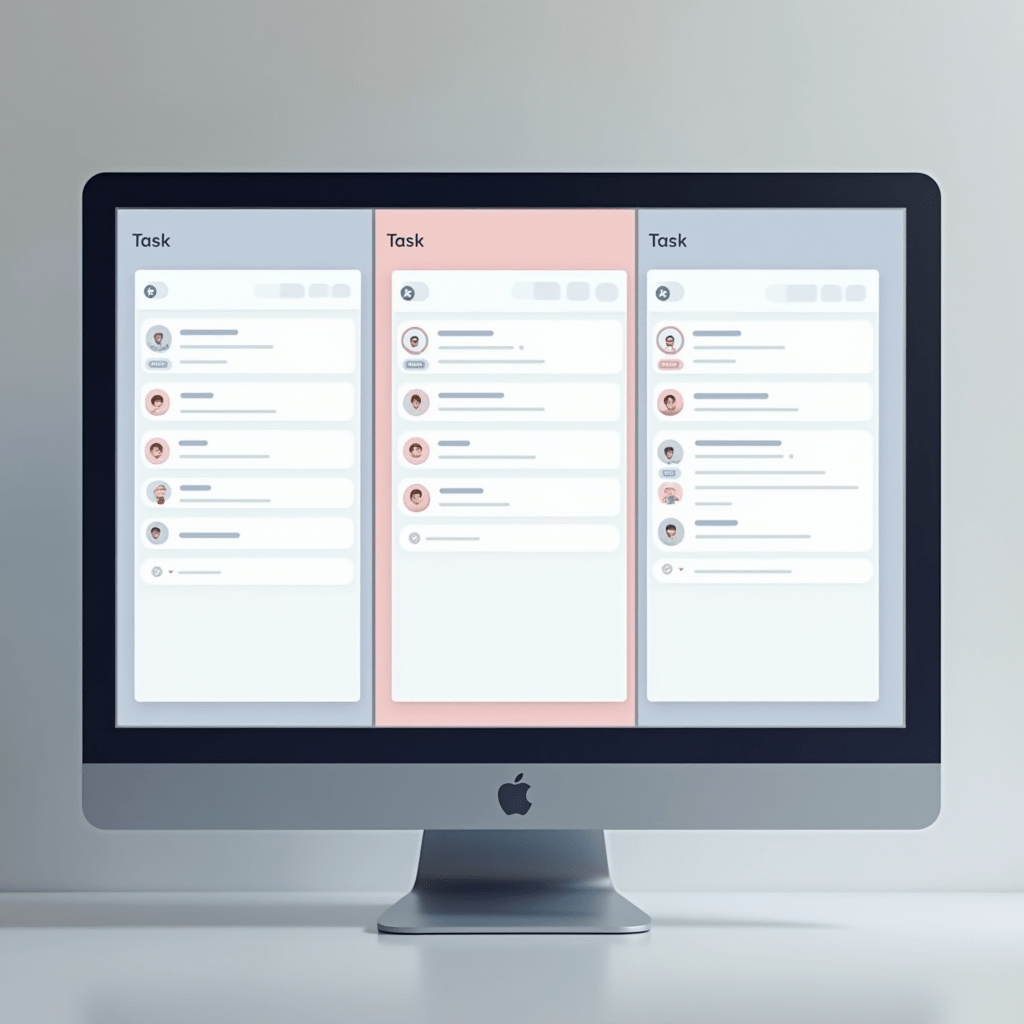
Notion changed how my team operates. We dumped three separate tools and consolidated everything into one workspace. Projects, docs, meeting notes, even the team wiki—it all lives there now.
ClickUp is another strong contender if you want more features built-in without connecting a dozen integrations. The free tier is generous enough that small teams can test it properly before committing cash.
Todoist nails the basics for people who hate complexity. Add tasks, set due dates, check them off. Sometimes simple wins the race.
Choosing the best productivity app for task management comes down to your team’s tolerance for setup time. Notion takes work upfront. Todoist is ready in thirty seconds.
Communication Without the Chaos
Slack gets criticism, but it works when you set boundaries. Create dedicated channels for specific projects, enforce quiet hours, and use threads. Please, for everyone’s sanity, use threads.
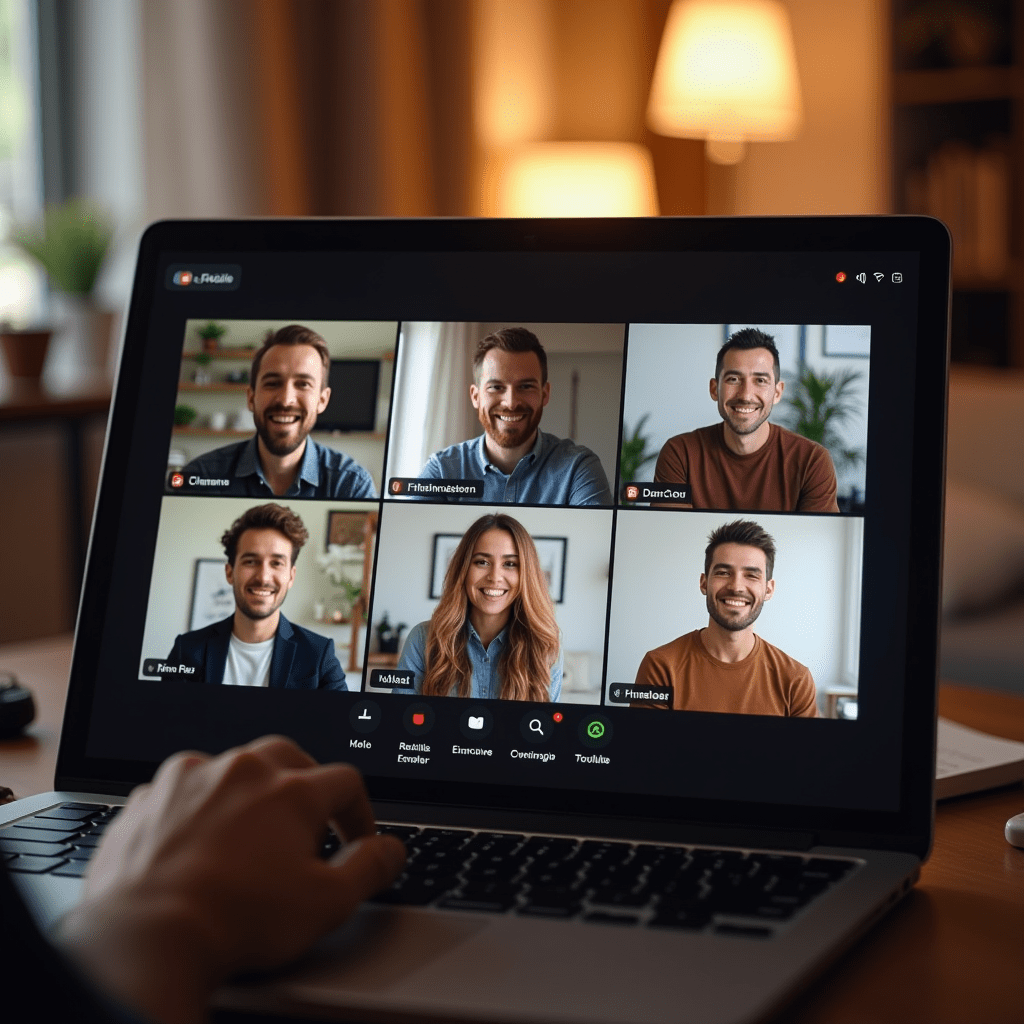
Loom is a game-changer for async teams. Record a quick video walkthrough instead of typing a wall of text. Your colleagues watch it when they’re ready, on their own schedule.
I’ve watched teams cut meeting time by 40% just by switching to Loom for status updates and feedback. That alone makes it one of the best productivity investments you’ll ever make.
For quick synchronous catch-ups, Gather feels like walking into a virtual office. You see little avatars of your teammates and can walk up to chat. It’s weird at first, then you kind of love it.
Focus Tools That Actually Help
Forest turns staying off your phone into a game. You plant a virtual tree, and if you leave the app before the timer ends, it dies. Stupid simple, weirdly effective.
For deep work sessions, Freedom blocks distracting sites across all your devices for a set period. No cheating by grabbing your phone. I use it for two-hour blocks every morning.
The best productivity systems combine intention with restriction. These apps handle the restriction so your brain can focus on the actual work.
RescueTime runs in the background and tells you exactly where your hours went. The weekly reports are sometimes painful to read, but awareness is the first step toward fixing things.
Pro Tips: Gear That Makes a Difference
Apps only get you so far. Your physical setup matters more than most remote workers admit.
A solid noise-canceling headset like the Sony WH-1000XM5 or Apple AirPods Pro 2 can save your sanity in a noisy household. I’ve used both extensively, and they’re worth every penny when you need to focus.
Standing desks aren’t just a trendy office flex. The FlexiSpot E7 or Uplift V2 give you the option to change positions without leaving your workspace. Your lower back will thank you around hour six.
Don’t overlook a proper webcam. The Logitech Brio 4K makes you look professional on client calls instead of like you’re broadcasting from a decade-old laptop. First impressions still matter, even on Zoom.
Pair the best productivity apps with decent hardware, and you’ll notice the difference within a week.
Building Your Own Stack
Start with one tool from each category: task management, communication, and focus. Add more only when you hit a specific problem that needs solving.
The best productivity setup is the one your team will actually use consistently. Fancy features mean nothing if adoption falls flat after two weeks.
Test everything for at least a week before committing. Most apps offer free trials—take advantage of them. Your future self will appreciate the patience.
Frequently Asked Questions
What’s the best free productivity app for remote workers?
Todoist offers the most generous free tier for task management. For communication, Slack’s free version covers small teams well. Combine those two and you’ve got a solid foundation without spending anything.
How many productivity apps do I actually need?
Three to five max. One for tasks, one for communication, one for focus, maybe one for file storage. Stack too many tools and you’ll spend more time managing apps than doing actual work.
Are paid productivity apps worth the money?
It depends on your team size. Solo workers can often get by with free tiers. Once you have five or more people collaborating, paid features like admin controls, priority support, and unlimited storage usually pay for themselves in saved time.
What’s the biggest mistake remote teams make with productivity tools?
Rolling out tools without training or clear guidelines. Dropping Slack on a team and saying “figure it out” leads to chaos. Spend an hour setting up norms—when to use channels versus DMs, response time expectations, that kind of thing.
ชอบบทความนี้? ค้นพบสินค้าที่เกี่ยวข้องบน Shopee