
The Best Productivity Apps for Remote Workers
I once lost an entire afternoon looking for a single document my boss sent in a Slack thread three weeks prior. That painful experience forced me to completely overhaul how I manage remote work. Finding the best productivity apps isn’t about downloading every tool on the market. It is about building a reliable system that works for your specific team without causing digital fatigue.
Remote work offers incredible freedom, but it also demands intense self-discipline. You no longer have a manager peeking over your shoulder to keep you on track. Instead, you have to rely on smart systems to keep your projects moving forward.
Taming Your Tasks: Where to Put Everything
You need a single source of truth for what needs to get done. Without it, tasks slip through the cracks and people forget who is doing what.
Asana remains my top pick for larger remote teams. It handles multiple projects beautifully and lets you see exactly where bottlenecks are forming. You can view work as lists, boards, or timelines depending on your preference.
For smaller teams or solo freelancers, Todoist is unbeatable for its speed and simplicity. You just type “Email John about the invoice tomorrow at 9am” and it parses the deadline for you. Choosing the right task manager is the first step toward achieving the best productivity you have ever had while working from home.
Communication Without the Chaos
Slack is practically mandatory for remote teams, but it can quickly become a noisy mess if you aren’t careful. The key is ruthless channel organization.
Create specific channels for specific projects and mute anything that isn’t urgent. We use a strict naming convention like “proj-clientname” to keep things searchable. Never use the general channel for anything important, because it moves too fast.
Twist is a brilliant alternative if your team hates the pressure of real-time messaging. It works like an email inbox but keeps everything organized by threads. This gives people space to think before they reply. If you want the best productivity results, you have to protect your team’s attention from constant pinging.
Time Blocking and Focus Apps
When your bed is ten feet away from your desk, motivation can vanish in an instant. Time-blocking apps force you to commit to specific tasks during specific hours.
Clockwise is a game-changer for remote teams using Google Calendar. It automatically moves flexible meetings around to create uninterrupted blocks of focus time for everyone on the team. You just set your focus habits, and the AI does the heavy lifting of rearranging your day.
On a personal level, Forest gamifies staying off your phone. You plant a virtual tree, and if you leave the app to check Instagram, the tree dies. It sounds silly, but it genuinely works for the best productivity hacks when you are struggling with screen addiction.
File Sharing That Doesn’t Suck
Email attachments are the absolute enemy of a streamlined workflow. You end up with five different versions of the same document named “Final_v2_REAL_final.docx”.
Google Drive or Dropbox are the obvious standards for basic cloud storage. They integrate with almost everything else you use, making sharing a simple link rather than a bulky attachment.
But if your team does a lot of visual or design work, Frame.io is incredible. It lets you leave time-stamped comments directly on videos and images. Nobody has to guess what “fix the part at 1:14” means anymore. The best productivity systems eliminate ambiguity, and this tool does exactly that.
Pro Tips: The Gear That Actually Helps
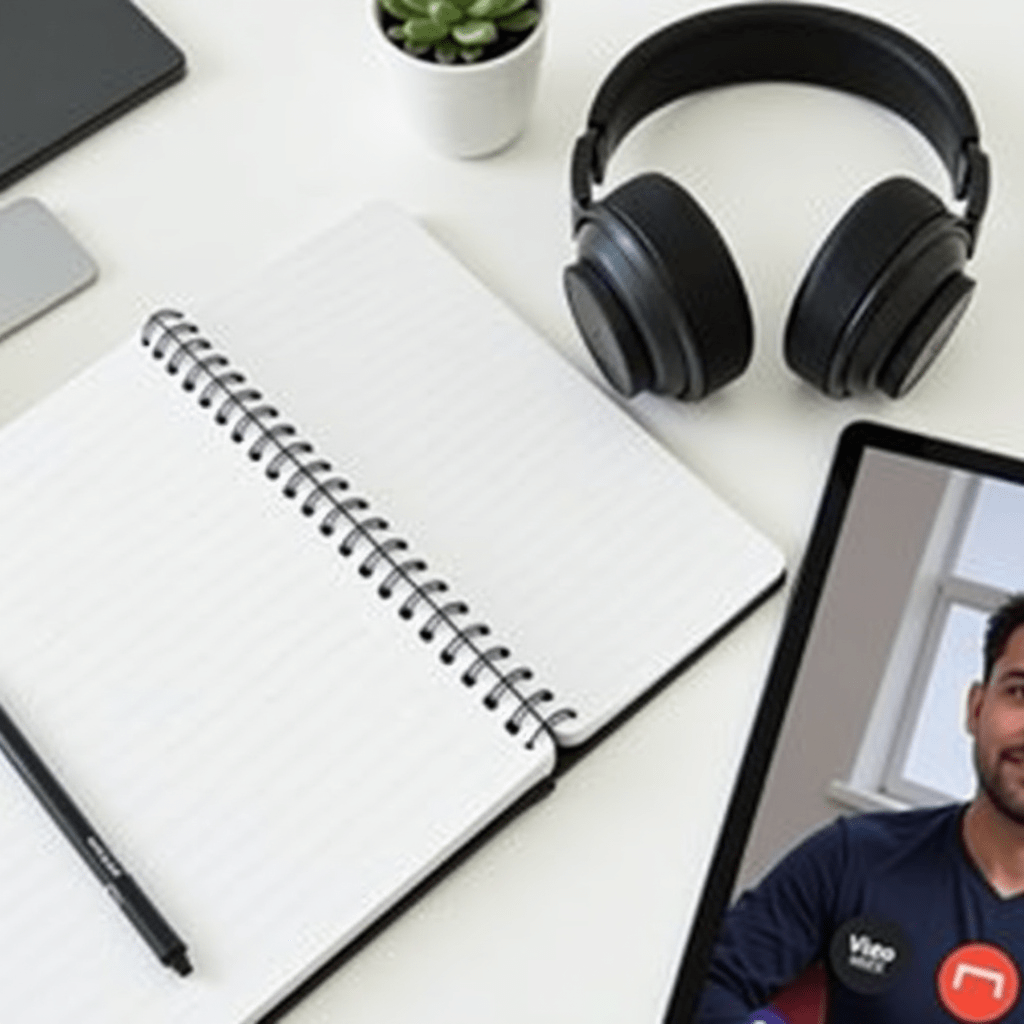
Software only gets you so far if your physical setup is fighting against you. After testing dozens of gadgets over the years, these three items make the biggest difference for remote workers.
- Noise-canceling headphones: A pair like the Sony WH-1000XM5 is non-negotiable to block out barking dogs during client calls.
- Ergonomic mouse: The Logitech MX Master 3S saves your wrist during long editing sessions with its custom buttons and shape.
- Blue light screen protector: This cuts down on eye strain when you are staring at spreadsheets late into the evening.
Pairing these physical tools with the best productivity apps creates an unbeatable workflow.
Frequently Asked Questions
Are free productivity apps good enough for remote teams?
Absolutely. Tools like Slack, Todoist, and Google Drive offer incredibly robust free tiers. Start with the free versions and only upgrade when you hit a hard limit on storage or active users.
How many apps should a remote team actually use?
Keep it to four or five core tools max. You need one for tasks, one for chat, one for files, and one for video calls. Adding too many apps just creates confusion about where information lives.
What is the biggest productivity killer when working from home?
Lack of boundaries. When your office is also your living room, it is too easy to either work all evening or get distracted by the TV. Time-blocking and a dedicated workspace fix this fast.
Do these apps integrate with each other?
Most of the major players do. You can connect Asana to Slack, or Google Drive to almost anything, using built-in features or a tool like Zapier. This automation saves hours of manual updating each week.
ชอบบทความนี้? ค้นพบสินค้าที่เกี่ยวข้องบน Shopee