I Tested the Best Productivity Apps for Remote Work — Here’s What Actually Stuck
Three years ago, I had 47 browser tabs open, four half-finished to-do lists, and a Slack notification problem I refused to admit. Working from home sounded like a dream until I realized nobody was structuring my day except me.
So I went on a bit of a quest. I downloaded, tested, and abandoned more productivity apps than I’d like to admit — and a handful genuinely changed how I work. If you’re hunting for the best productivity tools for remote work, this list saves you the trial-and-error.
Why Most Productivity Apps Fail Remote Workers
Here’s the thing most listicles won’t tell you: an app can’t fix a broken workflow. I’ve watched teammates adopt fancy tools only to abandon them in two weeks because they solved problems nobody had.
The best productivity apps share three traits. They’re fast, they work across devices, and they disappear into your routine instead of demanding attention. Every tool below passed that test for at least six months of daily use.
Task Management: Where Your Day Actually Starts
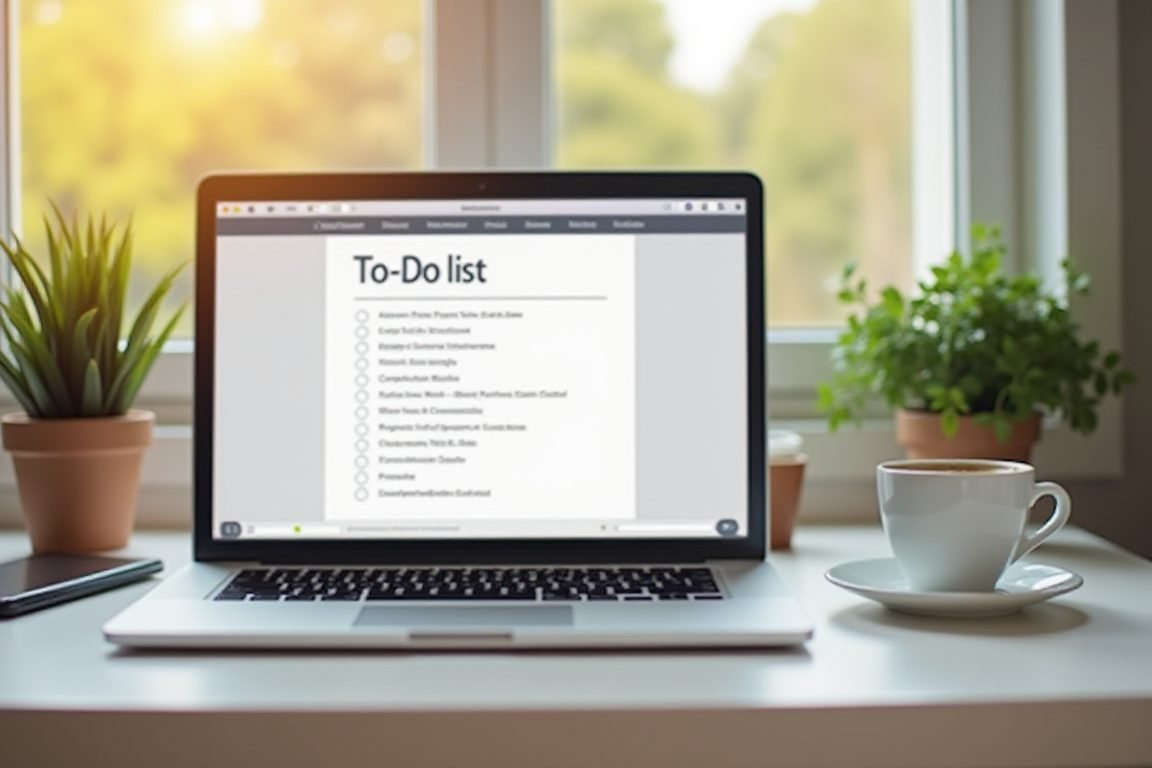
Todoist is my daily driver, and I don’t see that changing. Natural language input means you type “call designer Friday 3pm” and it just sorts itself out. After four years, I’ve logged over 12,000 tasks in it — that’s commitment-worthy.
Notion is the heavyweight. It’s part wiki, part database, part project tracker, and my team runs our entire content calendar through it. Fair warning: the setup rabbit hole is real. Start with a template, not a blank page.
For visual thinkers, Trello still holds up beautifully. Dragging a card to “Done” triggers a small dopamine hit that shouldn’t be legal.
Communication Without the Chaos
Remote work lives and dies by communication, and Slack remains the default for good reason. Channels keep conversations organized, and huddles kill the “quick call?” email back-and-forth.
But here’s my hot take: Loom might be the most underrated remote tool ever made. Recording a two-minute video instead of scheduling a 30-minute meeting is the single best productivity hack I know. My team cut synchronous meetings by roughly a third after adopting it.
Zoom still wins for anything client-facing. Reliable, familiar, and everyone already has it installed.

Focus Tools: Fighting the Distraction War
Your biggest remote work enemy isn’t your boss — it’s your phone and that laundry pile. Freedom blocks distracting sites and apps across all your devices at once, which closed the “I’ll just check Reddit on my phone” loophole I’d been exploiting.
Forest takes a gentler approach: stay focused and your virtual tree grows. Abandon the session and it dies. It sounds silly. It works anyway — I have a forest of 200+ trees proving it.
And don’t sleep on the Pomodoro technique using a simple timer. Sometimes the low-tech answer beats another app subscription.
File Storage and Collaboration
Google Workspace is the pragmatic choice — Docs, Drive, and Meet in one package, and real-time collaboration that just works. Dropbox earns its spot for large file handling and version history that has saved my bacon more than once.
If your team lives in Apple’s ecosystem, iCloud sharing has quietly become excellent. Pick one system and commit, though. Splitting files across three platforms is organizational suicide.
Things You Need: Pro Tips and Gear
Software is half the battle — your physical setup matters just as much for the best productivity results. A few things I genuinely recommend:
- An ergonomic chair — I resisted for years, then my back sent an invoice. Brands like Ergonor and Secretlab (yes, gaming chairs count) are worth the money.
- A laptop stand — a simple aluminum stand from brands like Boyata fixes your neck angle for under $30.
- Noise-canceling headphones — Sony WH-1000XM5 or budget-friendly Anker Soundcore options. They’re remote work armor, especially with kids or roommates around.
One last tip: don’t adopt more than one new tool per month. Stacking five apps in a week guarantees you’ll quit all of them by Friday.
Frequently Asked Questions
What is the single best productivity app for remote workers?
Are free productivity apps good enough?
How many productivity apps should I use?
What’s better for remote teams, Notion or Trello?
If you take one thing from my testing marathon, let it be this: the best productivity stack is the one you’ll still open in six months. Start small — grab Todoist and Loom this week, live in them for a month, then decide what’s missing. Your future self, with only eight tabs open, will thank you.
ชอบบทความนี้? ค้นพบสินค้าที่เกี่ยวข้องบน Shopee