
Best Productivity Apps for Remote Workers in 2024
There’s a specific kind of chaos that hits around 2 PM when you’re working from home. You’ve got 47 browser tabs open, three Slack messages you haven’t answered, and you can’t remember if you sent that invoice or just thought about sending it. I’ve been there more times than I’d like to admit.
After three years of remote work and dozens of app subscriptions later, I’ve figured out what actually moves the needle. These are the best productivity tools that cut through the noise and help remote teams function like well-oiled machines—not scattered workshops.
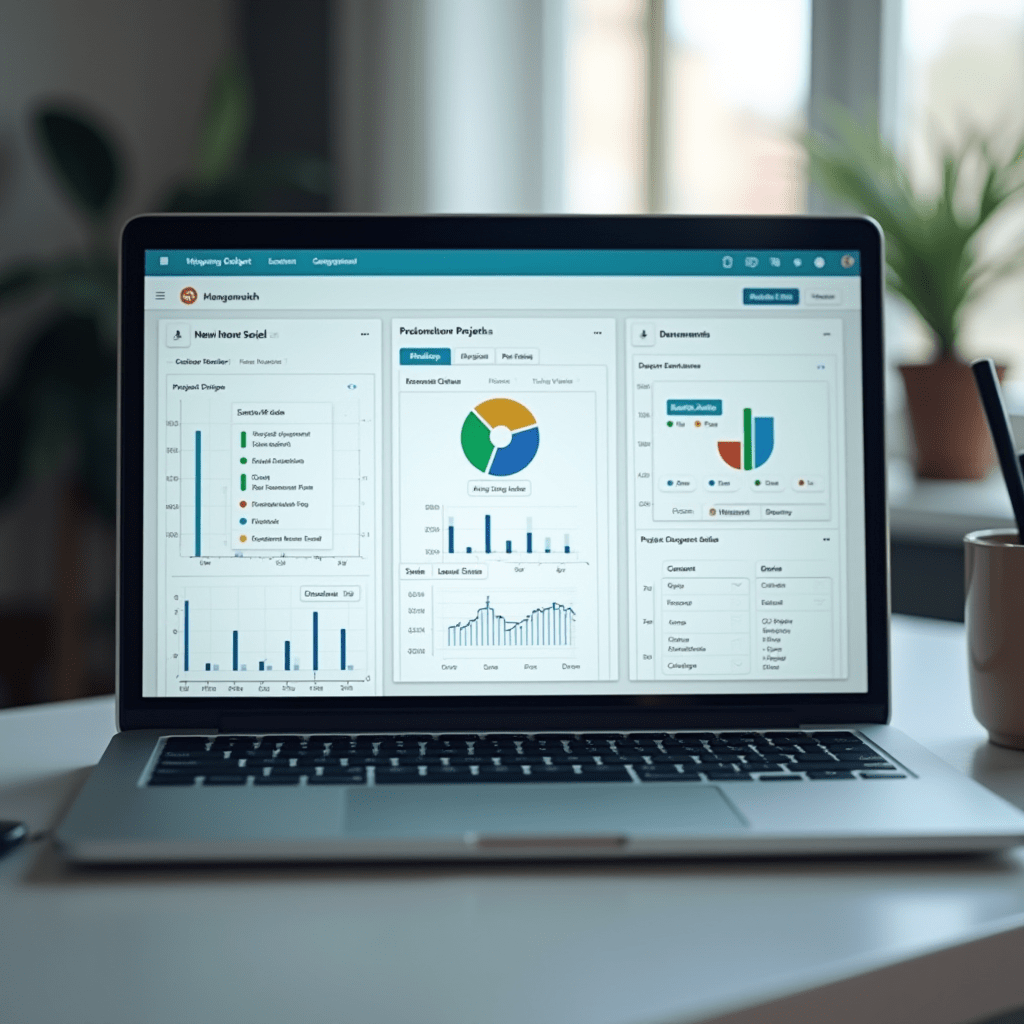
Project Management That Doesn’t Suck
Most project management tools either feel like overkill or too basic. ClickUp somehow walks that line perfectly. You can make it as simple or complex as your team needs, which is rare.
Asana is another solid pick if you want something cleaner. The timeline view alone has saved me from missing deadlines more times than I can count. For smaller teams, Trello still works great—sometimes a simple kanban board is all you need.
The key is picking one and committing. Switching between tools every month kills momentum faster than anything else. That’s the secret to finding the best productivity system: consistency beats perfection.
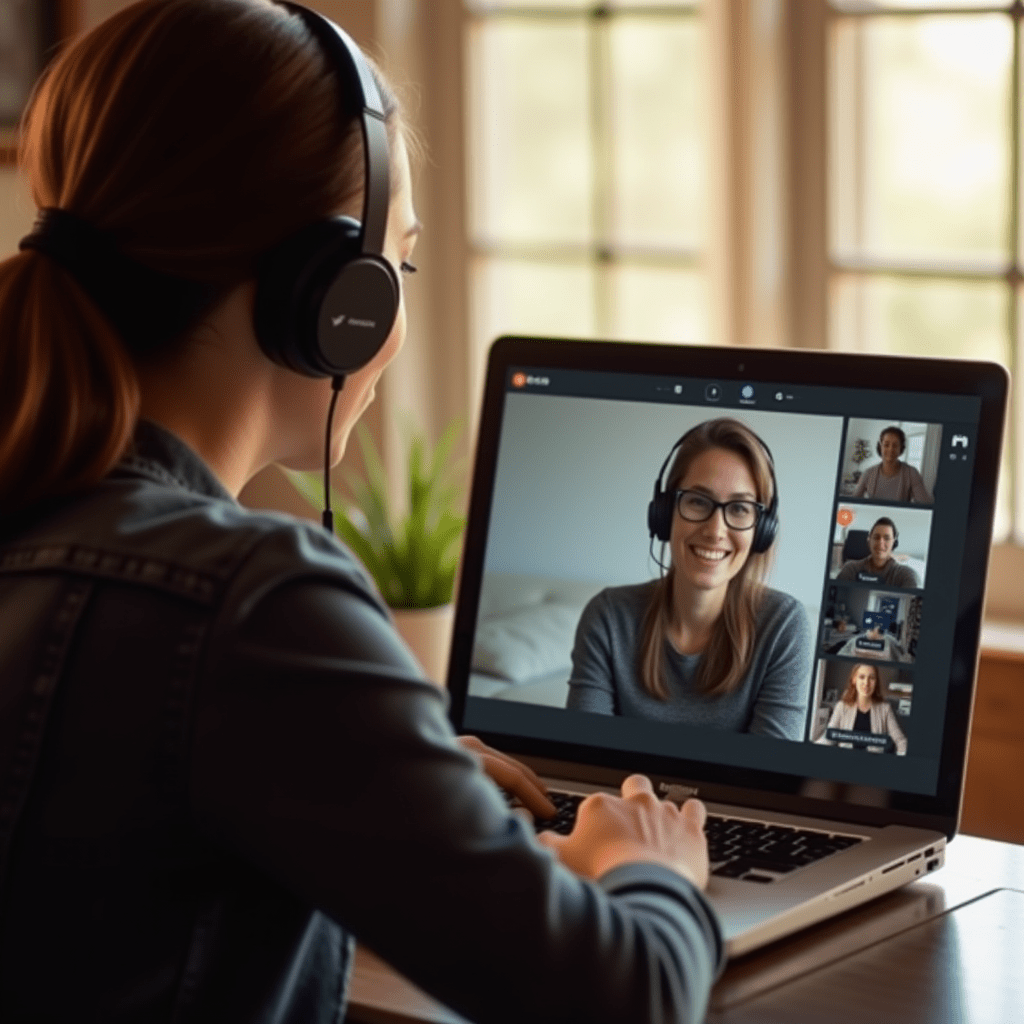
Communication Tools That Respect Your Time
Slack is inevitable in most remote setups, but how you use it matters. Create channel naming conventions early and enforce them. Mute everything non-essential during your deep work blocks.
Loom changed my workflow completely. Instead of scheduling yet another 30-minute call, I record a quick video walkthrough. My teammates watch it on their own time and respond when they’re ready. It’s easily one of the best productivity hacks I’ve adopted.
For async-first teams, Twist deserves a look. It threads conversations differently from Slack, so nothing gets buried under new messages. Your future self will thank you.
Focus Apps for When Your Brain Won’t Cooperate
Some days the work is easy. Other days, you’re staring at a blank document while your phone buzzes with notifications you don’t even care about. That’s when you need outside help.
Freedom lets you block distracting websites across all your devices for set periods. Sounds simple, but it works. I use it during my morning writing block and my output has doubled since I started.
Toggl Track is less about blocking distractions and more about awareness. When you see how much time you spend on “quick” emails, you’ll want to change something. Pair it with the Pomodoro technique using Focuskeeper, and you’ve got a solid focus stack. Finding the best productivity combo for your brain takes some experimenting—this is just my starting point.
Pro Tips: Gear That Actually Helps
Apps only get you so far if your physical setup is working against you. After testing too much equipment, here’s what made a real difference:
- Logitech MX Master 3S mouse – The horizontal scroll wheel alone saves me minutes every day on spreadsheets. Battery lasts forever too.
- Bose QuietComfort 45 headphones – Noise cancellation that blocks out my neighbor’s leaf blower. Essential for focus sessions.
- BenQ ScreenBar monitor light – Illuminates your desk without screen glare. Reduces eye strain during long stretches.
You don’t need all of these to find the best productivity rhythm, but investing in one pain point can have a surprisingly big impact on your daily output.
Frequently Asked Questions
The honest truth? No app will fix a broken workflow. But the right combination of tools, paired with some discipline and decent gear, can make remote work feel less like survival mode and more like something sustainable. Start small, see what sticks, and trust that the best productivity setup is the one you’ll actually use tomorrow.
ชอบบทความนี้? ค้นพบสินค้าที่เกี่ยวข้องบน Shopee