Best Productivity Apps for Remote Workers in 2024
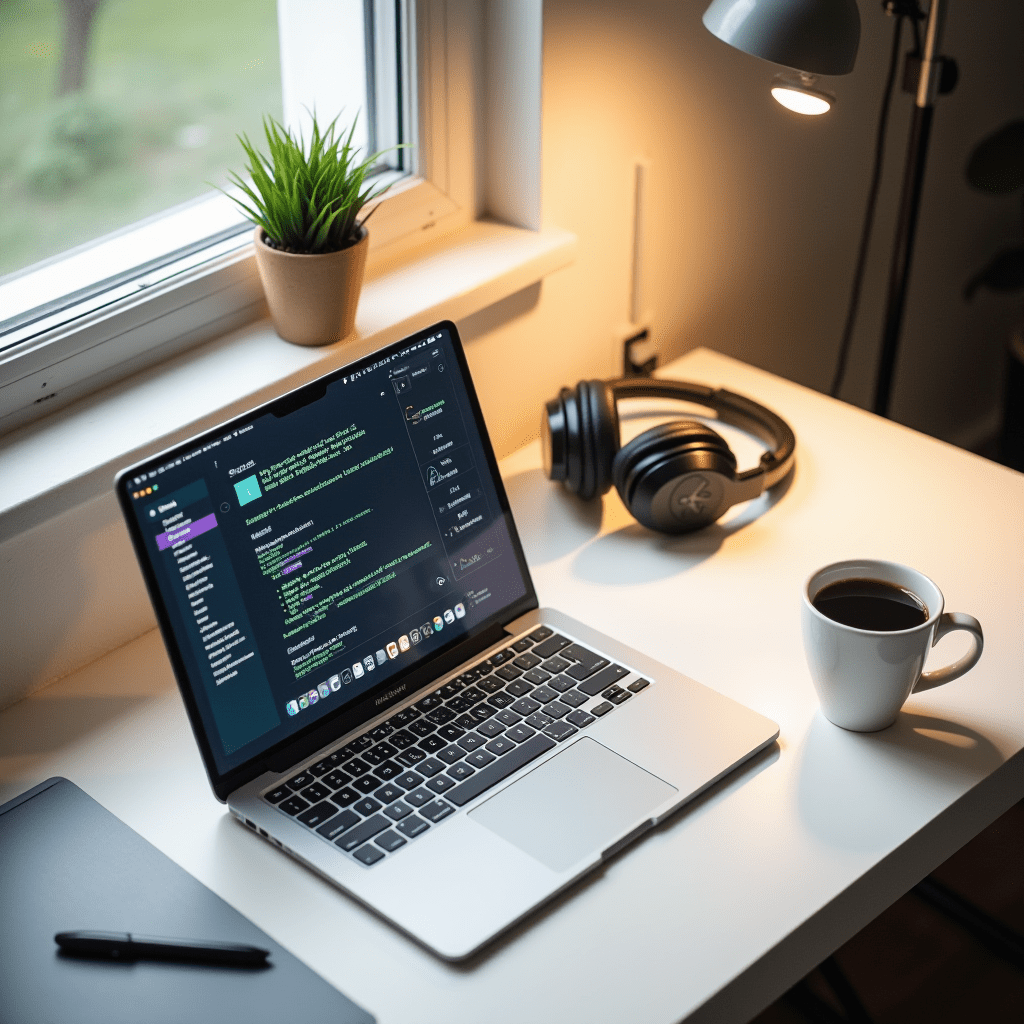
My desk used to look like a crime scene of sticky notes, half-empty coffee cups, and three different notebooks. That was before I accepted that willpower alone won’t save you when your couch is three feet away and no one’s watching. Remote work gives you freedom, sure. But it also demands systems.
Finding the best productivity tools isn’t about downloading everything recommended on Twitter. It’s about building a toolkit that matches how you work—not how you wish you worked.
Why Remote Work Demands Better Tools
Office environments come with built-in structure. You hear people typing, you see meetings happening, there’s a rhythm to the day. At home, that rhythm disappears completely. You’re on your own to create it from scratch.
I’ve tried going commando—no apps, just browser tabs and brute force. Lasted about four days before missing a deadline I swore I remembered. The right apps don’t just organize your tasks. They replace the invisible scaffolding that offices provide for free, things like ambient accountability and visual cues that it’s time to switch gears.
After testing dozens of options over three years of full-time remote work, these are the ones that stuck. Not because they’re flashy, but because they solve real problems without creating new ones.
Task Management That Doesn’t Overcomplicate Things
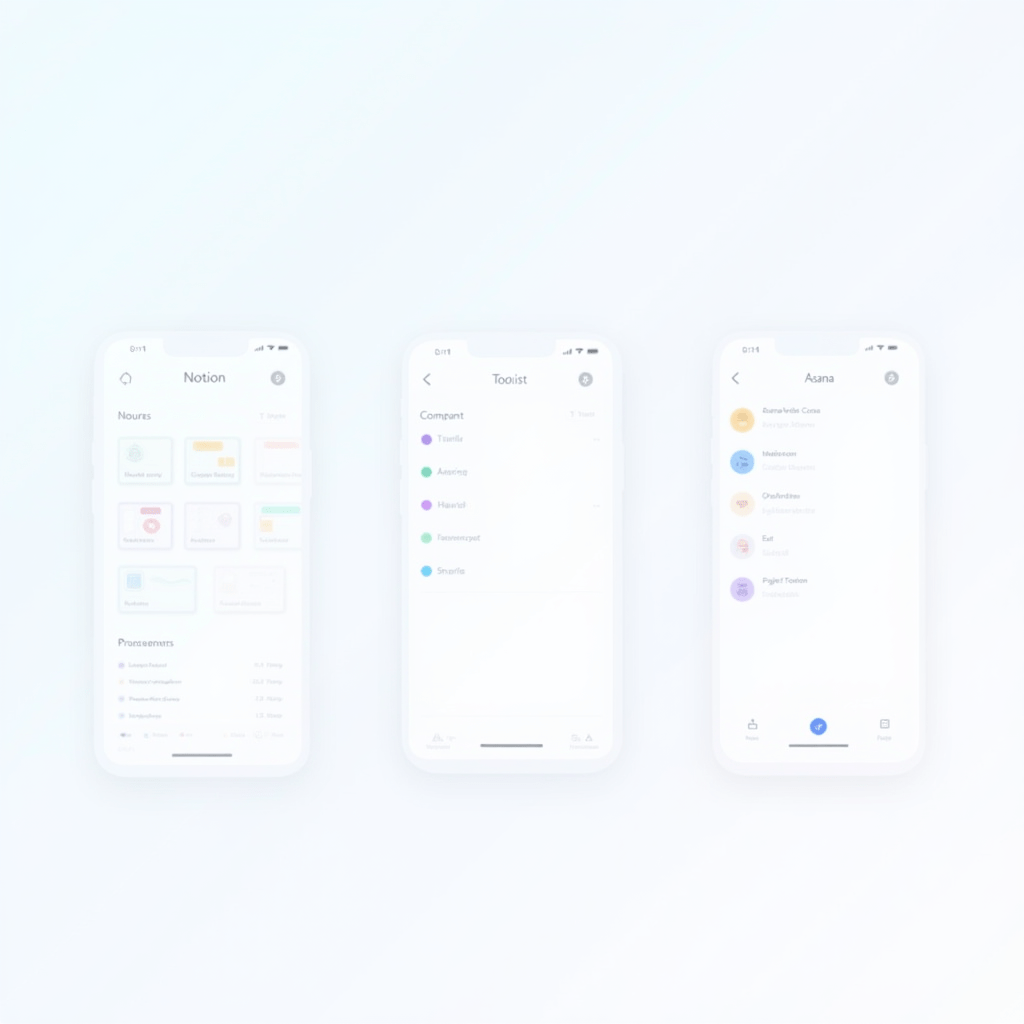
Notion gets a lot of hype, and for good reason. You can build almost anything—databases, wikis, kanban boards, habit trackers. The downside? It’s a blank canvas, which means you’ll spend hours designing a perfect system instead of doing work. I use it for project wikis and reference docs now, nothing else.
Todoist is the opposite approach. Dead simple, fast, and it stays out of your way. Add a task, set a date, maybe tag it. Done. For daily to-dos, it’s the best productivity app I’ve found because I never have to think about the app itself. The natural language input helps too—type “finish report every Friday” and it just works.
Asana sits in the middle ground. Great for teams, especially if you need to track who’s doing what across multiple projects with dependencies. The timeline view alone is worth it for managers juggling competing deadlines. But for solo work, it’s overkill.
Communication Apps That Respect Your Focus
Slack is everywhere, and that’s precisely the problem. When every company uses it, you end up juggling five different workspaces and notification fatigue that kills your entire afternoon. My rule now: mute everything except direct messages and two or three channels you check manually twice a day.
Microsoft Teams integrates smoothly if your company lives in the Microsoft ecosystem. It’s clunkier than Slack, no way around that. But the file sharing and calendar hooks save real steps when you’re already using Outlook and OneDrive. For video calls, both work fine—though I know people who switched to Google Meet just to escape Slack’s call interface.
For async communication, Loom changed how I work more than anything else this year. Recording a three-minute screen share video instead of scheduling a 30-minute meeting? That’s the best productivity hack most people still aren’t using enough. Your teammates watch it when they’re ready, not when you both happen to be free.
One more thing: status signals matter. Set yourself to “focusing” and close Slack entirely during deep work blocks. The guilt of ignoring notifications disappears when people can see you’re unavailable.
Time Tracking and Focus Tools Worth Your Attention
Toggl Track is straightforward time tracking at its simplest. Click start, click stop, see where your hours went. After one week of honest tracking, you’ll discover uncomfortable truths about how much time disappears into “quick” email checks and Slack rabbit holes.
Forest takes a completely different angle. You plant a virtual tree when you need to focus, and if you leave the app before the timer ends, the tree dies. Sounds childish, but the gamification genuinely works. I’ve used it during deep work blocks for two years now and have a ridiculous digital forest to show for it.
RescueTime runs quietly in the background and gives you an honest report at the end of each week. It categorizes every application and website you use, then shows you a breakdown. It’s not about shaming yourself—it’s about spotting patterns you can’t see in real time, like how your most productive hours fall between 9-11 AM, not after lunch.
Pro Tips: Gear That Completes Your Setup
Software only gets you so far if your physical setup fights you every step of the way. A few targeted upgrades make a surprising difference in how long you can sustain focus:
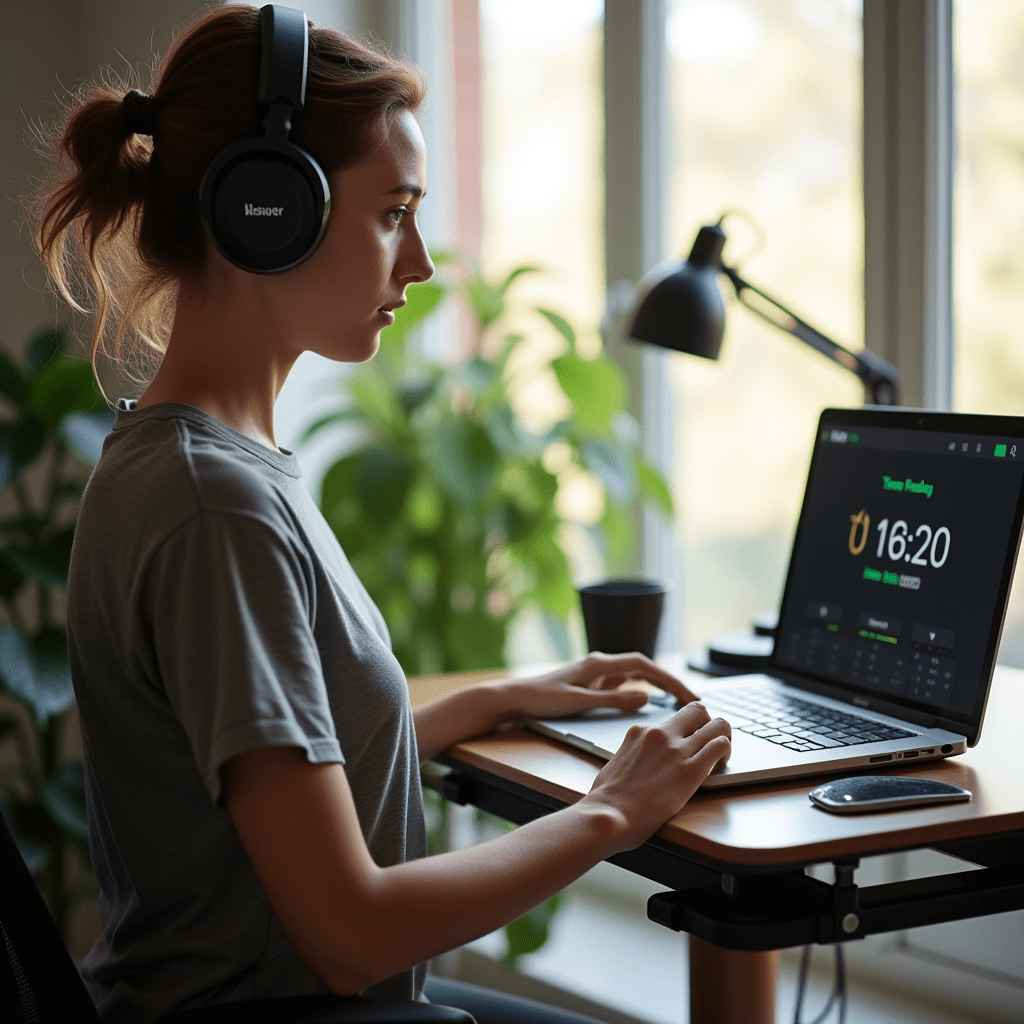
Noise-canceling headphones like the Sony WH-1000XM5 or Bose QuietComfort Ultra block out neighbors, construction noise, and roommates who don’t understand the concept of a closed door. I put mine on as a signal to my brain that focus time has started. It’s Pavlovian at this point—headphones on, distractions off.
A standing desk converter doesn’t require replacing your entire desk. Brands like FlexiSpot and SHW make foldable versions that sit on top of what you already own. Alternating between sitting and standing every 90 minutes keeps your energy from crashing at 3 PM, which is when most remote workers hit their wall.
Blue light glasses from brands like Felix Gray or Eyekepper cost under $30 on most marketplaces and noticeably reduce eye strain during long screen sessions. Combined with the 20-20-20 rule—look at something 20 feet away for 20 seconds every 20 minutes—they help more than you’d expect for such a small investment.
File Sharing and Collaboration Without the Chaos
Google Workspace remains the default for most remote teams, and for good reason. Docs, Sheets, and Slides just work across devices and operating systems. Real-time collaboration means no more emailing version twelve of a document back and forth. If your team isn’t using shared drives with clear folder structures, you’re wasting hours every week searching for files.
Dropbox still wins for large files and client handoffs in my experience. The folder structure is cleaner than Google Drive, and the version history feature has saved me more than once when someone accidentally overwrote a design file at 11 PM on a Friday.
Figma deserves a special mention for any team that works with visuals. Even if you’re not a designer, leaving comments directly on a mockup beats trying to describe changes in a long email chain. It’s become the best productivity tool for cross-functional teams working on anything visual—from landing pages to presentation decks.
Frequently Asked Questions
The honest truth? No app will do the work for you. But the right combination creates a structure that makes showing up easier day after day. Start with one tool from each category, give it two honest weeks, then adjust based on what’s helping. The best productivity system isn’t the most popular one or the most expensive one—it’s the one you’ll still be using three months from now.
ชอบบทความนี้? ค้นพบสินค้าที่เกี่ยวข้องบน Shopee