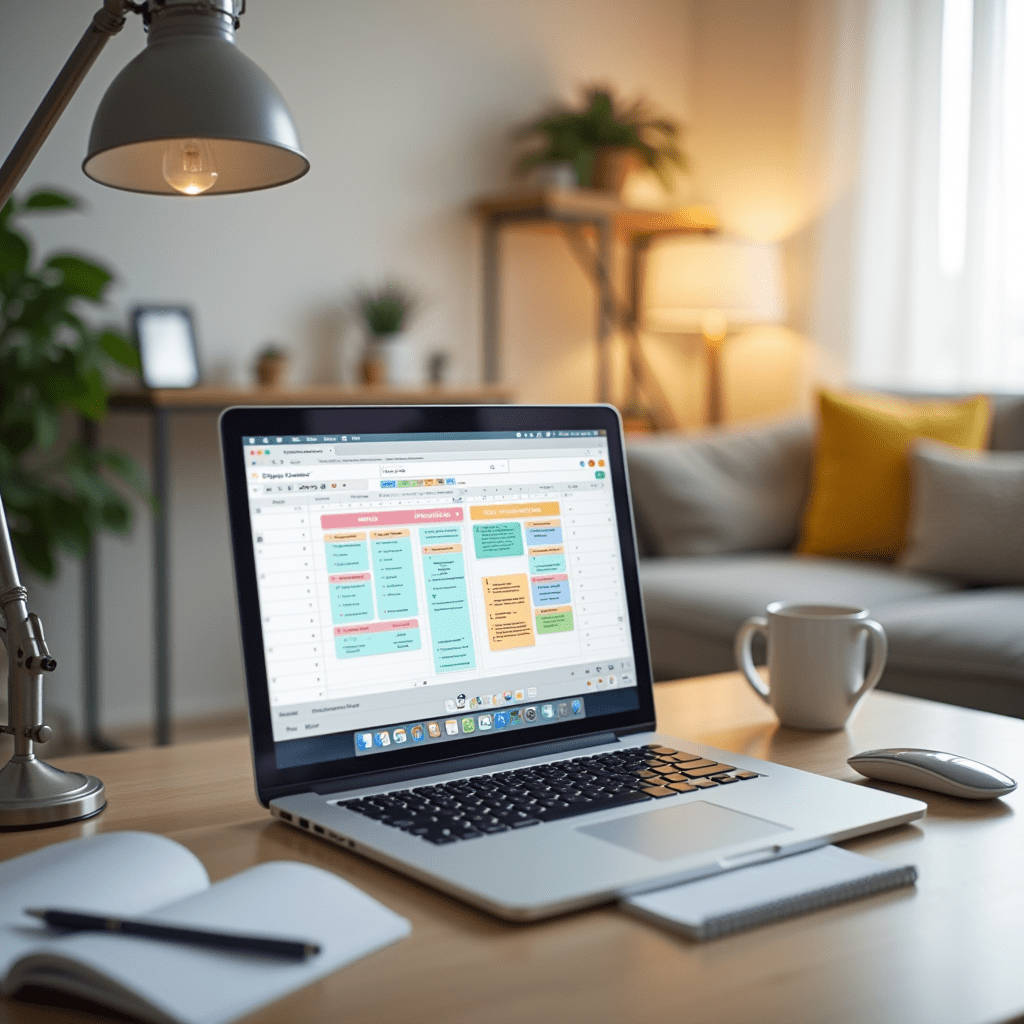
The Best Productivity Apps and Tools for Remote Workers
Working from home in your pajamas sounds like a dream. But when your bed is ten feet from your desk, staying focused becomes a massive challenge.
I learned this the hard way during my first year of remote work. Without the right setup, you end up drowning in messy notes and endless video calls.
That’s exactly why finding the best productivity apps is a total game-changer for remote workers. Let’s dive into the tools that will save your sanity and keep your team running smoothly.
Tame Your Never-Ending Task List
Every solid remote workflow starts with a reliable task manager. If you don’t map out your daily tasks, Slack notifications will hijack your entire afternoon.
When it comes to pure task organization, Todoist offers some of the best productivity features for solo workers. It uses natural language, so you can type “read report every Friday at 3 PM” and it sets the reminder automatically.
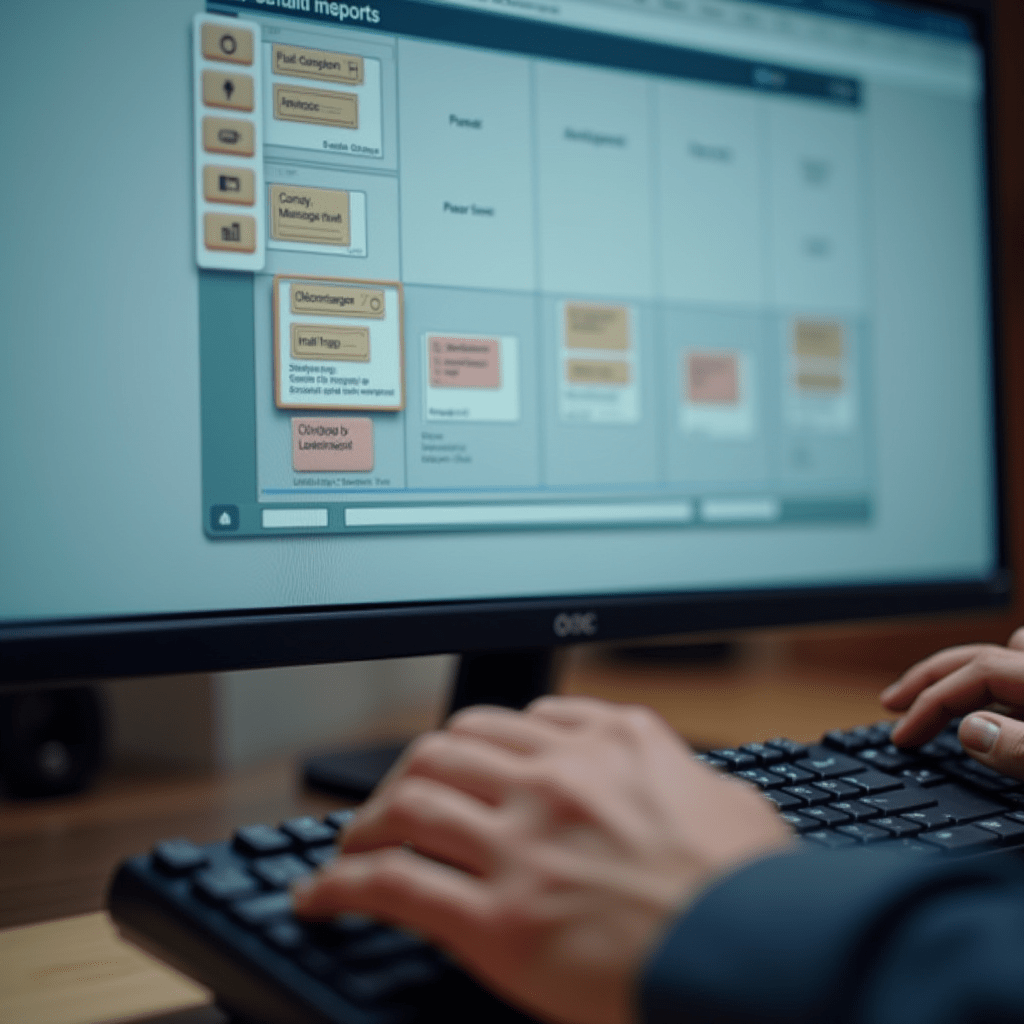
If you need something visual for a larger team, give Trello a try. You can drag and drop tasks across columns, making it incredibly easy to see exactly where a project stands at a glance.
Where Team Collaboration Actually Happens
Email is dead. Remote teams need a centralized hub where quick questions, file sharing, and casual banter can live without clogging up an inbox.
Slack is the undisputed king of workplace chat. You can organize conversations into specific channels, which helps cut down on distracting, irrelevant pings.
For visual collaboration, we love Miro. It’s an infinite digital whiteboard where your team can map out complex ideas, brainstorm, and leave sticky notes in real-time.
Using these platforms together creates the best productivity environment because everything stays in one searchable place. No more digging through six different apps to find that one crucial document.
Beat Distractions and Protect Your Time
Your phone is a notification machine. To get deep work done, you have to actively block out the digital noise.
I pair my physical calendar with a tool called Forest to build the best productivity habits. You plant a virtual tree when you start a task, and if you leave the app to check Instagram, your tree dies.
It sounds silly, but the guilt of killing a tiny virtual tree actually works.
For heavy-duty blocking, Freedom shuts down distracting websites across all your devices simultaneously. If you try to open Twitter on your phone or laptop, it simply won’t load.
For remote workers, the absolute best productivity tool is time blocking combined with these focus apps. When you physically block out time on your calendar for specific tasks, people are less likely to interrupt you.
Pro Tips: Physical Gear You Need
Software is only half the battle. Your physical desk setup directly impacts how much energy you have at 4 PM.
Upgrading your hardware is often the missing link to achieving the best productivity possible from your home office. Here are three things I highly recommend:
- Logitech MX Master 3S Mouse: This thing glides perfectly on glass and lets you switch between three different computers with the push of a button.
- BenQ ScreenBar Monitor Light: It clips right above your screen, reducing eye strain during those late-night deadline pushes without creating a harsh glare.
- Steelcase Gesture Chair: Your kitchen stool will destroy your back. Investing in a high-quality ergonomic chair pays dividends in your daily comfort.
Frequently Asked Questions
What is the best productivity app for remote beginners?
If you are just starting out, I highly recommend Notion. It combines note-taking, project management, and wikis into one clean, customizable workspace. It is the only app you need to get your life organized.
How do I stop procrastinating while working from home?
Try the Pomodoro Technique. Work in 25-minute bursts, then take a strict 5-minute break to stretch or grab water. Apps like Forest make this fun by rewarding you for staying off your phone.
Are free productivity apps good enough?
Yes, absolutely. Tools like Trello, Todoist, and Slack have incredible free tiers that are more than enough for solo freelancers or small teams. Only upgrade when you hit strict storage limits.
Can too many tools hurt my productivity?
100%. Tool fatigue is real and it drains your energy. Pick one tool for chat, one for tasks, and stick to them. Don’t force your team to learn a new app every single month.
At the end of the day, software just facilitates the work—you still have to do the heavy lifting. Start small by picking just one project management app and one focus tool from this list. Once you find your rhythm, you’ll wonder how you ever worked from home without them.
ชอบบทความนี้? ค้นพบสินค้าที่เกี่ยวข้องบน Shopee