
Top Productivity Apps for Remote Workers
Working in your pajamas sounds like a dream until your cat walks across the keyboard during a video call. We’ve all been there. Suddenly, your cozy home office feels chaotic, and you need a system to keep things running smoothly.
Finding the best productivity tools is the secret to surviving this remote work hustle. When you work miles away from your team, you can’t just walk over to a coworker’s desk to check on a project. You need reliable apps that bridge that physical gap effortlessly.
Communication & Collaboration Tools
First things first, you have to nail how you talk to your team. Endless email threads will kill your focus faster than anything else. You need tools built for quick, transparent chats.
Slack remains the go-to app for instant messaging because it organizes conversations into specific channels. It keeps the cat memes away from the serious quarterly budget talks. For video calls, Zoom is still a heavy hitter, but I personally love Whereby for quick, browser-based meetings without the awkward software downloads.
Using these communication platforms ensures everyone stays on the same page without feeling micromanaged. This combination forms the baseline of the best productivity stack for any distributed workforce.

Project Management & Task Tracking
You can’t hit your deadlines if you don’t know what needs to get done. Sticky notes scattered across your monitor just don’t cut it anymore when managing complex team projects.
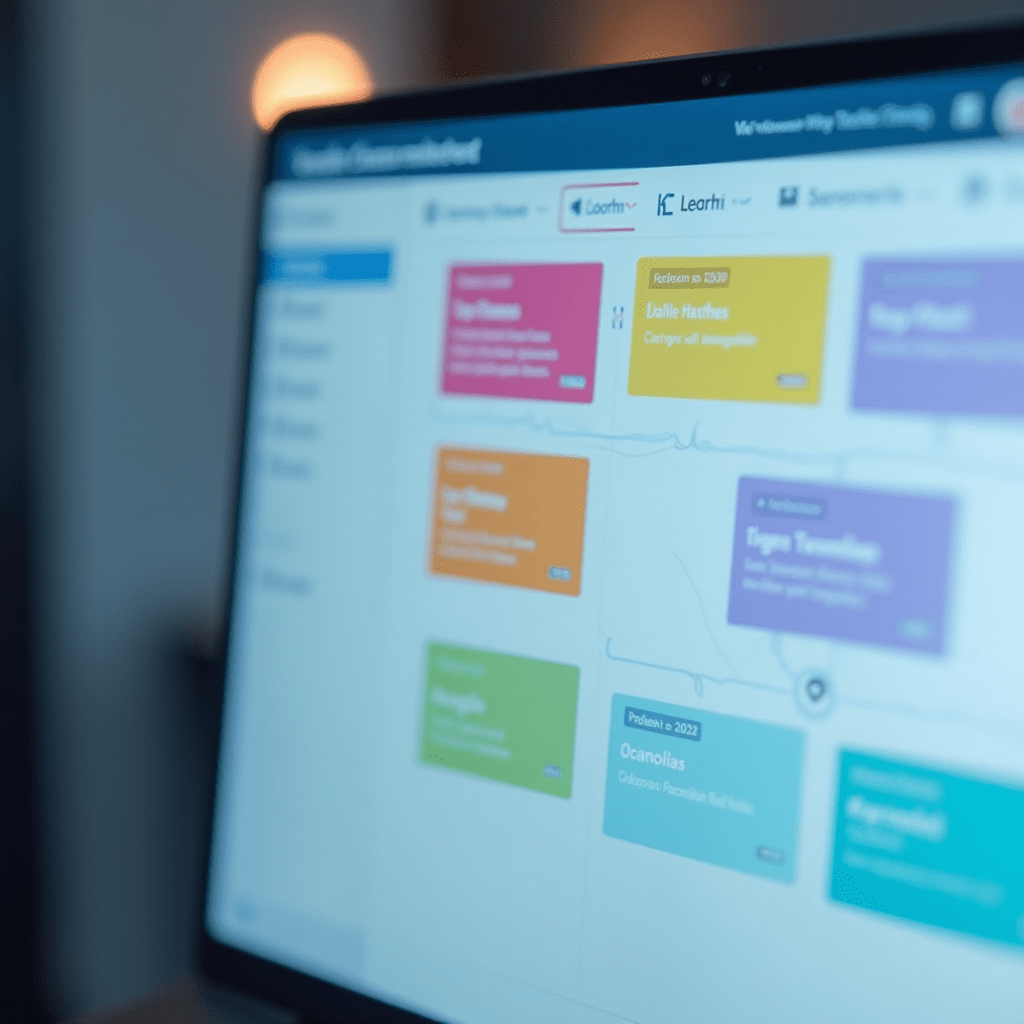
Trello is perfect for visual thinkers who love moving task cards across a Kanban board. It feels incredibly satisfying to drag a task into the ‘Done’ column at the end of a long week. If your team handles complex software development sprints, Jira offers robust reporting features that make tracking bugs a breeze.
For a hybrid approach, check out Notion. It acts as a company wiki, a task manager, and a document repository all rolled into one sleek workspace. Notion easily ranks among the best productivity apps because it replaces like five other tools you currently pay for.
Asana is another fantastic alternative if you want crystal-clear timelines and dependencies. You can map out an entire marketing campaign and see exactly who is doing what and when. Picking the right task manager is highly personal, so test a few out before committing.
Focused Work & Time Blocking
Distractions at home are ruthless. The laundry looks tempting, the fridge keeps calling your name, and the neighbor’s dog won’t stop barking. To hit peak performance, you have to guard your attention fiercely.
Forest is a brilliant app that gamifies your focus time. You plant a virtual tree when you start a task, and if you leave the app to check Instagram, your tree dies. It sounds silly, but growing a lush virtual forest delivers some of the best productivity results I’ve ever experienced.
Toggl Track is another must-have for keeping yourself honest about how you spend your hours. When you hit start on that timer, your brain switches into work mode. Reviewing your weekly time sheets helps you spot bottlenecks so you can optimize your schedule.
Things You Need: Pro Tips for Your Desk Setup
Software fixes a lot of problems, but your physical workspace matters just as much. Upgrading your hardware can instantly boost your daily output.
- Logitech MX Master 3S Mouse: The ergonomic design saves your wrist during intense spreadsheet sessions. The seamless flow feature lets you control two computers with one mouse, which is a total game-changer.
- LG UltraFine Display: Looking at a tiny laptop screen all day strains your eyes. A high-resolution monitor gives you the digital real estate to view documents side-by-side without constant alt-tabbing.
- SteelSeries Arctis Headset: Reliable noise cancellation blocks out the garbage truck outside. The built-in microphone ensures your voice comes through clearly during client calls.
Frequently Asked Questions
What is the best way to avoid distractions while working from home?
Time blocking is highly effective. Set strict office hours, use noise-canceling headphones, and try a focus app like Forest to train your brain to ignore distractions. Treat your work hours exactly like you would if you were sitting in a busy corporate office.
Are free productivity apps good enough for remote teams?
Yes, many free tiers offer excellent features. Tools like Trello and Slack have robust free versions that work great for small teams just starting out. You can always upgrade to paid plans as your team grows and your needs become more complex.
How do I choose the right task management tool?
Think about how your brain works. Visual thinkers usually prefer Kanban boards like Trello, while analytical teams often prefer structured lists in Asana. Always take advantage of free trials to see which interface feels the most intuitive for your specific workflow.
How many apps should a remote team use?
Keep it simple. Adopting too many apps causes notification fatigue and slows everyone down. Pick one main app for chat, one for tasks, and one for file storage to keep your tech stack lean and effective.
At the end of the day, apps are just tools to help you do your best work. Don’t get caught up in the hype of downloading every new startup darling. Figure out your biggest daily frustrations, pick the one app that solves it, and stick with it.
ชอบบทความนี้? ค้นพบสินค้าที่เกี่ยวข้องบน Shopee