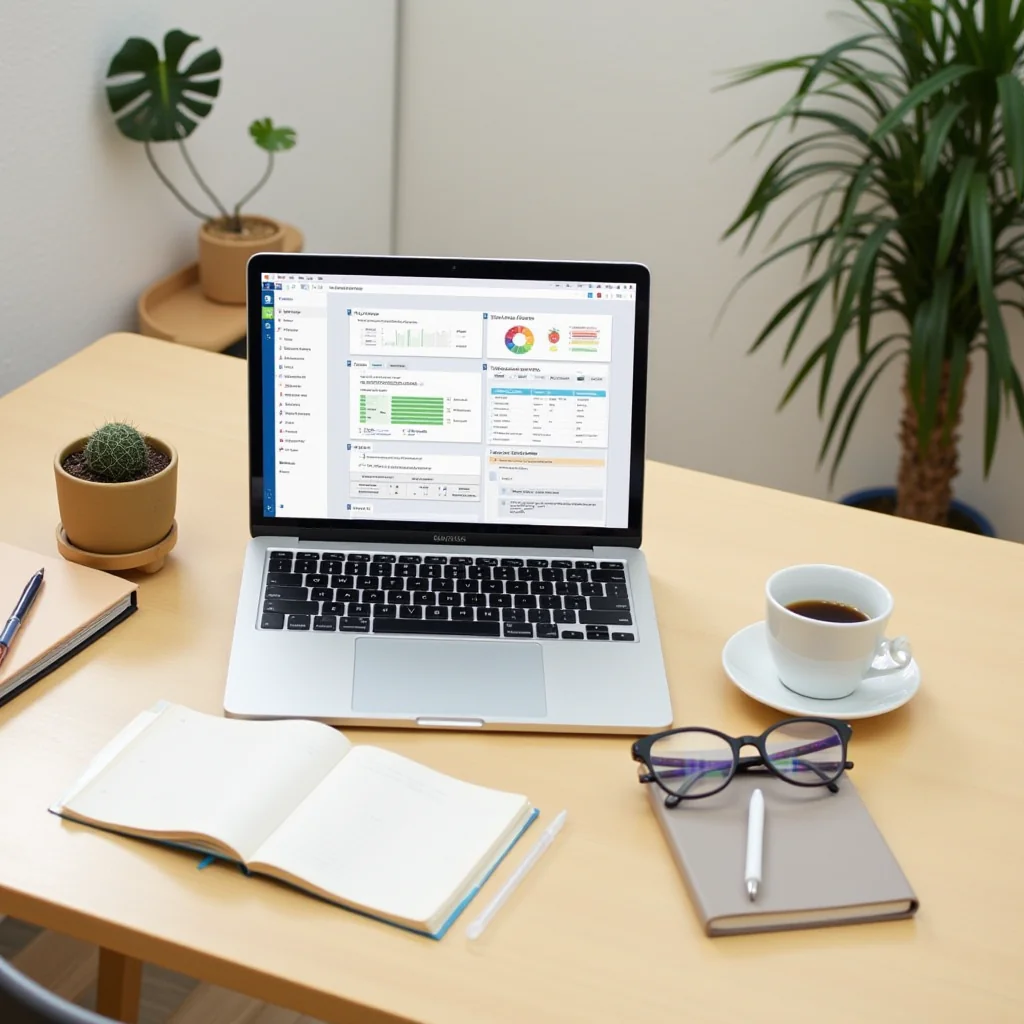
The Best Productivity Apps and Tools for Remote Workers
Working in your pajamas is great until you realize you’ve spent forty minutes looking for a specific message in a chaotic group chat. When your living room becomes your office, staying organized requires serious effort. You don’t just need a good work ethic; you need the right digital setup.
Finding the best productivity apps can feel overwhelming with thousands of options on the market. I’ve spent years testing different software to separate the genuinely helpful tools from the digital clutter. Here is a curated list of the exact platforms that help remote teams stay efficient.
Taming Your Tasks and Projects
A scattered to-do list is a fast track to burnout. You need a system that actually reflects reality, not just a sticky note on your monitor.
Notion handles everything from complex company wikis to simple grocery lists. Its flexibility is unmatched, allowing your team to build custom workflows that fit your exact needs. You can nest pages, track project milestones, and collaborate in real-time without switching tabs.
Asana takes a different approach by mapping out projects as visual timelines. When you have overlapping deadlines, seeing the critical path helps you understand exactly what needs to happen next. It’s a lifesaver for managers who need to allocate resources without sending a dozen follow-up emails.
Combining a flexible wiki with a rigid timeline tracker gives you the best productivity stack for managing complex projects. You keep your documentation clean while maintaining strict control over your delivery dates.

Communication Without the Chaos
Email is where tasks go to die. Remote teams thrive on quick, asynchronous communication that doesn’t demand an immediate response.
Slack remains the gold standard for daily chat. By organizing conversations into specific channels, you instantly cut down on unnecessary noise. You can mute channels that aren’t relevant to your current sprint, keeping your focus exactly where it belongs.
But sometimes, typing out a long explanation is a waste of time. Loom lets you record quick videos of your screen to explain concepts visually. I use it daily to walk designers through website bugs, and it completely eliminates the back-and-forth clarification messages.
Finding the best productivity balance between chatting and making videos will save your team hours every single week. People can watch a Loom at twice the speed, absorb the context, and get straight to fixing the problem.
Mastering Your Time and Focus
Even with the greatest software, you still have to fight the urge to check social media. Time management comes down to building better habits.
Forest gamifies your focus by planting a virtual tree that grows while you work. If you exit the app to check Instagram, your tree dies. It sounds silly, but the guilt of killing my tiny digital oak has genuinely kept me on task during afternoon slumps.
RescueTime runs quietly in the background to track exactly where your hours go. Getting a weekly report showing you spent three hours on news sites is a brutal but necessary reality check. You can’t optimize your workflow if you don’t know how you’re actually spending your day.
Pairing awareness with active focus techniques is one of the best productivity strategies for home workers. You need both the data to understand your habits and the tools to enforce better boundaries.
Things You Need: Pro Gear for Your Desk Setup
Software only gets you halfway to a focused workday. Upgrading your physical space can make a massive difference in your daily output.
Distractions ruin your flow state, so investing in a good pair of noise-canceling headphones is non-negotiable. The Sony WH-1000XM5 or the classic Bose QuietComfort series will block out neighborhood construction and barking dogs instantly. Put them on, hit play on some ambient music, and signal to your brain that it’s time to work.
Typing for eight hours on a cheap keyboard will wreck your wrists. Consider upgrading to an ergonomic split keyboard like the Logitech MX Ergo or investing in a solid mechanical board. Pair that with a Logitech MX Master 3S mouse for seamless scrolling across multiple monitors.
Having the best productivity gear ensures your hardware keeps up with your software. A comfortable, quiet setup keeps physical fatigue at bay so you can concentrate on your actual deliverables.
Frequently Asked Questions
What is the best way to avoid distractions while working from home?
Using apps like Forest to gamify your focus helps, but you also need to set physical boundaries. A dedicated workspace and noise-canceling headphones tell your brain, and your family, that you are officially on the clock.
Are free productivity apps enough for remote workers?
Free tiers of apps like Notion and Asana are fantastic for solo workers or small teams just starting out. As your projects scale, you will likely need premium tiers to unlock advanced automations and higher storage limits.
How many apps should a remote team use?
Keep your tech stack as lean as possible. Try to stick to one project manager, one chat tool, and one video platform to avoid context switching. Too much software creates information silos that ultimately hurt your output.
Does a dual monitor setup really make you more efficient?
Yes, having two screens drastically reduces the time spent flipping between documents and communication apps. Even an ultrawide monitor gives you the screen real estate needed to view a spreadsheet and a chat window side-by-side without losing focus.
Ultimately, no app will magically do your work for you. The best productivity strategy is simply picking a few tools that fit your specific workflow and sticking with them consistently. Pick one project manager to test this week, give it a real shot, and watch your workdays smooth out.
ชอบบทความนี้? ค้นพบสินค้าที่เกี่ยวข้องบน Shopee