
The Best Productivity Apps and Tools for Remote Workers
Working in your pajamas sounds like a dream until your cat walks across your keyboard during a video call. Suddenly, you realize that your kitchen table lacks the structure of a real office. Finding the best productivity setup is survival.
I’ve spent years testing different software to stop the distractions. When you work from home, you wear every hat from project manager to IT support. Let’s look at my favorite tools that actually keep remote teams on track.
Tame Your Tasks and Projects
If you don’t map out your day, your inbox will eat you alive. You need a solid system to track what needs doing. The best productivity apps act like a digital brain, holding your ideas so you don’t have to stress.
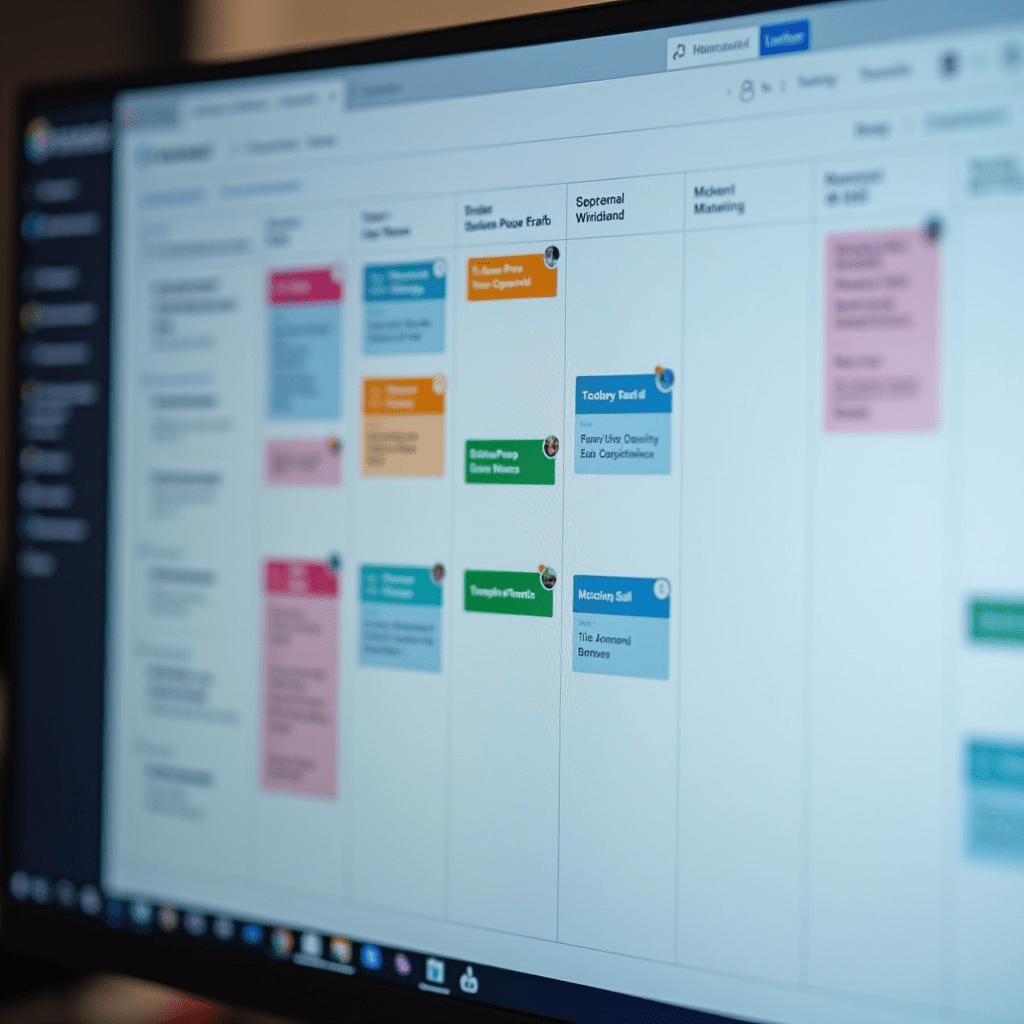
Notion works wonders if you want to build a custom workspace from scratch. You can use it for simple checklists or massive company wikis. It bends to whatever workflow you throw at it.
Prefer something with rigid structure? Asana lays out exactly who is doing what and when. It cuts down on the endless status update meetings that drain your energy.
Cut the Meeting Fatigue
We’ve all sat through an hour-long call that should have been a three-sentence email. Remote work often drowns in unnecessary video chats. You can reclaim your schedule by switching to asynchronous communication.
Loom changed how my team operates. You just record your screen, talk through a problem, and send the link. People watch it when they have time, reply with their own video, and everyone gets hours back.
For quick questions that don’t require a formal email, Slack remains the go-to hub. Just remember to set your status to ‘Do Not Disturb’ when you need deep focus time. Protecting your attention spans creates the best productivity environment.
Protect Your Focus Time
Distractions multiply when you work alone. One minute you’re answering emails, and the next you’re scrolling through social media for an hour. You need tools that block the noise and force you back to work.
Freedom syncs across all your devices to block distracting websites and apps. If you try to open Twitter on your phone while writing a report on your laptop, Freedom shuts it down. It’s tough love for your scrolling habits.

Sometimes you just need the right atmosphere. Brain.fm plays music designed by neuroscientists to help you focus. When I put on my headphones and hit play, my brain knows it’s time to grind.
Pro Tips: Gear You Need
Software only takes you so far. Your physical setup dictates how much energy you have at 3 PM. Here are three hardware upgrades I swear by:
- Logitech MX Master 3S Mouse: The side scroll wheel makes navigating massive spreadsheets effortless. Your wrist will thank you.
- LG 34-Inch Ultrawide Monitor: Ditching the dual-screen setup for one massive curved display changed my daily workflow. You can see your code and your reference material without a distracting bezel in the middle.
- SteelSeries Arctis 7 Wireless Headset: The battery lasts forever, and the mic sounds crisp. You need something that blocks out lawnmowers and delivery trucks during important calls.
Frequently Asked Questions
What is the best way to stop procrastinating while working from home?
Time blocking works wonders. I schedule my hardest tasks for the morning when I have the most energy, and use the Freedom app to block distracting websites during those hours.
How do I keep my remote team connected without annoying them?
Embrace asynchronous communication. Use tools like Loom to share updates so people can watch them on their own schedule, which protects their deep focus time.
Are free productivity apps worth using?
Yes, many free tiers offer plenty of features. Apps like Trello and Notion have robust free versions that work perfectly for freelancers or small teams just starting out.
Should I use a task manager or a calendar app?
You really need both. Put your time-sensitive meetings on your calendar, and track your project steps in a task manager like Asana so nothing slips through the cracks.
Final Thoughts
Building the best productivity stack takes a little trial and error. Don’t try to adopt five new tools on a Monday morning. Pick one app from this list, test it out for a week, and see if it fits your natural rhythm. Working remotely gives you incredible freedom, as long as you build the right system to support it.
ชอบบทความนี้? ค้นพบสินค้าที่เกี่ยวข้องบน Shopee