
The Best Productivity Apps and Tools for Remote Workers
Working from your couch sounds like a dream until your cat decides to sit on your keyboard. Suddenly, the line between home life and work life blurs. Finding the best productivity setup becomes a survival tactic.
I’ve spent years tweaking my remote workflow. Through trial and error, I’ve learned that the right digital tools make or break your day. Let’s dive into the apps that keep remote teams sane, organized, and ahead of schedule.
Tame Your Task List
If you don’t write things down, you will forget them. It’s that simple. To-do lists form the backbone of the best productivity routines.
Todoist remains my personal favorite for rapid-fire task entry. You just type a sentence, and the app automatically tags the project, priority, and deadline. It feels like magic.
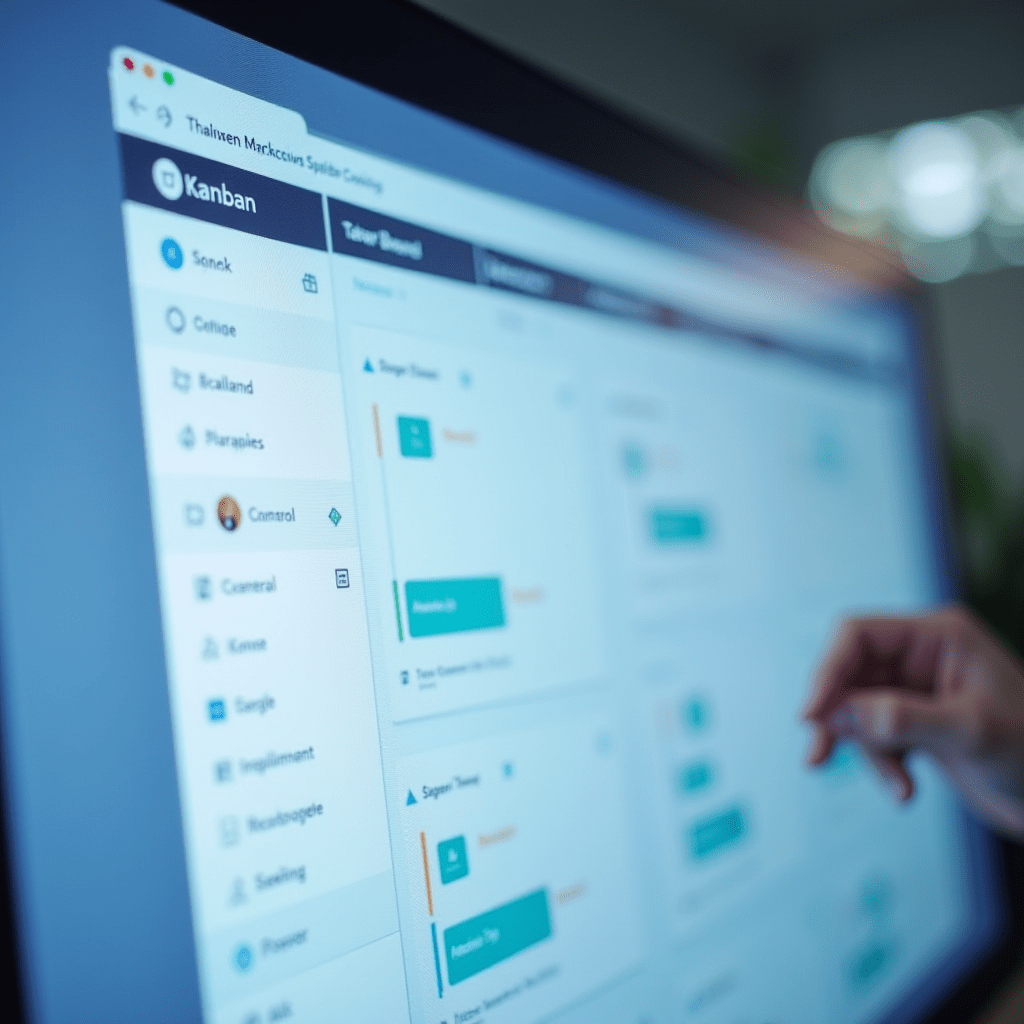
For larger remote teams, Asana is a heavyweight champion. It lets you view tasks as simple lists, Kanban boards, or full timelines. Everyone knows exactly who owns what without sending a dozen emails.
Trello takes the prize for visual thinkers. Moving a card from ‘Doing’ to ‘Done’ releases a surprising amount of dopamine. If you want a gentle, highly visual approach to project management, Trello is hard to beat.
Communication Without the Chaos
Nothing kills momentum faster than an overflowing inbox. Remote teams need instant, organized ways to chat.
Slack handles the daily grind beautifully. Instead of endless reply-all chains, you get dedicated channels for specific projects. Just remember to set your ‘Do Not Disturb’ hours so you don’t burn out.

Sometimes you just need to talk it out. Zoom still offers the most reliable video calls. Pro tip: use the screen-sharing feature to cut down on long, confusing explanations. A quick five-minute huddle often replaces forty minutes of typing.
Focus Tools for a Distracting Environment
Laundry piles up. Dogs bark. Neighbors decide to drill into their walls. Home is full of distractions that threaten to derail your entire afternoon.
Forest gamifies your focus. You plant a virtual tree when you start a task. If you leave the app to check social media, your tree dies. It sounds silly, but the guilt of killing a tiny virtual tree works wonders.
I also rely on Notion to create a distraction-free workspace. It acts as a giant digital binder where you keep notes, wikis, and project trackers. Combining Notion with a strict schedule often yields the best productivity results.
Things You Need: Gear Up Your Desk
Software only gets you halfway there. You need reliable hardware to survive the remote hustle. Upgrading your physical setup instantly boosts your daily output.
- Noise-canceling headphones: A good pair of Sony WH-1000XM5 or Bose QuietComfort headphones blocks out unpredictable background noise.
- Mechanical keyboard: Typing on a mushy laptop keyboard drains your energy. A solid Keychron or Logitech mechanical keyboard makes typing feel satisfying.
- Standing desk: Sitting for eight hours destroys your back. An adjustable desk from Flexispot lets you change postures throughout the day.
Pro Tips for Remote Success
Don’t just download every app on this list. Too many tools create digital clutter, and you’ll waste time jumping between platforms.
Pick one task manager and stick to it for a month. Block out specific hours for deep work, and close your chat apps during that time. The best productivity strategy isn’t about working longer hours. It’s about protecting your attention.
Frequently Asked Questions
What is the best productivity app for personal use?
Todoist is fantastic for personal task tracking. It uses natural language processing to quickly add tasks, dates, and priorities without forcing you to click through endless menus.
How do remote teams stay organized?
Remote teams rely heavily on centralized hubs like Notion or Asana. Keeping all files, project briefs, and deadlines in a single source of truth prevents messy miscommunications.
Are free productivity apps enough for remote work?
Yes, free tiers from tools like Trello and Slack offer plenty of features for solo workers or very small teams. You usually only need to upgrade when you need advanced automation or extensive history logs.
How can I stop procrastinating while working from home?
Try using the Pomodoro technique with a timer app like Forest. Working for 25 minutes followed by a 5-minute break keeps your brain fresh and builds momentum throughout the day.
ชอบบทความนี้? ค้นพบสินค้าที่เกี่ยวข้องบน Shopee