The Best Productivity Apps and Tools for Remote Workers
Working from home in your pajamas sounds like a dream until you realize you haven’t left your desk in eight hours. The line between personal life and work blurs fast. Finding the best productivity setup is the only way to stay sane.
I’ve spent years testing different software to keep my remote teams on track. Some apps are garbage, while others completely change how you work. We’ve curated the absolute keepers right here.
Taming Your Daily Tasks
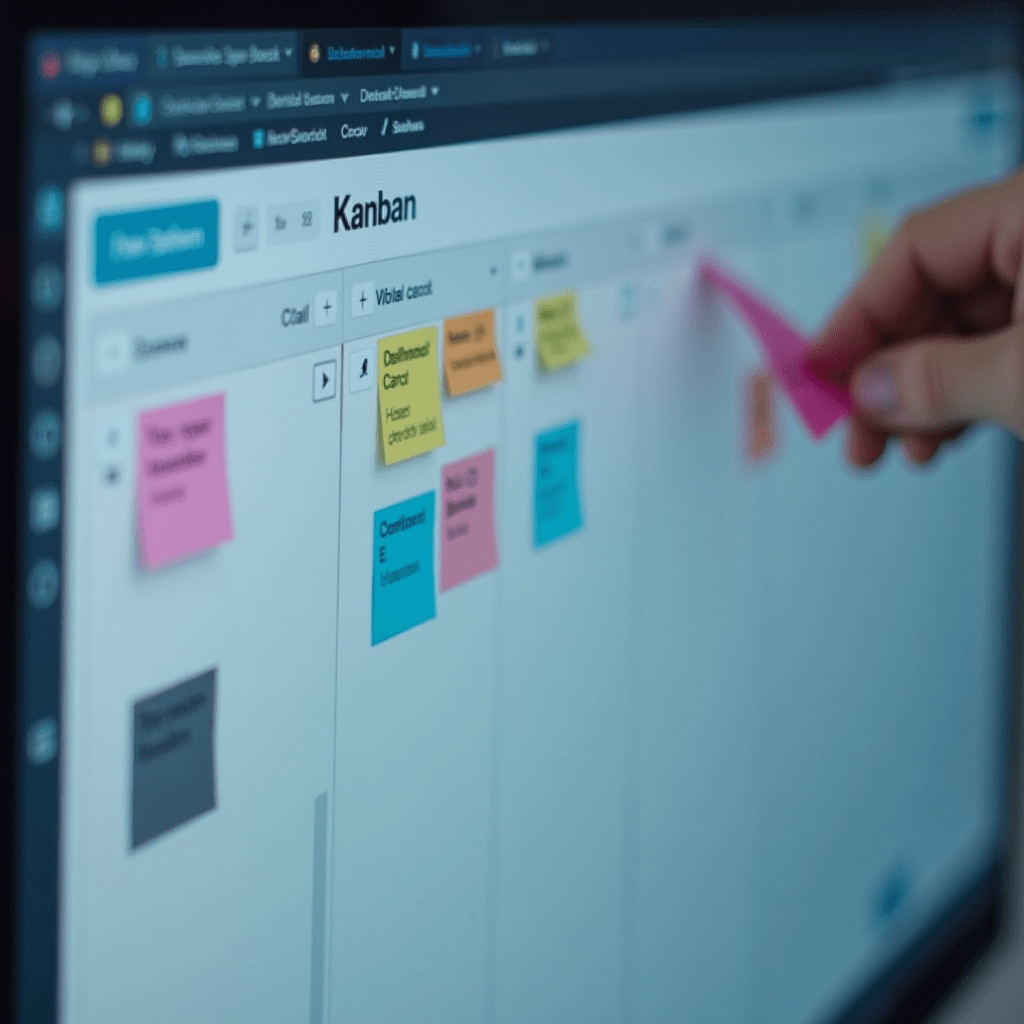
If you don’t map out your day, Slack notifications will eat you alive. You need a solid system to track what actually matters. Getting your tasks out of your head and onto a visible board drops your stress levels instantly.
For my money, Notion offers the best productivity experience for building custom workflows. You can build wikis, track habits, and manage complex projects all in one clean interface. It takes an afternoon to learn, but it pays off forever.
Prefer something simpler? Todoist is a fantastic, lightweight app that integrates with almost anything. It uses natural language processing, so you can just type “read the CPython benchmark report every Friday at 9 AM” and it handles the scheduling automatically.
Time Tracking and Beating Procrastination
Time blindness is a massive struggle when your couch is five steps away. Sometimes you think you’ve been grinding for hours, but your screen time says otherwise. Tracking your hours forces you to face reality and adjust your habits.
Toggl Track remains my favorite tool for logging hours without feeling micromanaged. You just click start, do your work, and click stop. Reviewing the weekly reports helps you figure out exactly which tasks drain your energy.
When you need to actually sit down and code or write, try the Pomodoro technique. Work for twenty-five minutes, then take a five-minute break. The Forest app gamifies this by growing a virtual tree while you focus. If you touch your phone to check Instagram, your tree dies. It sounds silly, but the guilt of killing a tiny digital oak will keep you focused.

Keeping the Team Connected
Remote work gets lonely when your only coworker is a cat. Communication tools need to bridge the gap without causing notification fatigue. You want tools that mimic the quick, spontaneous chats you’d have in a physical office.
Obviously, Slack is the industry standard for text-based chatter. However, having a dedicated space for live voice chats changes the game entirely. Discord isn’t just for gamers anymore; its always-on voice channels are amazing for pairing on complex Python scripts or troubleshooting bugs with a coworker.
For quick visual feedback, Loom is unbeatable. Instead of writing a five-paragraph email explaining a weird UI glitch, just record your screen and talk over it. It saves time and preserves the tone of your voice so you don’t sound passive-aggressive.
Pro Tips: Gear You Actually Need
Software only gets you halfway to a solid workflow. Your physical workspace dictates how much energy you have at 3 PM. Here are a few hardware upgrades that deliver the best productivity boosts for your buck:
- Logitech MX Master 3S Mouse: The ergonomic shape saves your wrist, and the hyper-fast scroll wheel makes digging through massive files a breeze.
- LG UltraFine 4K Monitor: A second screen stops you from constantly minimizing windows. Screen real estate equals brain real estate.
- SteelSeries Arctis Nova 7 Headset: Crisp audio and a great mic make those daily Zoom meetings completely painless.
Don’t forget your physical comfort. Investing in an adjustable standing desk helps fight the afternoon slump. Standing up for an hour while answering emails keeps your blood flowing.
Protecting Your Free Time
The biggest trap of remote work is never actually clocking out. When your laptop lives on your kitchen table, checking emails at 9 PM feels way too easy. You need strict boundaries to protect your sanity.
Using tools like RescueTime can block distracting sites after your scheduled hours end. It enforces the discipline you lack when you’re tired. If you find the best productivity methods fail, rely on software to lock you out.
Close the tabs, shut the laptop, and walk away. Your work will still be there tomorrow morning. Finding the best productivity balance means knowing when to power down the machines and live your life.
Frequently Asked Questions
What is the best productivity app for solo remote workers?
Notion is fantastic because you can build exactly what you need from scratch, whether it’s a simple task list or a massive personal CRM. Todoist is a close second if you want a simple, plug-and-play checklist.
How do I stop getting distracted while working from home?
Try the Pomodoro technique using an app like Forest to force short bursts of intense focus. You should also use tools like Cold Turkey to block social media sites during your working hours.
Are free productivity apps good enough for remote teams?
Yes, many apps like Trello, Asana, and Slack offer robust free tiers that work great for small teams. You usually only need to upgrade to paid plans once your team scales past a dozen people or needs advanced security features.
Should I track all my work hours?
Tracking your hours for a single week is a huge eye-opener. You will quickly spot time-wasting tasks you didn’t realize were eating up your day. You don’t have to track forever, but doing it occasionally helps you optimize your schedule.
ชอบบทความนี้? ค้นพบสินค้าที่เกี่ยวข้องบน Shopee