The Best Productivity Apps for Remote Workers
Working in your pajamas sounds like a dream until your cat walks across the keyboard during a client call. Suddenly, your cozy home office feels like a chaotic mess. Finding the best productivity tools is the only way to stay sane when your living room doubles as your boardroom.
I’ve spent years tweaking my remote workflow. Some apps look great but fall apart under pressure, while others quietly become lifesavers. Let’s talk about the apps that handle the daily grind so you don’t have to.
Taming Your Tasks: Project Management
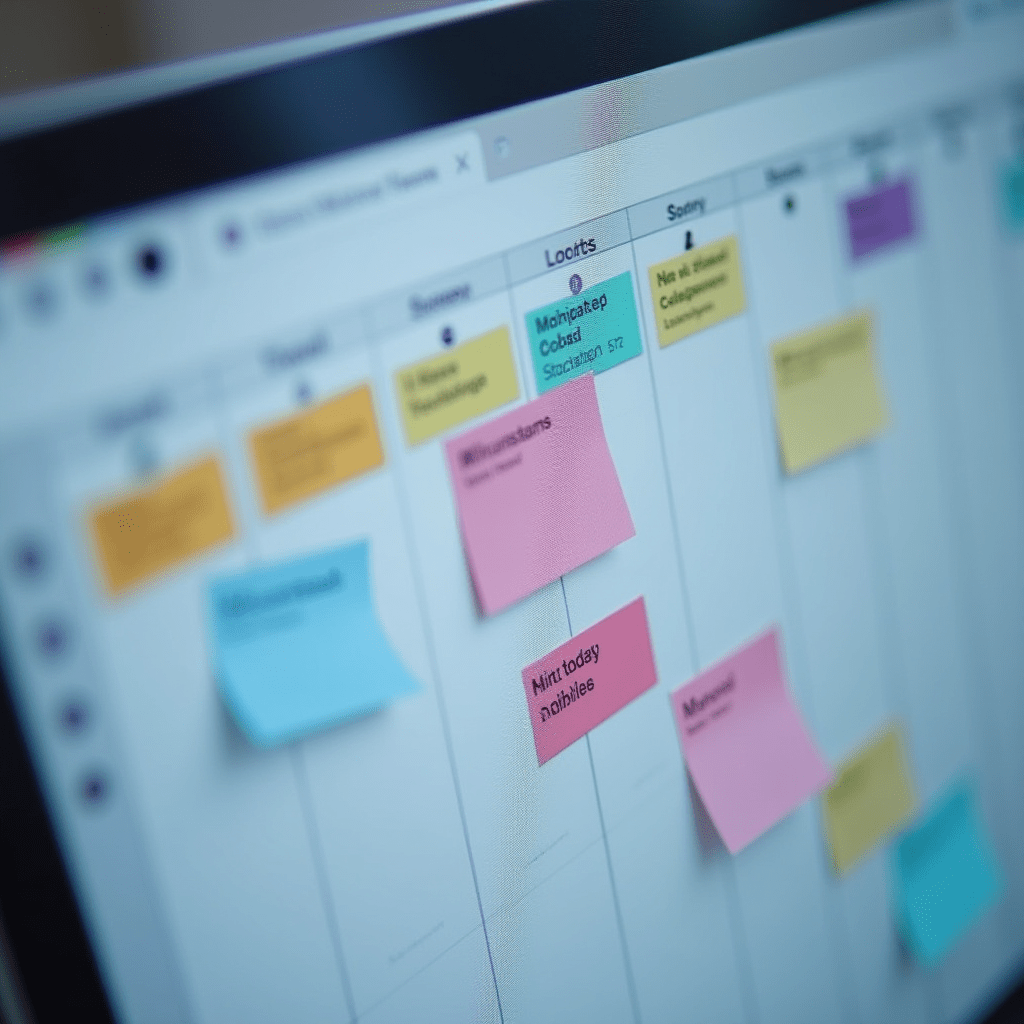
When you work remotely, you can’t just walk over to a coworker’s desk to check on a project status. You need a shared digital brain. For solo freelancers or small teams, Trello remains incredibly intuitive. You just drag and drop cards, and your work is visually organized.
But if you’re managing a larger remote team, you might outgrow Trello quickly. Asana is my personal favorite for scaling up. It handles complex dependencies without making you feel like you need a software engineering degree to create a new task.
Then there’s Notion. It acts as an all-in-one workspace where you can build wikis, track habits, and manage your sprints. It takes time to set up, but once you dial in your templates, you will unlock some of the best productivity gains you’ve ever experienced.

Beating the Slack Treadmill: Communication
Slack will eat your entire day if you let it. You sit down to write a report, see a notification, and suddenly you’ve spent an hour debating lunch options in a random channel. To maintain the best productivity, you have to enforce strict communication rules.
Try using Threads religiously, and set your status to ‘Do Not Disturb’ when you need deep work time. Better yet, switch to an async-first tool like Loom. Recording a quick two-minute video explaining a problem saves you from a thirty-minute meeting that could have been an email.
For actual face-to-face time, Zoom still rules the roost, but Google Meet is catching up fast with its seamless calendar integration. Pick one, standardize it across your team, and keep the meetings short.
Finding Your Focus Flow
Distractions at home are relentless. The dog needs to go out, the laundry needs folding, and the fridge keeps calling your name. When you need to lock in, Forest is a fun app that gamifies your focus. You plant a virtual tree, and if you leave the app to check Instagram, your tree dies.
If you need something heavier, Cold Turkey Blocker will outright block your distracting websites. It is ruthless, but it forces you to do the work. Combining a strict time-blocker with the Pomodoro technique usually delivers the best productivity results for chronic procrastinators.
Things You Need: Pro Tips & Gear
Software only gets you so far. Your physical environment dictates how well you concentrate. If you are working on a lagging machine, you will lose hours waiting for basic tasks to render.
- Sony WH-1000XM5 Headphones: Block out the neighbor’s lawnmower instantly with industry-leading noise cancellation.
- Logitech MX Master 3S Mouse: The side-scrolling wheel and ergonomic grip make navigating massive spreadsheets a breeze.
- LG UltraFine Display: A high-resolution monitor saves your eyes and drastically expands your digital workspace.
Investing in solid gear pays for itself within the first month. You will work faster, feel less fatigued, and actually want to sit at your desk.
Your Remote Work Questions Answered
What is the best way to stop distractions while working from home?
Set physical boundaries. Close your office door, put on noise-canceling headphones, and use an app like Cold Turkey to block social media during your peak working hours.
Are free productivity apps good enough for remote work?
Yes, many free tiers like Trello’s basic plan or Google Workspace offer plenty of features. You only need to upgrade once your team grows or you hit specific storage limits.
How do I stop my team from having too many meetings?
Adopt an asynchronous communication style. Record video updates using Loom, write clear briefs, and only schedule a call if the topic requires real-time brainstorming.
Final Thoughts
At the end of the day, the best productivity app is the one you will actually use every single day. Don’t download all of these at once and overwhelm yourself.
Pick one project management tool, tweak your communication habits, and grab a good pair of headphones. Build a routine that fits your life, and the work will follow.
ชอบบทความนี้? ค้นพบสินค้าที่เกี่ยวข้องบน Shopee