
Best Productivity Apps for Remote Workers
I moved my desk to the living room last March, and within two weeks, I’d lost three deadlines. Not because I was lazy—I was drowning in notifications, scattered files, and zero structure. Remote work sounds like freedom until you realize nobody’s watching you finish anything.
That’s when I started hunting for the best productivity apps that actually work for people without a boss hovering nearby. After testing dozens of tools and abandoning most, here’s what stuck.
Task Management That Doesn’t Overcomplicate Things
You don’t need a fancy project management suite if you’re a team of five. You need something that tells you what to do today and whether anyone’s waiting on you.
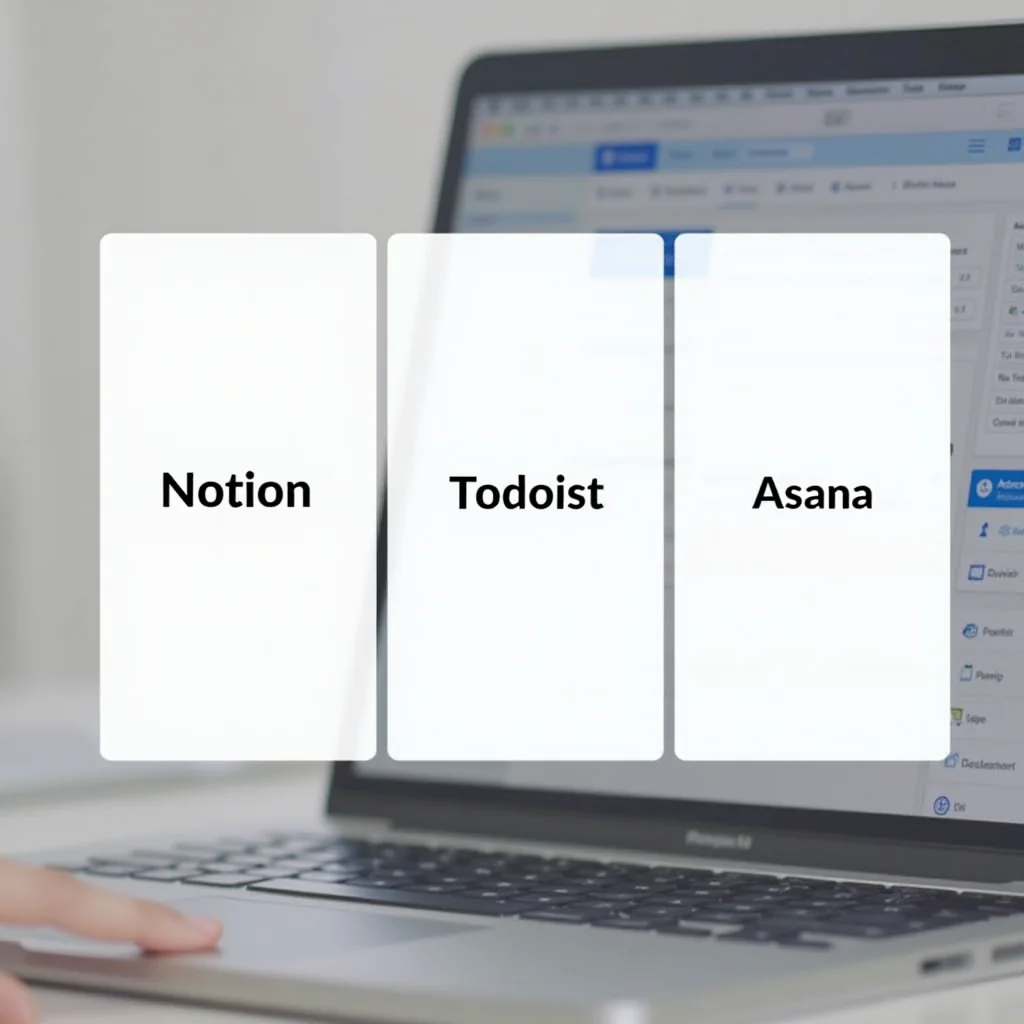
Notion became my second brain. I keep daily tasks, meeting notes, and even personal reading lists there. The learning curve is real, but once you set up a workspace that fits your brain, it’s hard to go back.
Todoist is the no-nonsense alternative. Type “Finish Q4 report every Friday at 9am” and it parses that into a recurring task with a deadline. Dead simple. My co-writer swears by it, and I get why—sometimes you just want things done, not designed.
For teams, Asana hits the sweet spot between power and simplicity. You can see who’s doing what without clicking through five screens. We switched from Trello last year and haven’t looked back. It handles dependencies well, so you know when a blocked task is finally unblocked.
Communication Without the Burnout
Slack changed how remote teams talk. It also made us talk too much. I’ve seen people spend their entire day reacting to messages instead of doing actual work.
Slack still earns a spot here because of its integrations. Connect it to your task app, calendar, and docs, and you’ve got a command center. Just mute channels aggressively—your focus will thank you.
Loom solved a problem I didn’t know I had. Instead of typing a three-paragraph explanation, I record a two-minute video walking through a document. My team adopted it within a week. Showing is genuinely faster than telling.
For async standups, Standuply pulls updates from Slack automatically. No more 9am meetings that could’ve been a message. We reclaimed hours each week with this one change alone.
Focus Apps and Time Trackers
Knowing where your time goes is uncomfortable. But it’s the fastest way to find your best productivity rhythm—I promise the data will surprise you.
Toggl Track sits quietly in my browser and logs what I’m working on. After a month, I realized I was spending four hours weekly on email that didn’t matter. I restructured my mornings based on that data alone.
Forest takes a different approach. You plant a virtual tree when you start a focus session. If you pick up your phone, the tree dies. Sounds silly, but the guilt works. I’ve grown a whole forest while writing this post.
RescueTime runs in the background and gives you a weekly report of your digital habits. It’s like having a mild, judgmental personal trainer for your screen time. The best productivity hackers I know all use something similar to catch the time leaks they can’t see.
Pro Tips: Gear That Makes a Real Difference
Software only gets you so far. After two years of remote work, I’ve learned that your physical setup matters more than most people admit.
A noise-canceling headset like the Sony WH-1000XM5 or Bose QuietComfort 45 blocks out roommates, construction, and that neighbor who mows at 7am. I bought the Sony ones on sale and my focus changed overnight.
An external monitor—even a budget 27-inch one—doubles your screen real estate. You’ll stop alt-tabbing constantly between your doc and your research. I grabbed a basic LG monitor for under $200 and wondered why I waited so long.
A mechanical keyboard isn’t just for gamers. The tactile feedback helps me type faster and make fewer errors. Keychron makes solid entry-level options that won’t break the bank, and they work with both Mac and Windows.
Picking What Actually Works for You
The best productivity stack looks different for everyone. A freelancer needs different tools than a 50-person agency. Start with one app from each category above and see what sticks before adding more.
Don’t fall into the trap of tool-hopping every month. Give each app at least three weeks before deciding it’s not working. Your brain needs time to build new habits around new systems.
I still tweak my setup occasionally, but the core has stayed the same for over a year now. That stability is worth more than any shiny new app landing in my inbox. If you’re just starting to build your remote toolkit, pick the simplest option in each category—you can always upgrade later when you hit its limits.
Frequently Asked Questions
What’s the best productivity app for solo remote workers?
Todoist is hard to beat for individuals. It’s fast, simple, and gets out of your way. If you need something more flexible, Notion lets you build exactly the system you want—but expect to spend a weekend setting it up.
Do I really need a time tracking app?
Not forever, but try one for two weeks. Most people are shocked by how much time disappears on low-value tasks. Toggl Track is free for basic use and takes about 30 seconds to learn.
What’s better for remote teams, Slack or Microsoft Teams?
Slack wins on integrations and speed. Teams wins if your company already uses Microsoft 365. Don’t overthink it—pick what your team is already on and focus on building good communication habits instead.
How many productivity apps should I use at once?
Keep it to 3-5 core tools. One for tasks, one for communication, maybe one for time tracking. Every new app you add is another place to check, another password to remember, another notification to ignore.
ชอบบทความนี้? ค้นพบสินค้าที่เกี่ยวข้องบน Shopee