
Best Productivity Apps for Remote Workers
My apartment turned into my office three years ago, and I’ll be honest—the first month was a mess. Slack messages got buried. Deadlines slipped through the cracks. I once joined a video call still wearing pajama bottoms, hoping nobody would notice.
Finding the right tools changed everything. After testing dozens of apps with my distributed team, I’ve narrowed down the best productivity apps that actually deliver results instead of just adding more notifications to your day.
Communication That Doesn’t Drain You
Remote teams live and die by their communication tools. Pick the wrong one, and you’ll spend half your day hunting for that one file someone shared last Tuesday.
Slack remains my top pick for real-time messaging. The key is using channels strategically—create one for urgent items, one for casual banter, and project-specific ones that you can archive when done. Thread your replies religiously.
For async communication that respects time zones, Loom is a game-changer. Record a quick video walkthrough instead of typing a three-paragraph email. I’ve cut my meeting time by 40% since making this switch.
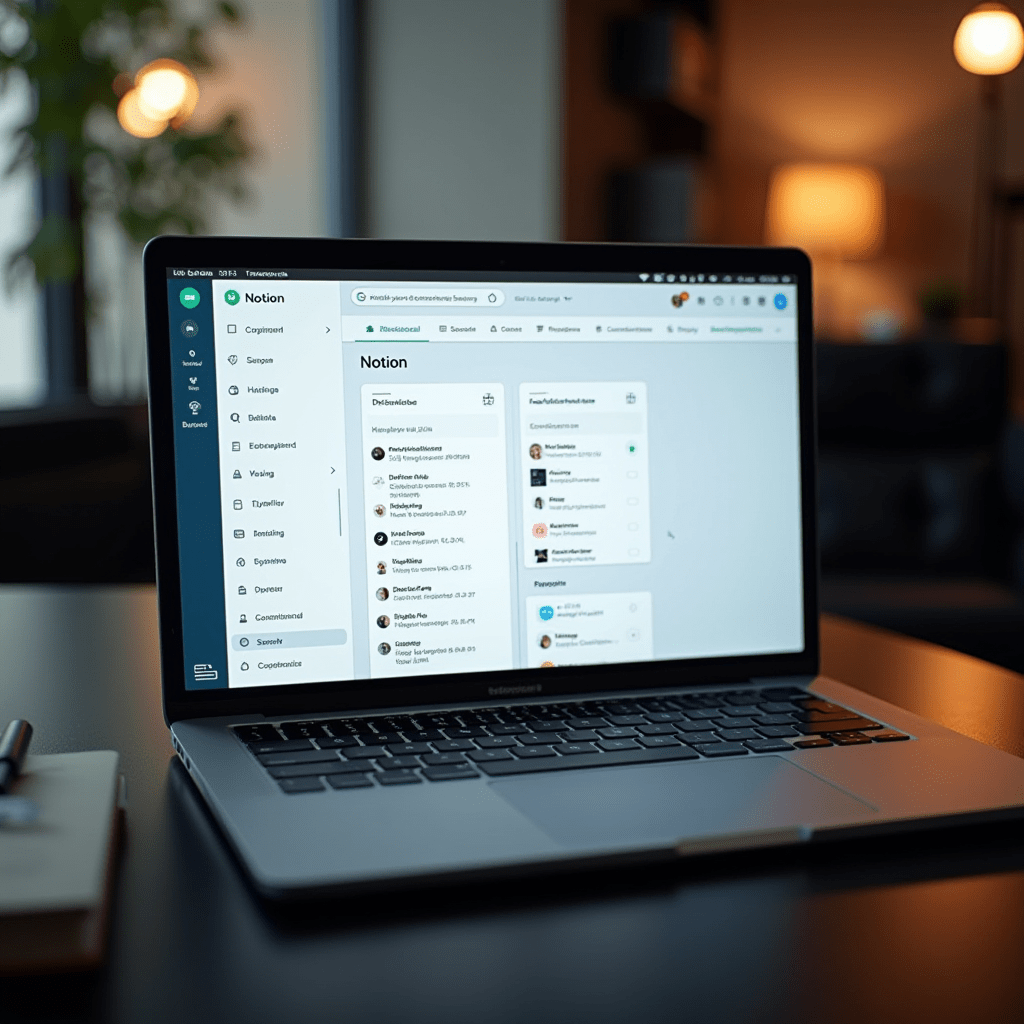
Notion handles the middle ground beautifully. It’s where my team keeps meeting notes, project briefs, and even our remote work policies. The learning curve stings at first, but it’s worth the investment.
Task Management That Actually Works
A to-do list doesn’t count as a system. You need something that shows you the big picture without drowning you in details.
ClickUp packs more features than most teams will ever need, and that’s exactly why I recommend it. Start simple with lists and due dates. Graduate to custom dashboards and automations when you’re ready. The free tier covers most solo workers and small teams.
If ClickUp feels overwhelming, Todoist is your friend. It’s bare-bones in the best way possible. Add a task, set a priority, forget about it until the reminder pops up. I use it for personal tasks while keeping team work in ClickUp.
Asana sits in the sweet spot for medium teams. The timeline view alone makes it one of the best productivity investments you can make. You’ll finally see who’s waiting on what, and when.
Focus Tools and Time Tracking
Working from home means nobody’s watching. That freedom is beautiful until you realize you’ve scrolled Twitter for an hour.
Toggl Track solves the mystery of where your day went. Start a timer, work, stop it. After a week, you’ll spot patterns you never noticed. I discovered I was spending 90 minutes daily on emails—that got fixed fast.
For deep work sessions, Forest uses a clever psychological trick. You plant a virtual tree when you start a focus block. Leave the app, and your tree dies. Sounds silly, but my phone screen time dropped by an hour daily.
Brain.fm plays AI-generated music designed to improve focus. I was skeptical until I tried it during a deadline crunch. The lo-fi beats and ambient sounds helped me push through when coffee couldn’t.
Pro Tips: Gear That Complements Your Apps
The best productivity apps won’t save you if your physical setup is fighting against you. After three years of trial and error, here’s what actually matters.
A decent noise-canceling headset like the Sony WH-1000XM5 transforms noisy apartments into usable workspaces. Your podcast-listening coworkers will thank you too.
Get a portable monitor if you’re working from a laptop. The ASUS ZenScreen slides into any bag and doubles your screen real estate. I resisted this purchase for months, and now I can’t imagine working without it.
Consider a mechanical keyboard if you type all day. The Keychron K2 gives you that satisfying tactile feedback without the annoying click-clack that bugs your housemates.
Frequently Asked Questions
The right combination of tools won’t fix bad work habits on their own. But they’ll make building good habits a lot easier. Start with one app from each category, use it for two weeks, then decide if it earns a permanent spot in your workflow.
ชอบบทความนี้? ค้นพบสินค้าที่เกี่ยวข้องบน Shopee