Best Productivity Apps for Remote Workers in 2024
I spent three years working from a tiny apartment with a desk wedged between my bed and a closet. My output was all over the place until I finally got serious about my toolkit. The right apps changed everything.
Finding the best productivity setup isn’t about downloading every tool you see. It’s about picking what solves your specific chaos. Here’s what actually stuck after months of trial and error.
Communication That Doesn’t Drain You
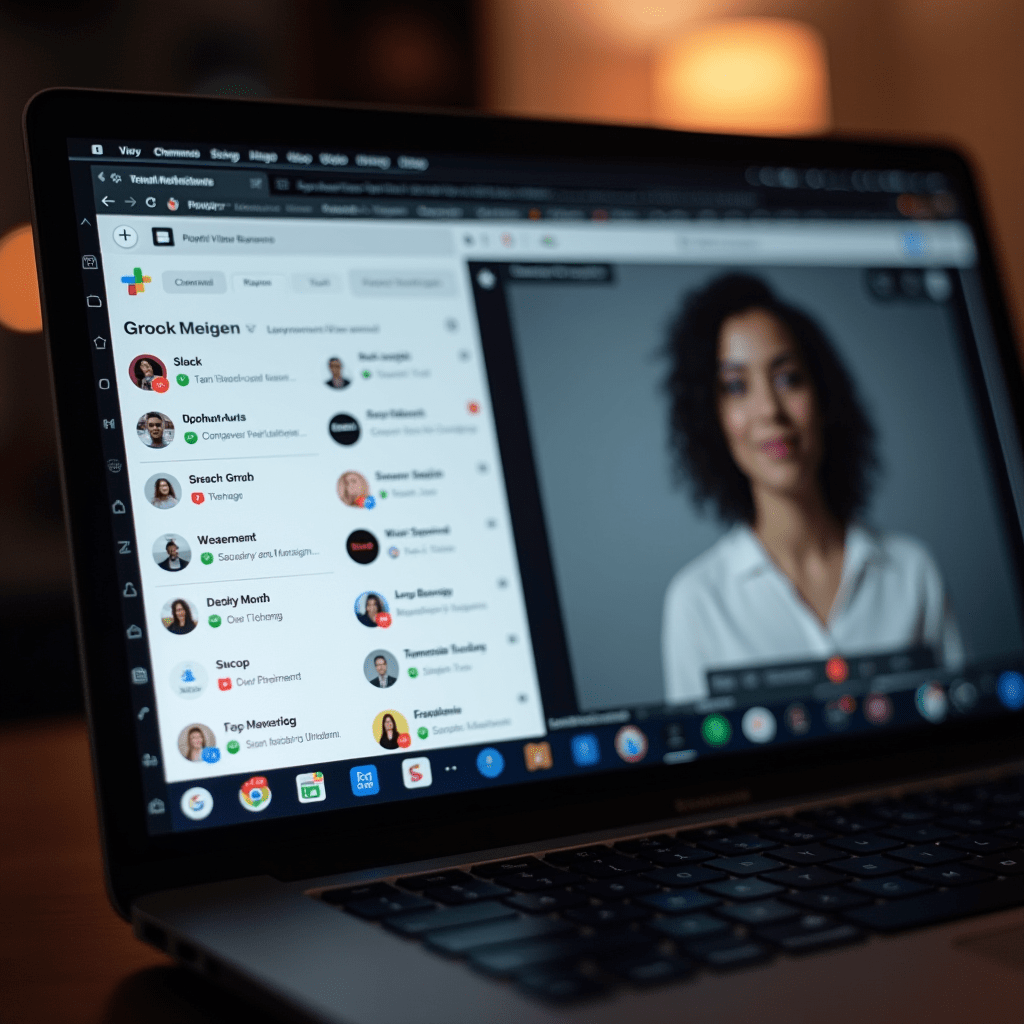
Slack gets a bad rap, but the problem isn’t the app. It’s how teams use it. We moved our urgent stuff to threads and created channel rules that cut noise by half.
For anything that needs more than three messages back and forth, we default to Loom. Recording a quick two-minute video saves twenty minutes of typing and confusion. It’s one of the best productivity shifts we’ve made.
Voice messages in Telegram also work surprisingly well for quick updates that don’t need a meeting. Not everything deserves a scheduled call.
Task Management That Sticks
I’ve tried Asana, Monday, ClickUp, and Trello. They all do roughly the same things. The difference comes down to how your brain works.
ClickUp won for our team because of its flexibility. We can keep simple checklists for daily tasks and complex project boards for client work in one place. The learning curve is real, but it pays off.
If you’re a solo remote worker, Notion might be better. You can build exactly what you need without paying for features you’ll never touch. The best productivity systems match your complexity level.
Time Tracking Without the Guilt
Toggl Track changed my relationship with time. I used to guess how long projects took and constantly underestimated. Now I know exactly where my hours go.
The trick is removing judgment from the data. Seeing that you spent 45 minutes on email isn’t a failure. It’s information you can use to block your calendar better tomorrow.
For focus sessions, Forest is oddly effective. You plant a virtual tree that grows while you work. Leave the app early and your tree dies. Stupid, but it works.
Pro Tips: Things You Need
Apps only get you so far if your physical setup fights you every step of the way. After upgrading my gear, I noticed an immediate difference in how long I could sustain deep work.
A good noise-canceling headset like the Sony WH-1000XM5 makes a massive difference if you don’t have a quiet workspace. I used to pause constantly for doorbells and neighbors. Now I just flip a switch and disappear into work.
Consider a vertical mouse like the Logitech MX Vertical if you’re putting in long hours. Hand strain creeps up slowly and wrecks your output. I didn’t realize how much my regular mouse was slowing me down until I switched.
A simple desk lamp with warm lighting, like the BenQ ScreenBar, helps signal to your brain that it’s work time. Especially important when your “office” is also your living room.
File Sharing and Collaboration
Google Drive does the job for most teams. But if you’re handling large design files or video, Dropbox runs circles around it for sync speed. We keep Google for docs and Dropbox for everything else.
Figma deserves a mention even if you’re not a designer. We use it for wireframing blog posts, mapping out processes, and collaborative brainstorming. The real-time cursor tracking makes remote collaboration feel less remote.
The best productivity combos usually involve tools that talk to each other. Zapier connects your stack so you’re not manually moving data between apps. Set it up once, save hours every week.
Frequently Asked Questions
At the end of the day, the best productivity system is the one you’ll actually use. Start small, add tools as real problems surface, and don’t be afraid to ditch something that isn’t working after a fair try.
ชอบบทความนี้? ค้นพบสินค้าที่เกี่ยวข้องบน Shopee