
Best Productivity Apps for Remote Teams
I once lost an entire afternoon looking for a single file buried in a messy chat thread. That’s the exact moment I realized remote work needs strict boundaries, or it will eat you alive. You need the best productivity apps to create a digital office that actually makes sense.
Finding the right tools isn’t about downloading every shiny new app on the market. It’s about building a lightweight system that your whole team can follow. Let’s walk through the ones that actually make the cut.
Task Management That Actually Works
Let’s talk about getting tasks out of your head and into a system. Notion is my absolute favorite for this. You can build databases, wikis, and boards exactly how your brain works.
Asana is another strong contender if you prefer a more traditional, linear project layout. It assigns deadlines and owners so nothing slips through the cracks. Both of these rank high on the list of the best productivity apps because they kill the morning panic.
I personally use Notion for my writing pipeline and Asana for client deliverables. Keeping them separate prevents my brain from mixing up personal goals with team deadlines. It takes a few days to get used to, but it’s worth the effort.
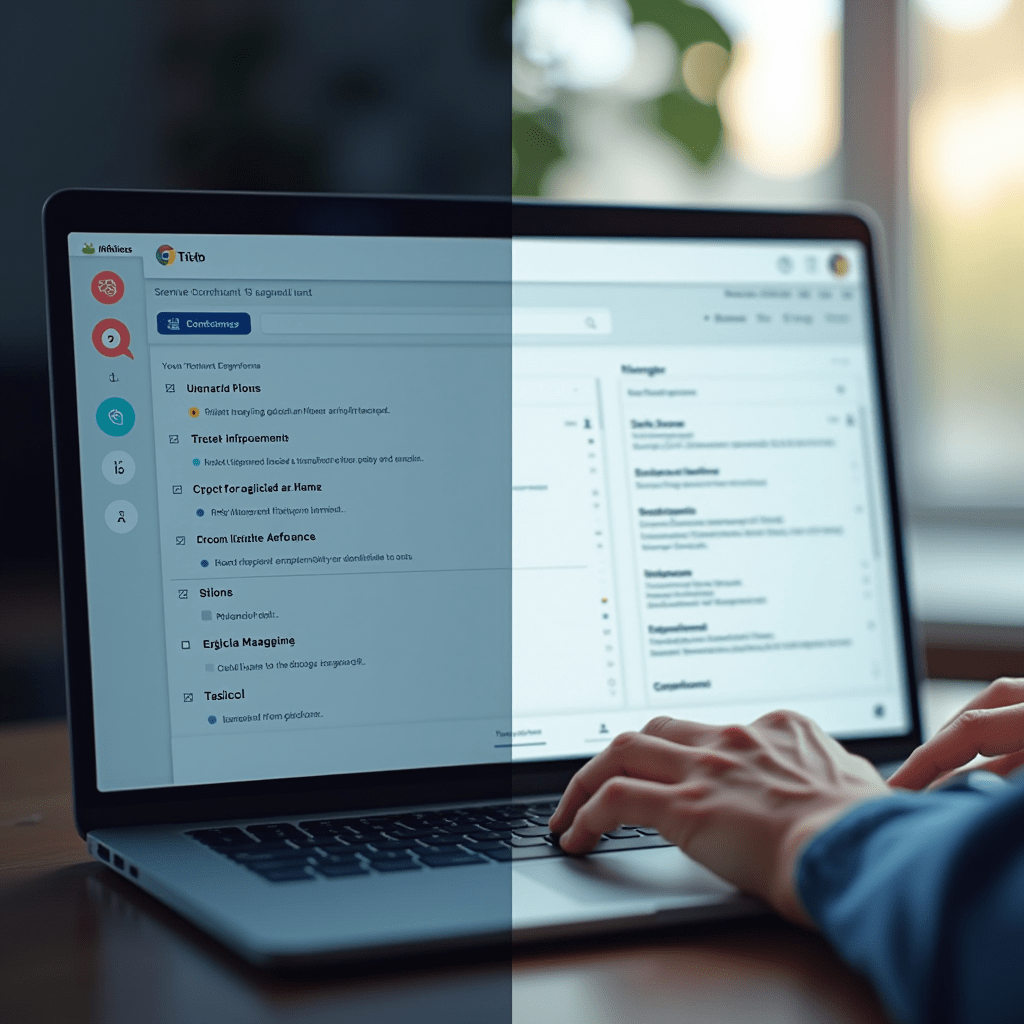
Communication Without the Burnout
Slack is basically mandatory for remote teams, but it can quickly become a massive distraction. The trick is to ruthlessly organize your channels and mute the ones that don’t need your immediate attention. I keep my active workspace down to about five core channels.
For teams that span multiple time zones, async communication is the key to the best productivity. Twist is a fantastic alternative to Slack because it organizes conversations into clear threads. You don’t have to scroll through three hours of random chatter to find the update on a project.
Loom is another lifesaver for remote workers. Instead of typing out a long explanation, I just record a quick three-minute video walking through my screen. It saves endless back-and-forth typing and adds a much-needed personal touch to text-based work.
Calendar Management That Protects Your Time
Your calendar should be your fortress, not an open invitation for back-to-back meetings. I use Calendly to let clients book time slots without the annoying email negotiation. It integrates directly with Google Calendar, keeping my schedule perfectly synced.
Reclaim.ai is another brilliant tool for the best productivity. It automatically scans your to-do list and blocks out time on your calendar for focused work, lunch, and breaks. If someone tries to book a meeting over your lunch, the software gently tells them you’re busy.
I used to let people schedule 30-minute chats that easily could have been five-minute messages. Now, my calendar is strictly guarded. Protecting your time is half the battle when you don’t have a boss looking over your shoulder.

Time Tracking and Focus Tools
Toggl Track completely changed how I estimate my time. I used to think a simple article took two hours to write. After tracking my actual hours, I realized it took four.
Knowing your real working speed helps you plan your week without overcommitting. It also stops you from feeling guilty when a task takes longer than expected. That brutal self-awareness is the foundation of the best productivity routines.
When I need to go deep into a task and ignore my phone, I use the Forest app. You plant a virtual tree, and if you leave the app to check Instagram, the tree dies. It sounds ridiculous, but this visual consequence works wonders for easily distracted brains.
Things You Need: Pro Tips
Software only gets you so far if your physical workspace is fighting you. Having the right gear amplifies the best productivity apps by removing physical friction from your day. Here are three items that genuinely upgraded my remote setup.
First, grab the Logitech MX Master 3S mouse. The custom thumb buttons and ultra-smooth scroll wheel save your wrist during long coding or editing sessions. Second, invest in Sony WH-1000XM5 noise-canceling headphones. They create an instant soundproof bubble, which is priceless if you have roommates or kids running around.
Finally, pick up a Blue Yeti USB microphone. Sounding crystal clear on Zoom calls eliminates the dreaded “sorry, can you repeat that?” loop. People respect your time more when they can hear you perfectly on the first try.
Frequently Asked Questions
What is the best productivity app for remote teams?
It really depends on your team’s workflow. For task management, Notion and Asana are top tier. For communication, Slack or Twist are the standard choices.
Are paid productivity apps worth the money?
Usually, yes. Free versions often limit your storage or integrations. If a $10/month subscription saves your whole team two hours a week, it pays for itself almost immediately.
How do I stop procrastinating when working from home?
Break your tasks into ridiculously small steps. Use a timer like Forest to force yourself into a 25-minute focus sprint. Finding the best productivity setup is highly personal, so experiment until something clicks.
Can too many apps ruin my workflow?
Absolutely. Tool fatigue is real. Stick to one app per category: one for tasks, one for chat, and one for calendar. Don’t add more tools just because they look cool.
ชอบบทความนี้? ค้นพบสินค้าที่เกี่ยวข้องบน Shopee