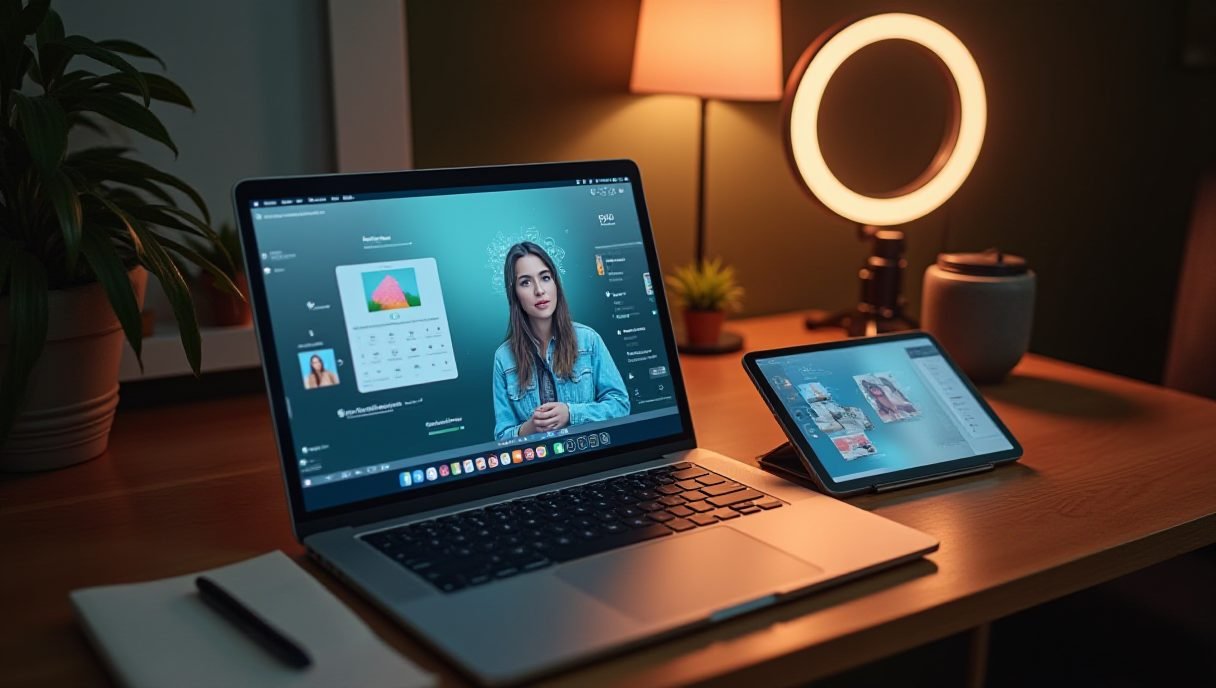
The Best AI Tools for Content Creators and Marketers (We Actually Tested Them)
Last month I spent an entire Sunday writing one blog post. The month before that, I produced eight — plus a video script and a set of social graphics — in half the time. The difference? I finally stopped being stubborn and let AI do the boring parts.
If you’re a content creator or marketer still doing everything manually, you’re not being dedicated. You’re just tired. So here’s my honest rundown of the best tools out there right now, grouped by what you actually need to get done.

AI Writing Tools: Your First Draft Machine
Writing is where most creators lose hours. The fix is simple: use AI for the draft, keep your brain for the polish.
ChatGPT remains my daily driver for blog outlines, email drafts, and rewriting clunky paragraphs. It’s fast, flexible, and the custom instructions feature lets you lock in your brand voice. Claude is my pick for longer content — it holds context better than almost anything else, so it doesn’t forget your brief halfway through a 2,000-word article.
For SEO-focused work, Surfer SEO pairs with your writing to analyze what’s ranking and tells you which terms to hit. And Grammarly still catches the embarrassing stuff nobody else will. Together, these four cover 90% of a marketer’s writing stack.
- ChatGPT — general writing, outlines, ideas
- Claude — long-form content with consistent tone
- Surfer SEO — SEO optimization while you write
- Grammarly — final polish and typo insurance
AI Design Tools: Look Professional Without a Designer
I can’t open Photoshop without breaking something. That used to be a problem. It isn’t anymore.
Canva’s Magic Studio is probably the single most useful thing on this list for non-designers. Magic Write, background remover, brand kits — it all just works. For quick social visuals, it’s hard to beat. Midjourney is where you go when you need something that stops the scroll. The images it generates still make me do a double-take, and for thumbnails or hero images, nothing else comes close.
Adobe Firefly deserves a mention too, especially if you’re already in the Adobe ecosystem. Its generative fill in Photoshop feels like cheating — click, type, done.

AI Video Tools: From Script to Published Faster
Video eats the most time of any content format. That’s exactly why some of the best tools in AI right now are video tools.
Descript changed how I edit. You edit video by editing the text transcript — delete a sentence, and the footage is gone. It also removes filler words automatically, which, if you’ve ever listened to yourself talk, is a lifesaver. Opus Clip takes long videos and chops them into short vertical clips for TikTok, Reels, and Shorts, complete with captions.
For talking-head videos without cameras or actors, Synthesia generates AI presenters in minutes. And CapCut remains the free workhorse for mobile editing with surprisingly strong AI features baked in.
Pro Tips and Things You Need
A few things I’ve learned the hard way:
- Don’t publish raw AI output. The best tools give you a draft, not a finished product. Add your stories, your data, your opinion — that’s what readers (and Google) actually want.
- Pick two tools, not ten. Tool-hopping wastes more time than it saves. Master a writing tool and a design tool before adding more.
- Set up brand voice everywhere. Canva Brand Kits and ChatGPT custom instructions keep your output consistent.
Gear-wise, a few upgrades make the whole workflow smoother: a decent logitech MX Master mouse for long editing sessions, a blue yeti microphone if you’re recording voiceovers for Descript or CapCut, and a second monitor — trust me, once you’re juggling ChatGPT, Canva, and Descript at once, you’ll wonder how you survived with one screen.
Which Should You Start With?
If you’re a blogger or email marketer: ChatGPT plus Grammarly. If you’re social-first: Canva plus Opus Clip. If you do video: Descript, full stop. The best tools are the ones you’ll actually open tomorrow morning — so start small, build the habit, and expand from there.
My honest recommendation? Pick one tool from each category this week and give yourself three real projects with them. You’ll know within a week which ones deserve a spot in your workflow.
Frequently Asked Questions
ชอบบทความนี้? ค้นพบสินค้าที่เกี่ยวข้องบน Shopee