
Best Tools for AI Content
Staring at a blank screen at 2 AM is a universal creator experience. You need a hook, a graphic, and a video by morning. That’s exactly why I rounded up the best tools to get you out of the rut and back to creating.
AI Writing Assistants That Don’t Sound Like Robots
Generative text has a reputation for sounding stiff and lifeless. But the right platforms can mimic your exact tone if you know how to prompt them correctly.
Claude is my current go-to for long-form articles and nuanced emails. It handles complex instructions and follows character limits much better than the competition. For quick brainstorming or outlining, ChatGPT still gets the job done fast.
Marketers who need high-converting ad copy should look at Jasper. It comes with pre-built templates for Facebook ads, email subject lines, and landing pages. These are arguably the best tools for writers who want to skip the blank page phase entirely.
Just remember to edit the output heavily. AI gives you the rough draft, but your personality makes it worth reading.

Design Software for Non-Designers
You no longer need a four-year degree to make stunning visual assets. AI image generators have completely leveled the playing field for solo marketers.
Midjourney produces breathtaking, cinematic illustrations that look incredibly professional. I use it for blog headers, eBook covers, and custom YouTube thumbnails. The learning curve is small, but the results speak for themselves.
If you need quick social media posts without the learning curve, stick with Canva’s Magic Studio. You can generate backgrounds, remove objects, and resize images in seconds. When people ask me for the best tools to build a brand on a budget, this combination is always my answer.
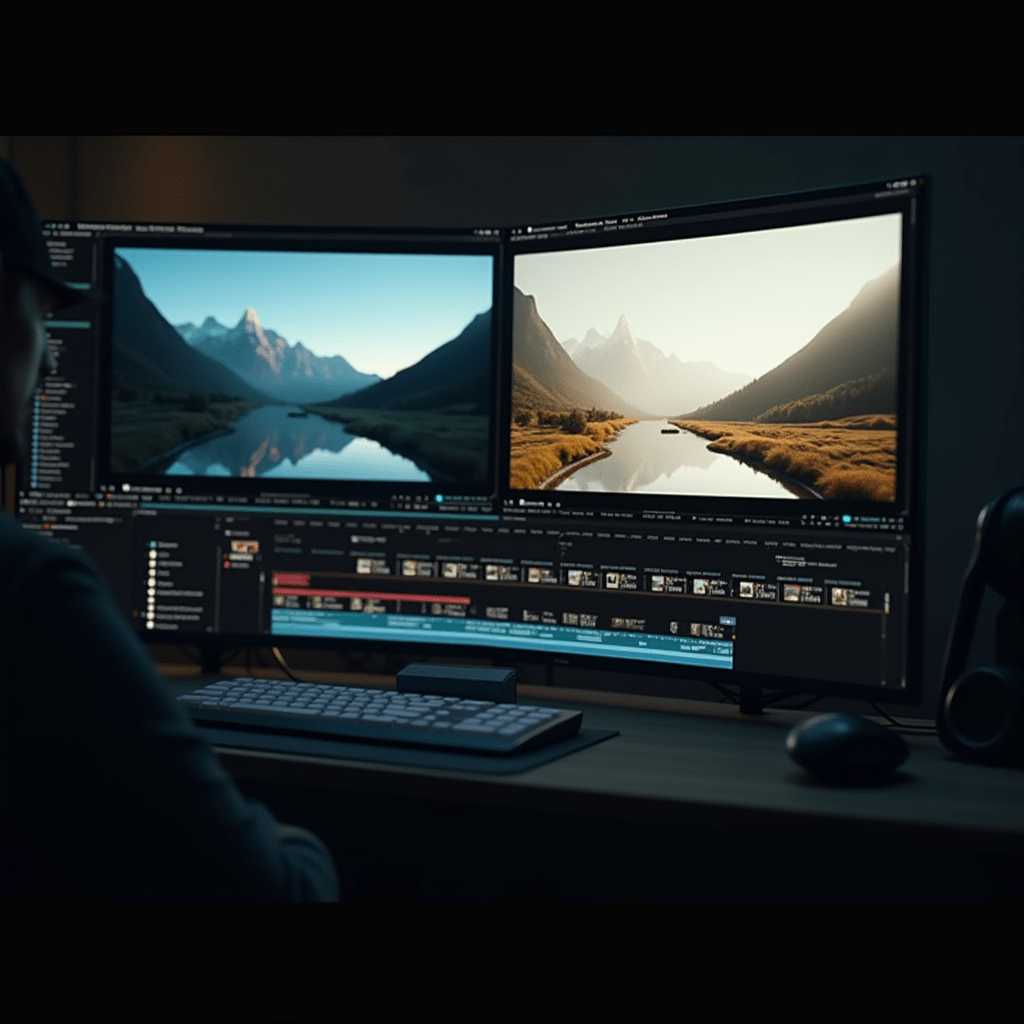
Video Editors That Cut Your Editing Time in Half
Video creation used to take days of tedious timeline scrubbing. Now, you can rough out a polished clip before your lunch break ends.
CapCut dominates the short-form space right now, and for good reason. Its auto-caption feature alone saves me hours of manual transcription. Just drop in your talking head video, hit one button, and watch the text appear.
For repurposing long podcasts or webinars into TikToks, Opus Clip is a total game-changer. It scans your footage, finds the most engaging moments, and frames them perfectly. If you want to experiment with wild visual effects, Runway lets you generate video from text prompts or remove backgrounds without a green screen. Finding the best tools for video means looking at what specific bottleneck you need to fix first.
How to Choose the Right Platform
Price tags add up fast when you subscribe to ten different apps. I recommend auditing your actual bottlenecks before opening your wallet.
If writing takes up 80% of your time, don’t waste money on premium video software yet. Focus your budget on a high-tier writing assistant first. You can always upgrade later as your needs evolve.
Most platforms offer free trials. Spend a weekend testing the interface to see if it clicks with your brain. The best tools are useless if you hate logging into them every morning.
Pro Tips: Gear to Pair With Your Software
Even the most advanced software needs solid hardware behind it. Your output quality drops fast if your gear can’t keep up with your creative speed.
First, grab a Logitech MX Master 3S mouse. The programmable buttons and ergonomic shape save your wrist during marathon editing sessions. It is a non-negotiable for anyone editing timelines all day.
Audio quality matters more than 4K video resolution. A Blue Yeti USB microphone gives your voiceovers that rich, professional podcast sound without needing a complicated audio interface.
Finally, lighting makes or breaks your on-camera presence. An Elgato Key Light provides adjustable, flicker-free illumination that makes any room look like a high-end studio. Pair these physical items with the best tools mentioned above, and your workflow becomes virtually unstoppable.
Frequently Asked Questions
Here are some common questions I get about upgrading a creative workflow with AI.
Are AI writing tools bad for SEO?
Not if you use them right. Google rewards helpful content, so you still need to add your unique perspective and fact-check the output before hitting publish.
Can I use Midjourney images for commercial projects?
Yes, as long as you have a paid subscription. The free trial tier is strictly for non-commercial, personal use only.
What is the easiest AI video editor to learn?
CapCut wins here. The interface is highly intuitive, and its AI auto-captions work with a single click. It is one of the best tools for beginners.
Stop overcomplicating your creative process. Pick one app from this list, master it this week, and watch your output double.
ชอบบทความนี้? ค้นพบสินค้าที่เกี่ยวข้องบน Shopee