Is There a Local LLM or Toolchain to Edit 3D Models? Here’s the Honest Answer
I recently watched someone try to 3D-print a body shell for an RC car using AI, and it was a comedy of errors. The popular cloud tool they tried couldn’t make a car without gluing wheels onto it. Claude, given an hour and a full day’s token budget, produced… a hollow square box. Not exactly a car.
So the question comes up a lot: is there local AI that can actually create or edit 3D models the way Stable Diffusion handles images? Let’s break down what’s real, what’s hype, and what you can run on your own machine today.
Why Cloud AI 3D Tools Disappoint for Real Projects
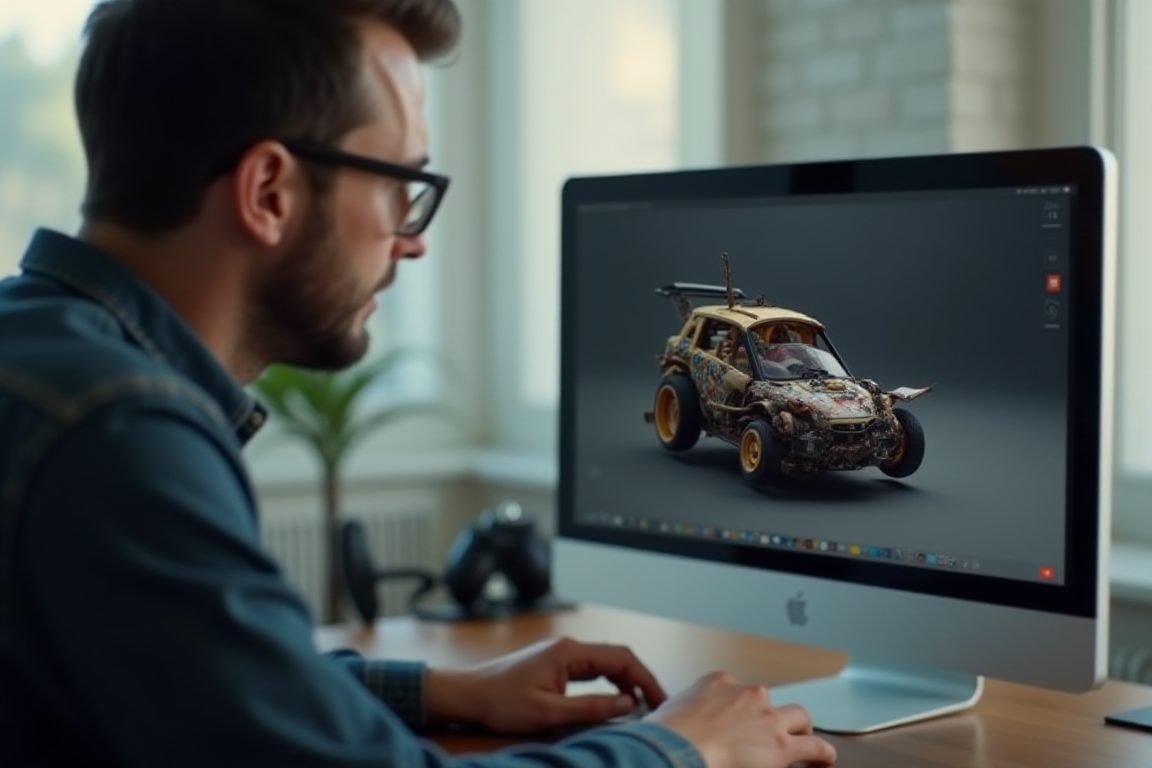
Most cloud 3D generators — like Meshy — are trained heavily on decorative items. Figurines, game assets, ornaments. Ask for something functional like an RC car shell without wheels, and they fall apart. Many seem to work like a search engine: the AI picks the closest model from a library rather than truly generating geometry from scratch.
That’s fine for trinkets, terrible for engineering. If you need specific dimensions, mounting holes, or a hollow shell that fits a chassis, cloud tools just don’t get it.
Can a Local LLM Write 3D Code for You?
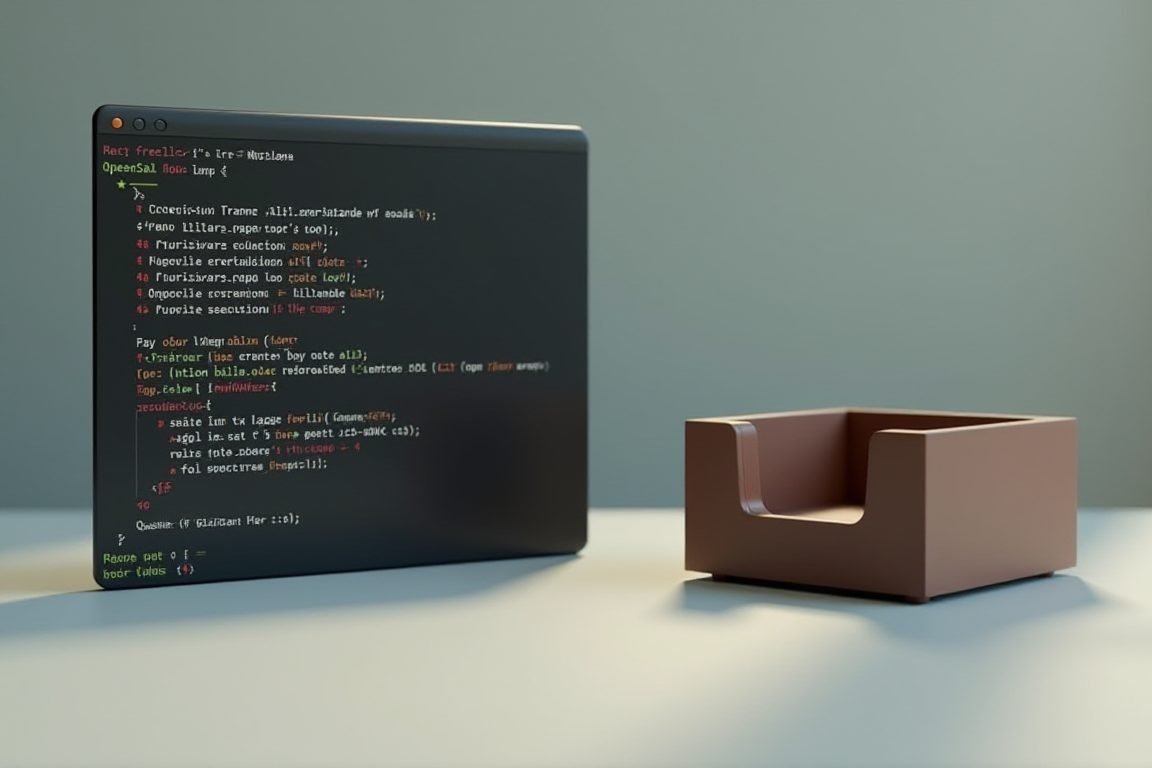
Here’s where things get interesting. Instead of asking AI to output a finished 3D file, you ask it to write parametric code — instructions that build the model step by step. Think of it like asking someone to write a recipe instead of baking the cake. Tools like OpenSCAD and CadQuery turn text code into solid 3D models.
A local LLM running through Ollama or LM Studio — models like Qwen 2.5 Coder or DeepSeek Coder — can write OpenSCAD scripts for you. The catch: small local models are like junior drafters. They’ll give you a box when you asked for a car. But unlike cloud tools, you can iterate, fix the code manually, and re-prompt. You’re in control of the workflow.
It’s genuinely useful for simpler parts: brackets, enclosures, stands, boxes with cutouts. Complex curved car bodies? Still a struggle, honestly.
Things You Need to Get Started Locally
If you want to try this at home, here’s the minimum setup:
- A GPU with decent VRAM — an NVIDIA RTX 3060 (12GB) or better lets you run 7B–14B coding models comfortably
- Ollama or LM Studio — free software that runs local LLMs with one click
- OpenSCAD — free, open-source parametric 3D modeler that turns code into printable STL files
- Blender — free and powerful for manual cleanup and sculpting of whatever the AI produces
Total cost: zero dollars, aside from the hardware you may already own. That’s the big advantage — no token limits, no subscriptions, no waiting an hour for a failed generation.
Pro Tips: Making Local AI Actually Work for 3D
First, break your model into pieces. Don’t ask for “an RC car shell” — ask for “a rounded box, 200mm long, 90mm wide, 40mm tall, hollow with 2mm walls.” Specific, dimensioned prompts work dramatically better.
Second, learn a little OpenSCAD yourself. Even 20 minutes of basics means you can fix the AI’s mistakes instead of re-rolling endlessly. The winning combo is AI for the boring boilerplate and your brain for the details.
Third, for true AI mesh generation, watch the research scene: projects like TRELLIS and Hunyuan3D can run locally on a high-VRAM GPU and generate meshes from images or text. They’re not ComfyUI-level polished yet, but they’re improving fast.
The Bottom Line
So is there local tooling that fully replaces a human 3D modeler? No. But a local LLM plus OpenSCAD plus Blender is a genuinely capable workshop for functional parts — and it costs nothing to experiment with. For decorative stuff, local image-to-3D models are catching up fast. My honest recommendation: start with OpenSCAD and Ollama this weekend. You’ll learn more in two days of hands-on tinkering than a month of prompting cloud services.
FAQ
Can a local LLM generate an STL file directly?
Technically yes, practically no — LLMs write text, and raw STL data is millions of coordinates. The smarter route is having the LLM write OpenSCAD or Python code that generates the STL. It’s faster, editable, and you can fix mistakes by hand.
What’s the best free tool to edit 3D models locally?
Blender is the king for manual editing, and OpenSCAD is best for code-based parametric parts. Both are completely free and run on modest hardware.
Do I need a powerful GPU to run local 3D AI?
For coding LLMs, an RTX 3060 with 12GB VRAM handles most useful models. For mesh-generation AI like TRELLIS, you’ll want 16GB+ VRAM for comfortable results.
Why did Meshy fail at making an RC car body?
Cloud generators are optimized for decorative, solid objects from their training data. Functional hollow shells with specific dimensions just aren’t what they were built for.
Is local AI better than cloud for 3D work?
For iteration and privacy, yes — you can tweak prompts and code endlessly with no token limits. For one-shot quality on organic shapes, cloud still has a slight edge, though local tools are closing the gap.
ชอบบทความนี้? ค้นพบสินค้าที่เกี่ยวข้องบน Shopee