
The Best Productivity Apps for Remote Workers (That Actually Stick)
Last Tuesday I spent twenty minutes looking for a file a teammate swore she’d shared with me. It was buried in a Slack thread, inside a Google Doc, inside a link. Sound familiar? That’s exactly why finding the best productivity tools matters when your whole team works from different kitchens.
I’ve been fully remote for three years now. I’ve installed and deleted more apps than I care to admit. This list is what survived.
Why Remote Work Demands Better Tools
Office workers get ambient structure — walk-bys, meetings, that one loud colleague. Remote workers don’t. Everything has to live in software.
The best productivity setups share three things: they reduce context-switching, they make information findable, and — crucially — people actually enjoy using them. A tool nobody opens is just a paid bookmark.
So here’s my honest, opinionated shortlist.
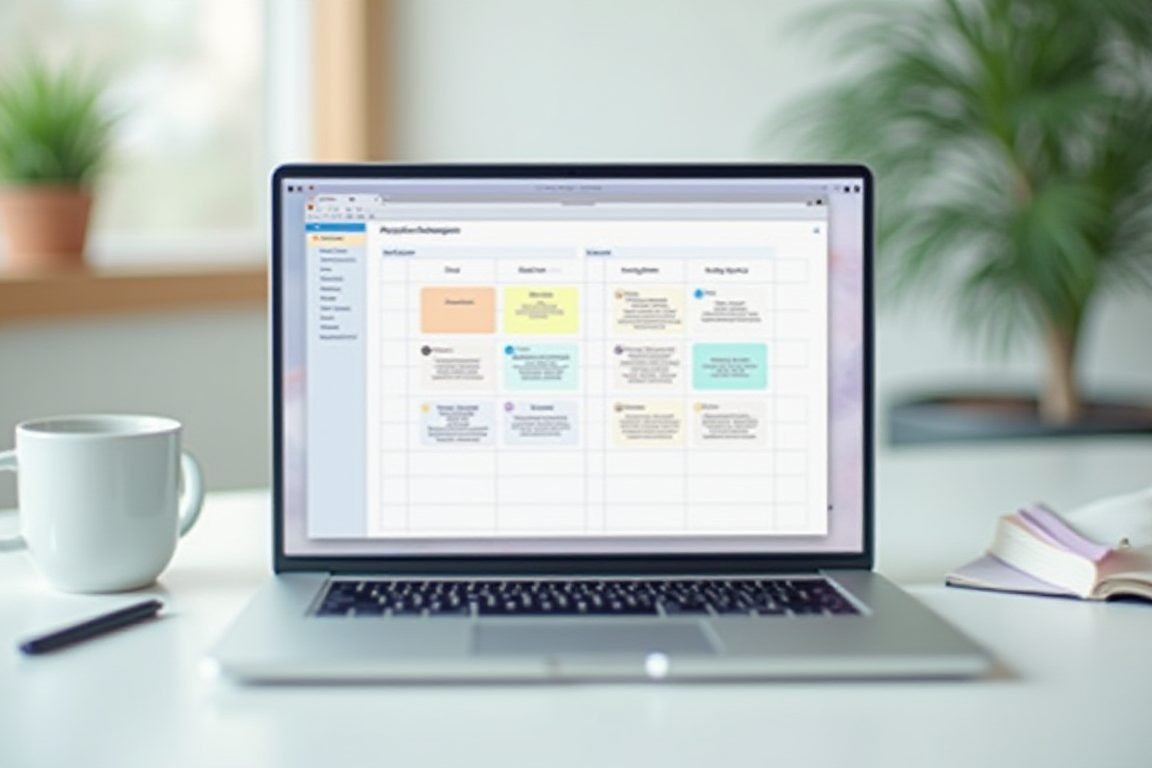
Task and Project Management
Notion is my top pick for teams that want one place for docs, wikis, and task lists. It’s flexible to a fault — you can build almost anything, though that freedom means the first week is a setup project in itself.
Todoist wins for personal task management. The natural language input is genuinely great: type “submit invoice every 1st at 9am” and it just works. I’ve used it daily for two years without fatigue.
Asana is the safe corporate choice. If your team has complex workflows with dependencies and approvals, it handles that better than most. It’s less pretty than Notion, but it’s predictable — and predictable is a feature.
My take? Small teams should start with Notion. Big teams with cross-department projects should stick with Asana.
Communication Without the Chaos
Slack is still the default, and honestly, still the best. Channels keep conversations organized, and huddles make quick calls frictionless. The trap is treating it like email — turn off notifications outside working hours or it’ll eat your life.
Loom changed how my team communicates. Instead of a 30-minute call, you record a three-minute video. Async video is the single biggest time-saver I’ve found for remote teams, especially across time zones.
For teams that live in the Microsoft world, Teams does the job. It’s clunkier, but the Office integration is hard to beat if your company already pays for it.

Focus, Time Tracking, and Notes
Remote work means nobody’s watching — which is freedom until it’s 3pm and you’ve answered Slack messages all day without doing real work. These tools help:
- Toggl Track — dead-simple time tracking. Seeing where your hours actually go is brutal and necessary.
- Forest — you grow a virtual tree by not touching your phone. Silly? Yes. Effective? Also yes.
- Obsidian — local-first note-taking with linked notes. Perfect for building a personal knowledge base.
- Freedom — blocks distracting sites across all your devices at once, so you can’t cheat.
Of everything on this list, Toggl gave me the biggest wake-up call. Turns out “quick Slack checks” were costing me about six hours a week.
Pro Tips: Gear and Tools Worth Buying
Software is half the equation. A few physical things make a real difference too:
- A decent ergonomic laptop stand — your neck will thank you within a week. Any adjustable aluminum model works.
- Sony WH-1000XM5 or Anker Soundcore headphones — noise cancellation is non-negotiable if you share your home with humans or pets.
- A blue-light blocking desk lamp with adjustable color temperature. Game-changer for evening work sessions.
None of this is glamorous. All of it compounds.
How to Choose Without Overwhelm
Here’s my simple process:
- Pick your biggest pain point — lost files, missed deadlines, or constant interruptions.
- Choose one tool from this list that targets it. Just one.
- Use it for two full weeks before judging it.
- If your team abandons it, don’t force it. Move on.
The best productivity stack isn’t the longest one. I’ve watched teams adopt six tools and use none of them well. Three tools used consistently beats ten used occasionally, every single time.
FAQ
What’s the single best productivity app for remote work?
Are free productivity apps good enough?
How many productivity apps should a remote team use?
How do I get my team to actually adopt new tools?
If you take one thing from this post, let it be this: start with Toggl for a week, see where your time goes, then build your stack around what you learn. The data will surprise you — it surprised me.
ชอบบทความนี้? ค้นพบสินค้าที่เกี่ยวข้องบน Shopee