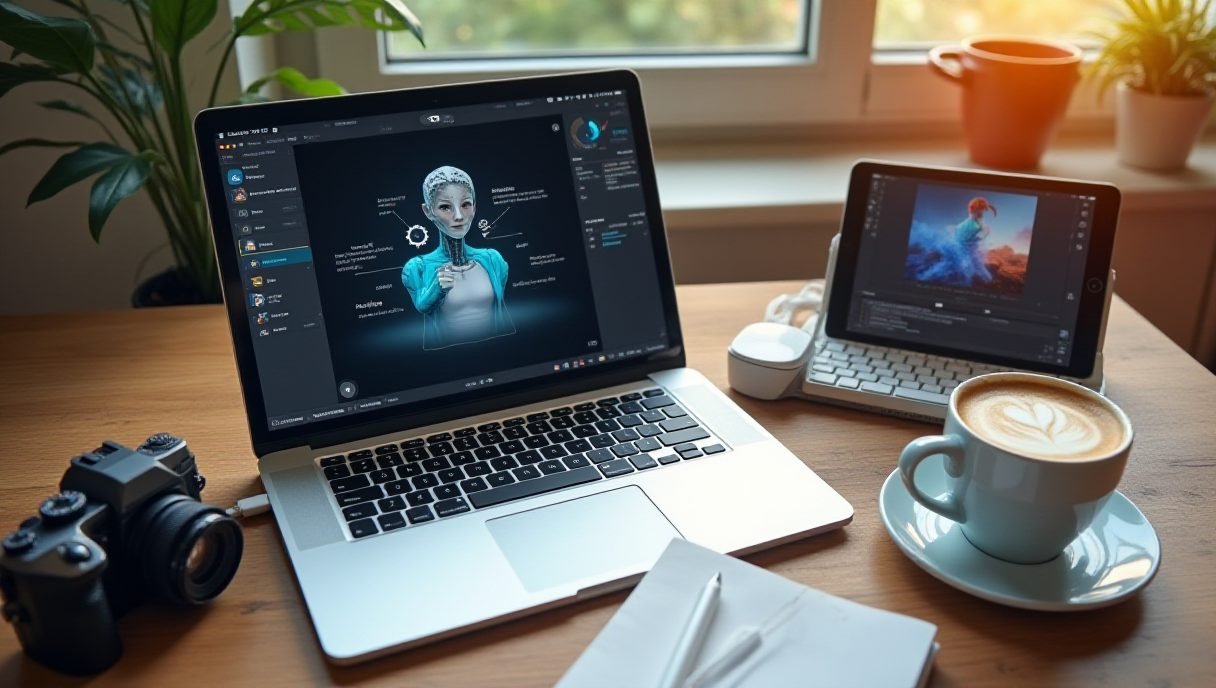
I Tested the Best AI Tools for Creators — Here’s What Actually Works
Last month I had 14 blog posts, 6 videos, and a full social calendar due. One person. That’s when I stopped being snobby about AI tools and started testing everything.
I’ve spent the past few weeks putting the best tools through real client work — not toy projects. Some blew me away. A few wasted my afternoon. Here’s the honest breakdown.
AI Writing Tools That Don’t Sound Like Robots
Let’s start with writing, because that’s where most creators drown.
ChatGPT (Plus, $20/mo) is still the one to beat. The custom instructions feature is underrated — I’ve trained mine on my client’s brand voice, and the first drafts now need maybe 30% editing instead of a full rewrite.
Claude handles long-form better than anything I’ve tried. Feed it a 5,000-word transcript and ask for a structured article? It nails the structure every time. For repurposing content, it’s one of the best tools in my stack.
Jasper is pricier but built for teams. If you need brand voice consistency across five writers, it earns the subscription. Solo creators? Skip it.

AI Design Tools That Save Hours
Design used to mean booking time with a designer or fighting Canva for an hour. Not anymore.
Canva Magic Studio is my daily driver. Magic Resize turns one Instagram post into a story, a banner, and a pin in seconds. The background remover alone saves me ten minutes per image.
Midjourney still produces the most gorgeous AI images I’ve seen. I used it for a blog header last week and got three compliments on it — nobody guessed it was AI. The learning curve on prompts is real, but worth it.
For quick mockups and social graphics, Microsoft Designer is a surprisingly solid free option. It’s one of the best tools for beginners who don’t want to pay before knowing what they need.
AI Video Tools That Changed My Workflow
Video is where AI feels like actual magic.
Descript edits video like a text document. Delete a sentence from the transcript, and it’s gone from the video. I cut a 20-minute YouTube edit down to about two hours of work.
Opus Clip takes long videos and spits out short vertical clips with captions. It’s not perfect — I still review every clip — but it finds moments I’d have missed. For marketers pushing Reels and Shorts, it’s easily among the best tools available right now.
ElevenLabs handles voiceovers that don’t sound robotic. I used it for a tutorial narration and my client asked which voice actor I hired. Awkward, but a compliment to the tech.
Things You Need to Actually Pull This Off
The software only gets you so far. A few things in my setup make a bigger difference than any subscription:
- A decent microphone — I use a Blue Yeti; any USB mic beats your laptop’s built-in audio
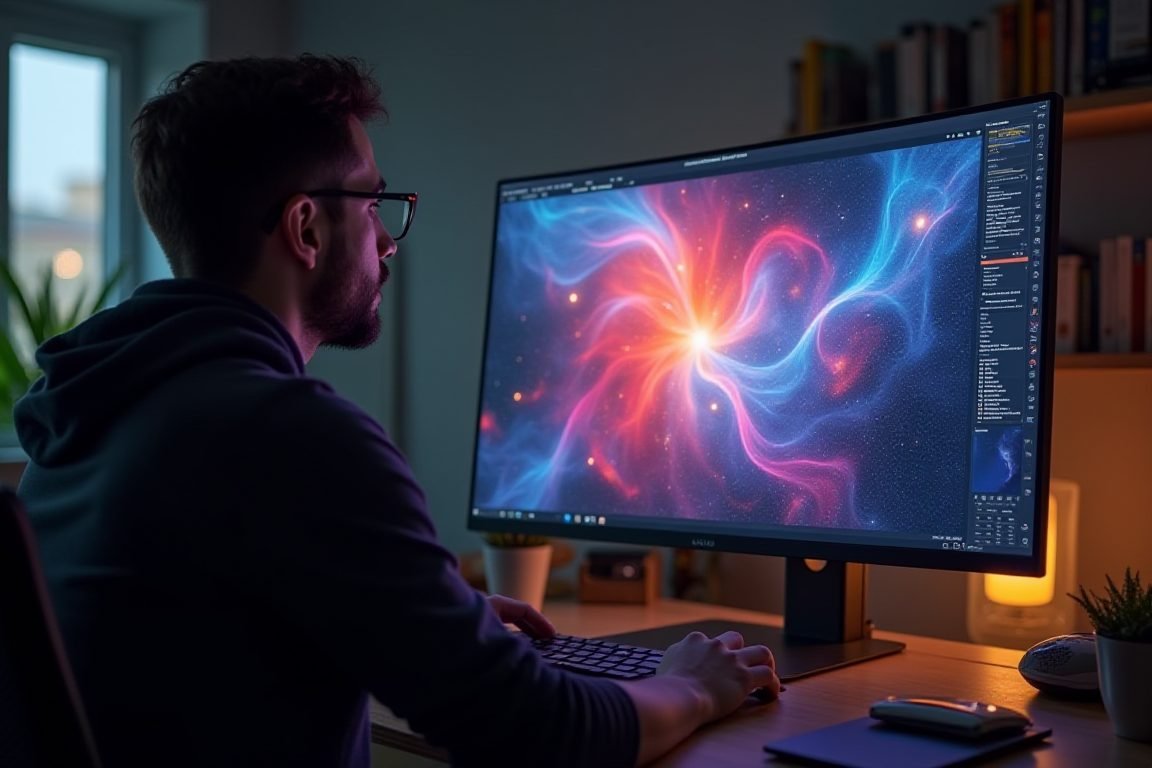
- A second monitor — editing with Descript while referencing a script on one screen is a game changer
- A ring light or key light — even a cheap Neewer panel makes webcam footage look professional
Seriously, a $50 mic upgrade will improve your content more than any AI tool on this list.
Pro Tips Before You Subscribe to Everything
Don’t buy five subscriptions on day one. I did, and I canceled three within a month.
Start with one writing tool and one video tool. Use them for two weeks on real projects. Then decide what’s missing. Stack from there.
Also — always fact-check AI output. These tools draft beautifully and confidently make things up. The creators winning with AI aren’t skipping the editing step; they’re just spending their time on smarter edits.
My honest recommendation? ChatGPT Plus, Canva Pro, and Descript cover 90% of what a solo creator needs. That’s about $60 a month replacing what used to require a small team.
FAQ
What are the best tools for beginner content creators?
Can AI tools fully replace human content creators?
How much should I budget for AI tools each month?
Is AI-generated content bad for SEO?
ชอบบทความนี้? ค้นพบสินค้าที่เกี่ยวข้องบน Shopee