Best Productivity Apps and Tools for Remote Workers (That Actually Work)
Here’s the thing nobody tells you about remote work: the freedom is amazing, but the distractions are relentless. One minute you’re answering an email, the next you’re three videos deep into how castles were built. I’ve been there more times than I’d like to admit.
After five years of working remotely — and testing way too many apps — I’ve narrowed down the best productivity tools that genuinely make a difference. Not the flashy ones. The ones you’ll still be using six months from now.
Task Management: Where Everything Starts
If you only pick one category of tool, make it this one. A good task manager is the backbone of remote work sanity.
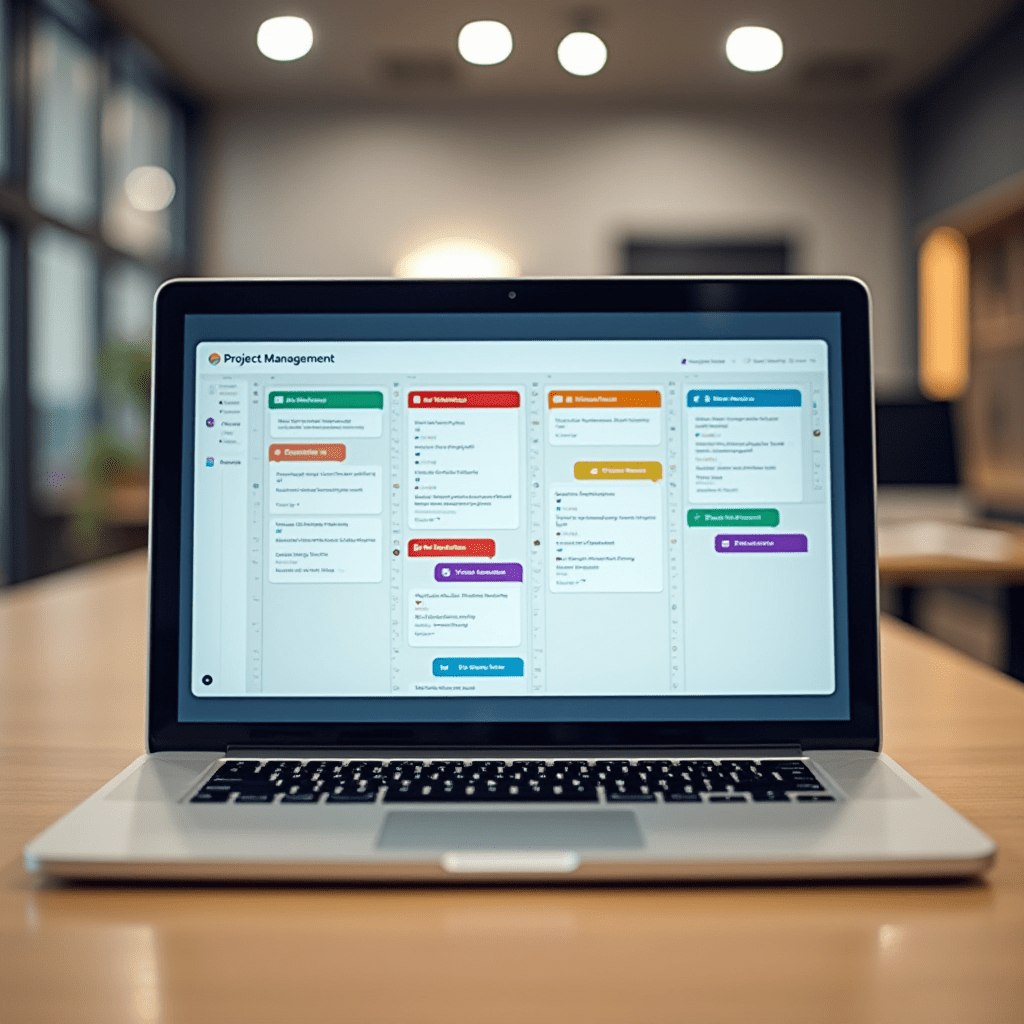
Todoist is my personal favorite. It’s fast, clean, and the natural language input is genius — type “report every Friday at 9am” and it just works. The free tier covers most people’s needs.
Notion takes things further. Think of it as your second brain: notes, databases, project trackers, even your team wiki. There’s a learning curve, sure, but once it clicks, you won’t go back. Many remote teams I know run their entire operation inside it.
Asana is the sweet spot for teams who need structure without the chaos of enterprise tools. The timeline view alone saves us hours of confusing status meetings.
Communication Without the Noise
Remote work lives or dies by communication. But here’s the trap: too many tools means more noise, not more clarity.
Slack remains the king for a reason. Channels keep conversations organized, and threads stop the endless scroll of “which message was that in?” Pro move: set your status to “focusing” and mute notifications during deep work blocks.
Zoom still handles video calls well, but Loom is the underrated hero here. Record a quick screen video instead of scheduling a meeting. I’ve cut my weekly meeting load nearly in half with it.
The best productivity hack for communication? Fewer messages, better written. A clear async update beats a 30-minute call almost every time.
Focus and Time Tracking
Distraction is the remote worker’s arch-nemesis. These tools fight back.
- Forest — you grow a virtual tree while you focus. Leave the app, and the tree dies. Sounds silly, works scarily well.
- Toggl Track — dead-simple time tracking. Eye-opening when you realize how long tasks actually take versus what you guessed.
- Freedom — blocks distracting sites and apps across all your devices at once. No willpower required.
- RescueTime — runs quietly in the background and shows you exactly where your hours go.
My honest take? Start with Forest for focus and Toggl for tracking. That combo alone covers 80% of what you need.
Things You Need: Gear and Pro Tips
Software helps, but hardware matters too. A few things worth investing in:
- Logitech MX Master 3S mouse — pricey, but the comfort is unmatched for long workdays.
- An ergonomic laptop stand — your neck will thank you within a week.
- Sony WH-1000XM5 or budget Anker Soundcore headphones — noise cancellation turns a chaotic home into a quiet office.
One pro tip: pick one task manager, one focus tool, and commit for 30 days. App-hopping is just procrastination in disguise — I learned that the expensive way.
How to Actually Stick With Your Tools
Here’s a simple four-step process that’s worked for me and my team:
- Pick your stack — one task manager, one chat tool, one focus app. That’s it.
- Set up a shutdown ritual — end each day by planning tomorrow’s top three tasks.
- Time-block your calendar — defend your deep work hours like they’re meetings with your boss.
- Review weekly — 15 minutes every Friday to see what worked and what didn’t.
Consistency beats complexity every single time. The best productivity system isn’t the fanciest one — it’s the one you’ll actually use on a tired Tuesday afternoon.
Frequently Asked Questions
What’s the single best productivity app for remote workers?
If I had to choose one, I’d say Notion. It handles tasks, notes, and team knowledge in a single place, which cuts down on app-switching. That said, Todoist is a better pick if you want something simpler to start with.
Are free productivity apps good enough?
Usually, yes. Todoist, Notion, Toggl, and Slack all have generous free tiers that cover solo workers and small teams. Only upgrade when you hit a real limitation, not before.
How many productivity apps should I use?
Keep it to three or four max. One task manager, one communication tool, one focus or time-tracking app. Too many tools creates busywork instead of actual work.
How do I stop getting distracted while working from home?
Combine a blocker like Freedom with time-boxed focus sessions using Forest or the Pomodoro technique. Also, physically separate your work space from your relaxation space if you can — your brain picks up on those cues fast.
If I could leave you with one thought: don’t chase the perfect system. Pick two tools from this list, use them for a month, and adjust from there. That’s how the best productivity habits are actually built — one honest week at a time.
ชอบบทความนี้? ค้นพบสินค้าที่เกี่ยวข้องบน Shopee