
The Best AI Tools for Content Creators and Marketers
Last month I watched a friend rewrite the same Instagram caption eleven times. Eleven. Then she opened ChatGPT, typed one prompt, and had three solid options in under a minute.
That’s when it clicked — the best tools aren’t replacing creators, they’re rescuing us from our own perfectionism. After three years of testing basically everything, here’s the shortlist that stuck around.
AI Writing Tools Worth Paying For
ChatGPT still tops my list for general writing. I use it for blog outlines, email subject lines, and unsticking my brain when a draft goes sideways. The free tier handles about 80% of what most people need.
Claude is my pick for long-form content. It holds a coherent tone across 2,000 words better than anything else I’ve tried. If you write newsletters or in-depth guides, start here.
Need ads and product copy? Jasper and Copy.ai built entire platforms around marketing copy. Jasper costs more, but its SEO integrations matter when you’re publishing weekly.
One rule I never break: AI drafts, I edit. The best tools give you a starting point, not a finish line. Publishing raw AI output is how brands end up sounding like everyone else.

Design Tools for People Who Aren’t Designers
Some of the best tools for design hide inside software you already know. Canva’s Magic Studio bundles Magic Write, a background remover, and one-click resize for every platform — all in one dashboard.
Want images nobody else has? Midjourney generates visuals that make people stop scrolling. The prompt learning curve is real, but the results feel nothing like stock photos.
Adobe Firefly is the safer bet for commercial work, since it’s trained on licensed content. When clients ask about copyright — and they should — Firefly keeps everyone relaxed.
Video Tools That Cut Editing Time in Half
Descript changed my whole workflow. You edit video like a text document: delete a sentence from the transcript, and it vanishes from the footage. Podcasters and YouTubers swear by it.
CapCut costs nothing and handles auto-captions, templates, and background removal on mobile. I’ve cut entire Reels on my phone during a lunch break.
For repurposing, Opus Clip scans long videos and finds the clip-worthy moments for you. It turned a 40-minute webinar into nine Shorts in about ten minutes. Add Runway when you need AI b-roll or object removal.
The best tools in video remove tedious work, not creative decisions. You still pick the story. The software just handles the grunt work.
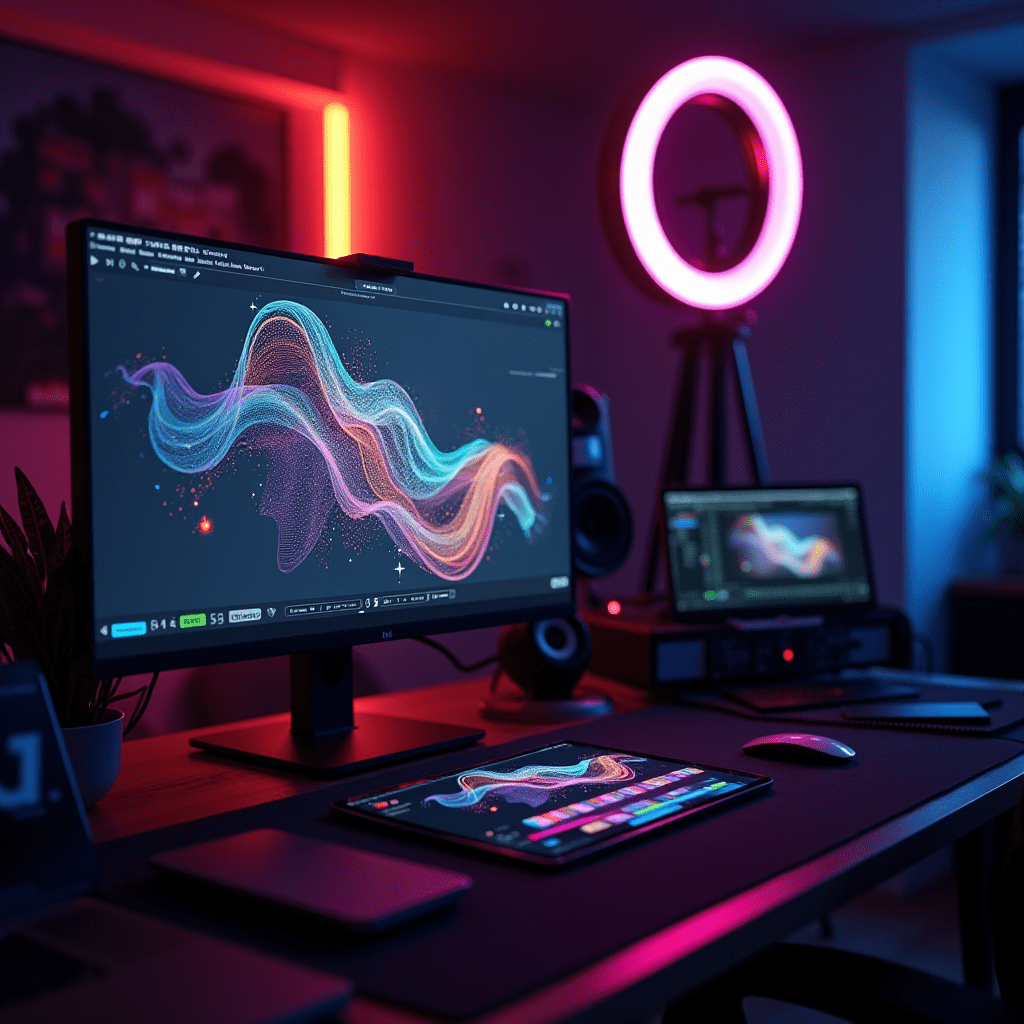
Things You Need to Get the Most Out of Them
Even the best tools can’t save bad audio or blurry footage. Your hardware matters more than you’d think, and none of it needs to break the bank.
- A USB microphone — the Blue Yeti Nano or HyperX QuadCast gives AI audio cleanup clean input to work with.
- A ring light — the Neewer 18-inch ring light is cheap, flattering, and perfect for talking-head videos.
- A 1080p webcam — the Logitech C920 or Brio keeps your source footage sharp enough for AI upscaling later.
One more thing: get a laptop with at least 16GB of RAM. Running Canva, Descript, and forty browser tabs at once will humble a weaker machine. Ask me how I know.
Frequently Asked Questions
Are free AI tools good enough for beginners?
Honestly, yes. ChatGPT’s free tier, Canva’s free plan, and CapCut cover most beginner needs. Upgrade only when you hit a wall — you’ll know exactly when that happens.
Which AI tool should I try first?
Start with ChatGPT or Claude, since writing drives everything else. Once your copy workflow feels solid, layer in Canva for design, then Descript for video. One tool at a time.
Will Google penalize AI-generated content?
No — Google penalizes unhelpful content, not AI content specifically. Edit aggressively and add your own experience, and you’re fine. Publishing raw, unedited output is the real risk.
How much should I budget for AI tools each month?
A solid stack runs $30–50 a month. Mine: ChatGPT Plus at $20, Canva Pro at around $13, and CapCut for free covers writing, design, and video.
My honest advice after all this testing? The best tools are the ones you’ll still be opening a month from now. Pick one from each section, master it, and ignore the rest until you outgrow them.
ชอบบทความนี้? ค้นพบสินค้าที่เกี่ยวข้องบน Shopee