Best Productivity Apps for Remote Workers
Working in your pajamas sounds like a dream until your cat walks across the keyboard during a client call. Suddenly, your cozy bedroom feels like a chaotic office with zero boundaries. That’s exactly why you need a solid stack of digital tools to keep your sanity intact. Finding the best productivity setup completely transforms how you work from home.
I remember my first year working remotely. I spent more time searching for lost files and forgotten passwords than actually doing my job. Once I built a reliable toolkit, my output doubled and my stress vanished. Let’s look at the absolute must-have apps that make remote work a breeze.
Tame Your To-Do List
If you don’t write things down, you will forget them. It is that simple. The best productivity apps for task management let your brain relax because the software handles the remembering for you.
- Todoist: This is my personal favorite. It uses natural language, so you can type “read report every first friday at 10am” and it sets the recurring task automatically.
- Notion: Think of this as a blank canvas for your brain. You can build custom wikis, databases, and project trackers. It takes an afternoon to learn, but it replaces five other apps.
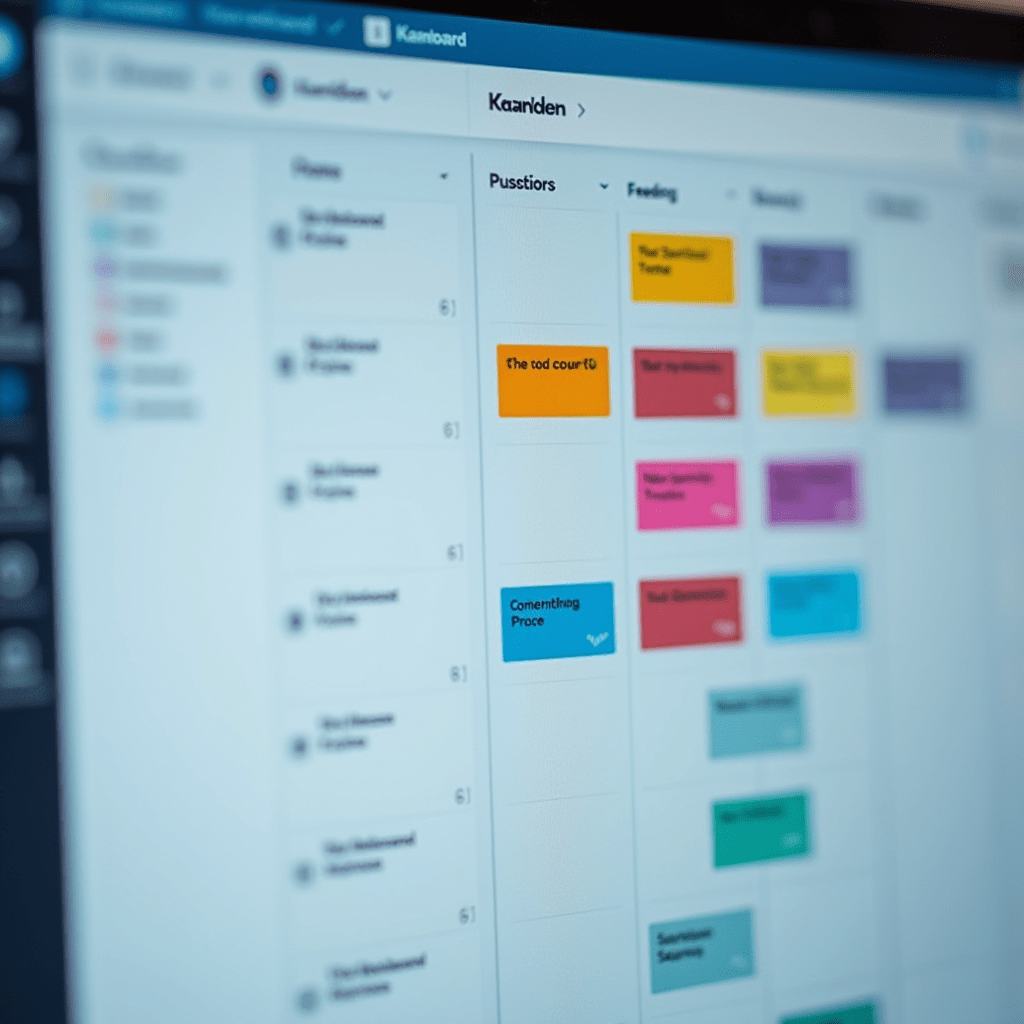
- Trello: If you are a visual thinker, Trello’s Kanban boards are unmatched. Drag and drop cards across your screen from “To Do” to “Done” for an instant dopamine hit.
Test a couple of these out and see which interface clicks with your brain. Everyone processes information differently. The goal is to get tasks out of your head and onto the screen.
Keep Your Team in Sync
Communication makes or breaks a remote team. You can’t just spin your chair around to ask a quick question anymore. You need tools that bridge the physical gap without causing endless notification fatigue.
Slack remains the gold standard for daily chat. Organize your conversations into specific channels like #marketing-team or #watercooler. Just remember to mute channels when you need deep focus time.
For meetings, you can’t beat Zoom or Google Meet. Keep your camera on when discussing complex projects to read body language. Turn it off if you are just listening to a massive presentation to save bandwidth.
Async video is the secret weapon for the best productivity. Try an app called Loom. You record your screen and yourself talking, then send the link to your team. They watch it on their own time and leave comment reactions. It eliminates the need for half of your weekly meetings.

Guard Your Time and Focus
Distractions at home are ruthless. The laundry pile calls your name. The refrigerator begs to be opened. To fight back, you need apps designed to lock your attention down.
I use Forest every single day. You plant a virtual tree when you start a work session. If you leave the app to check Instagram, your tree dies. It sounds silly, but the guilt of killing a tiny digital oak keeps me focused for hours.
For tracking exactly where your hours go, install Toggl. Click start when you begin a task and stop when you finish. Reviewing my weekly Toggl reports showed me I was wasting four hours a week on unimportant emails.
Pro Tips: Essential Gear for Your Desk
Software alone won’t give you the best productivity results. Your physical environment plays a massive role in how efficiently you operate. Here are three physical upgrades you should grab today.
- Logitech MX Master 3S Mouse: The side-scroll wheel lets you fly through massive spreadsheets and code editors. It is a total game-changer for wrist comfort.
- BenQ ScreenBar Monitor Light: This mounts on top of your monitor and throws light directly onto your desk. It reduces screen glare and saves you from afternoon eye strain.
- Blue Yeti USB Microphone: Your built-in laptop mic sounds like you are trapped in a tin can. Grab a Yeti so your voice rings out crystal clear on client calls.
Remote Work FAQs
How do I stop procrastinating while working from home?
Break your work into tiny 25-minute chunks using the Pomodoro technique. Use a blocker app like Cold Turkey to lock yourself out of social media sites during work hours.
Are free productivity apps good enough for remote work?
Yes, absolutely. Free tiers of apps like Todoist, Trello, and Notion offer plenty of features for solo workers. You only need to pay if you manage a large team or need advanced admin controls.
How many apps should my remote team use?
Keep it under five core tools. You need one app for chat, one for tasks, one for file storage, and one for video calls. Using too many tools creates digital silos and frustrates employees.
Pick one or two of these tools to test this week. You don’t need to overhaul your entire workflow overnight. The best productivity system is simply the one you actually use consistently.
ชอบบทความนี้? ค้นพบสินค้าที่เกี่ยวข้องบน Shopee