
Best Productivity Apps for Remote Teams
I used to think working from home meant waking up five minutes before a morning meeting. Then the laundry piled up, my inbox exploded, and I missed a major deadline. That’s when I started hunting for the best productivity apps to save my sanity.
Remote work strips away the structure of a physical office. You have to build that framework yourself. Without it, you end up answering emails at 10 PM and wondering where the day went.
Tame Your Tasks with Notion
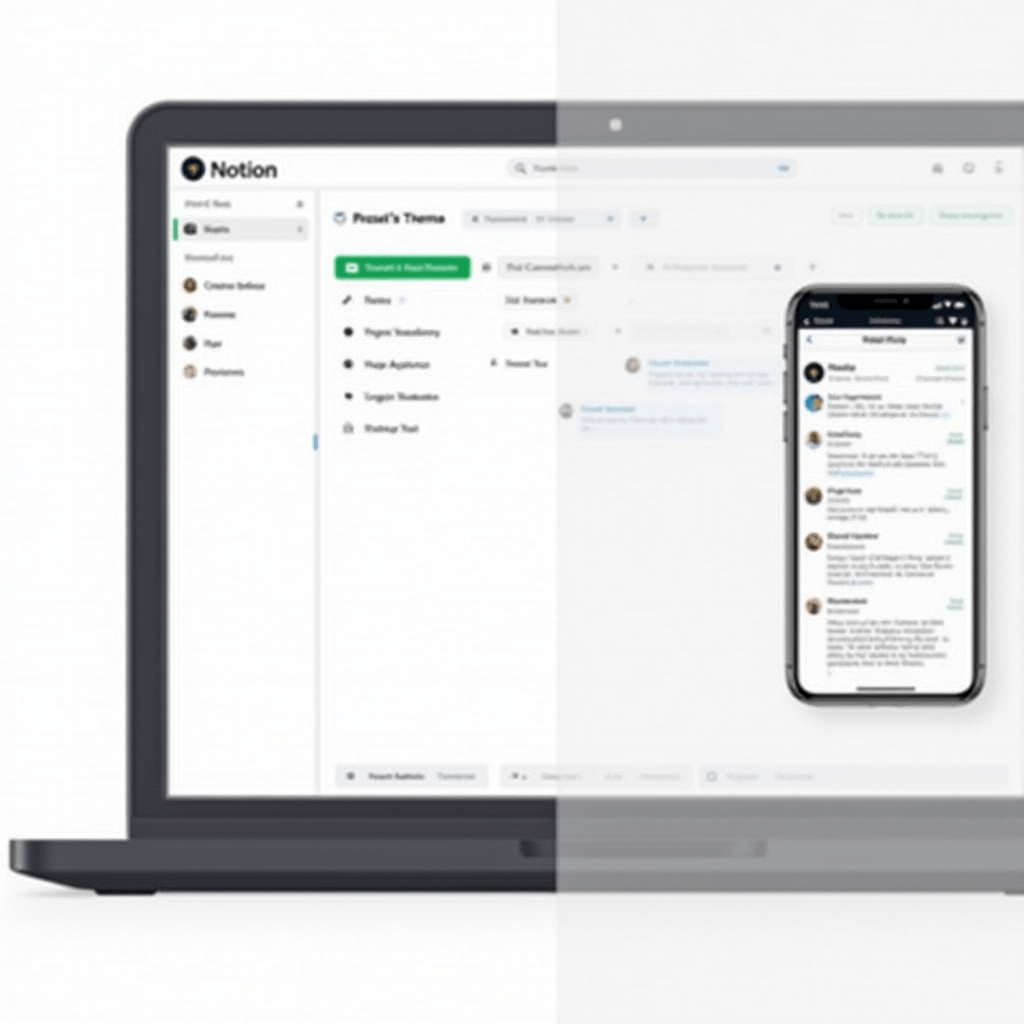
If you haven’t tried Notion yet, you’re missing out. It’s a blank canvas that lets you build workflows exactly how your brain works. I use it for everything from content calendars to client onboarding checklists.
What makes it one of the best productivity tools is the database feature. You can view your tasks as a Kanban board, a calendar, or a simple list. Your whole team can see who owns what and when it’s due.
We built a custom meeting notes template last month. Now, nobody ever asks what we decided last week because the action items are automatically assigned right there in the doc.
Keep Chats Clean with Slack
Email is a black hole where urgent requests go to die. Slack keeps quick questions quick, but only if you use it right. The trick is organizing channels by project, not by random topics.
Pin important documents in the channel so they don’t get buried in the chatter. I also force myself to set strict “Do Not Disturb” hours. Without boundaries, Slack becomes the biggest enemy of the best productivity systems you’ve set up.
Integrate your other tools directly into Slack. When a task moves in Notion, a notification pops up in the channel. It keeps everyone in the loop without forcing them to check five different dashboards.
Time Blocking Using Todoist
Lists are easy to make but incredibly hard to finish. Todoist fixes this by letting you assign specific time blocks to your tasks. When a task has a deadline and a time attached, I’m much less likely to ignore it.
The natural language processing is a lifesaver here. You just type “Schedule team standup every Tuesday at 9 AM,” and the app handles the rest. For individual focus, it stands out as one of the best productivity apps available.
I prioritize my top three tasks using the red flag system every morning. Hitting those three targets before lunch makes the rest of the day feel like a breeze.

Stop the Meeting Madness with Loom
Sometimes a five-minute video explains a concept better than a thirty-minute call. Loom lets you record your screen and your face at the same time. Send the link, and your team can watch it on their own schedule.
We replaced our weekly status update calls with Loom videos. It gave us back hours of uninterrupted focus time. People can comment with timestamps if they have questions, keeping the feedback organized.
This asynchronous approach respects everyone’s working hours. It’s a game changer if your remote team spans across multiple time zones.
Pro Tips: Gear That Actually Helps
Software only gets you so far if your physical setup is fighting you. I learned this the hard way after dealing with back pain and lagging video calls. Upgrading a few pieces of hardware made a massive difference in my output.
First, grab a pair of Sony WH-1000XM5 headphones. The noise cancellation blocks out barking dogs and street traffic, letting you sink into deep work. Second, if you’re typing on a laptop keyboard all day, get a Logitech MX Keys Mini. The tactile feel speeds up your typing and reduces wrist strain.
Finally, a simple adjustable laptop stand like the Rain Design mStand fixes your posture instantly. Looking slightly down at your screen prevents neck cramps during those long afternoon shifts.
FAQ: Best Productivity Apps
Are paid productivity apps worth the money?
Often, yes. Free versions usually limit storage or team members. If a paid app saves you two hours a week, it pays for itself almost immediately.
How many apps do I actually need?
Keep it to three or four max. Too many tools mean you spend your day managing the tools instead of doing actual work.
What’s the best productivity app for small teams?
Notion is tough to beat for small teams because it scales with you. You can start with a simple task list and grow into a full company wiki.
How do I stop procrastinating when working remotely?
Break your projects into tiny, five-minute tasks. Once you start, momentum usually takes over and keeps you going.
ชอบบทความนี้? ค้นพบสินค้าที่เกี่ยวข้องบน Shopee