Best AI Tools for Creators
I spent three hours last week rewriting a product description. Three hours I’ll never get back. That’s when I finally stopped resisting AI and started testing every tool I could find.
Most lists out there feel like ads. This isn’t one of those. I’m sharing what worked, what wasted my time, and what I now use daily as some of the best tools in my workflow.
AI Writing Tools That Actually Deliver
ChatGPT gets all the hype, but it’s not always the right choice for content work. Claude handles long-form content better, with more natural tone and fewer generic phrases. I’ve noticed it struggles less with repetitive sentence structures.
Jasper works well for marketing teams who need brand voice consistency. You train it once on your style guide, and it stays on message. The downside? It’s pricey if you’re a solo creator.
For quick social captions and email subject lines, Copy.ai does the job fast. It won’t write your blog posts, but it handles short-form copy without overthinking it. Finding the best tools for your specific format matters more than picking the most popular option.

Design Tools That Don’t Need Art School
Canva added AI features that genuinely help non-designers. Their Magic Design tool generates layouts from a text prompt, and the results look better than you’d expect. I use it for Pinterest pins and Instagram graphics weekly.
Midjourney creates stunning images, but the learning curve frustrates beginners. You need to learn prompt engineering to get consistent results. Once you figure it out, the output beats any stock photo site.
For quick edits and background removal, Photoroom saves me serious time. Product shots that used to take 20 minutes now take 20 seconds. Drop a photo, pick a background, done.
Video Creation Without the Headache
Descript might be the most underrated tool on this list. You edit video by editing text—it transcribes your footage, and you cut clips by deleting words from the transcript. Game changer for podcast clips and talking-head videos.
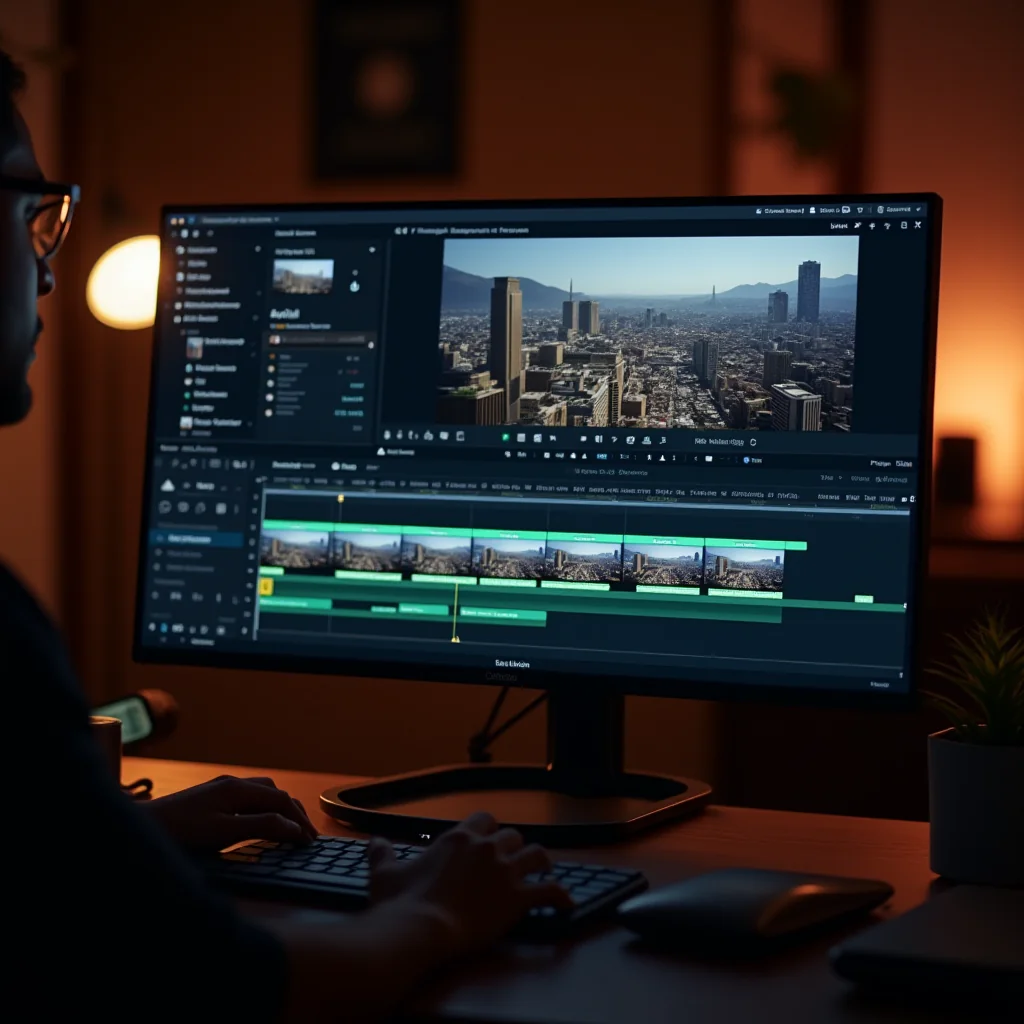
Runway handles the fancy stuff: background removal, motion tracking, color grading. Their newer AI features generate B-roll from text prompts, which fills gaps when you don’t have enough footage.
CapCut remains my go-to for short-form content. The auto-captions alone save hours, and the template library means you don’t start from scratch every time. It’s free for most features, which matters for creators watching their budget.
When people ask me about the best tools for video, I always start here. These three cover 95% of what a typical creator needs without requiring expensive software or an editing degree.
Pro Tips: Things You Need to Get Started
Before diving in, a few practical items make the experience smoother. A decent microphone matters more than most creators realize. I recommend the Blue Yeti or Rode NT-USB for clean audio that AI transcription tools can actually understand.
A second monitor dramatically speeds up your workflow when you’re running multiple AI tools simultaneously. The LG 27UK850-W gives you enough screen real estate to keep your prompt window and output side by side.
Notion or a similar workspace tool helps you organize prompts that actually work. I keep a running doc of proven prompts for each tool—it saves me from reinventing the wheel every session. Some of the best tools become useless without a system to capture what works.
Picking the Right Stack
You don’t need all of these. Start with one writing tool and one visual tool, then expand based on where you hit bottlenecks. The best tools are the ones you’ll actually use, not the ones with the most features.
My current daily stack: Claude for writing, Canva for graphics, Descript for video, and Photoroom for product shots. That covers 90% of what I create. Compare your options honestly—sometimes the best tools are the simplest ones.
Test free trials before committing to anything. Most of these tools offer them, and your workflow might mesh better with something unexpected.
Frequently Asked Questions
ชอบบทความนี้? ค้นพบสินค้าที่เกี่ยวข้องบน Shopee