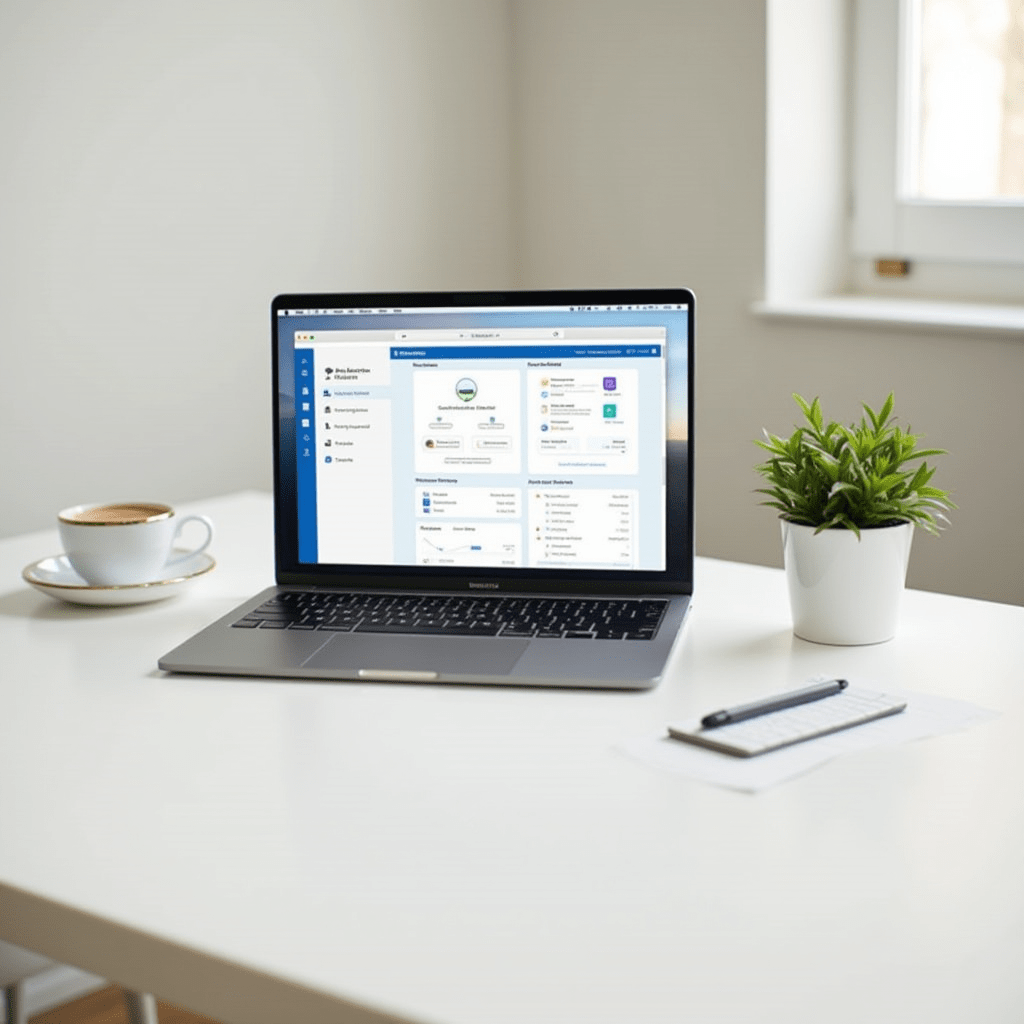
Best Productivity Apps for Remote Teams
I used to think working from home meant answering emails from my couch in sweatpants. Turns out, without a solid system in place, your living room just becomes a really distracting office.
Finding the best productivity apps changed my daily routine completely. The right digital tools act as a sturdy fence between your demanding work tasks and that pile of laundry staring at you from across the room.
Why You Need Dedicated Tools
Remote work strips away the natural structure of a physical office building. You lose the visual cues of people winding down for the day or casually heading into a conference room.
Building your own operational infrastructure is completely non-negotiable. When you rely on memory alone to track deadlines, important tasks slip through the cracks by Tuesday afternoon.
We tested dozens of platforms over the last six months to find the absolute best productivity combinations. Here are the specific tools that stick around long after the initial week of excitement wears off.

Communication That Doesn’t Drain You
Endless pings kill your creative momentum faster than almost anything else. You need a messaging app that respects deep work and actively encourages asynchronous communication.
Slack is the industry standard for a reason, but you have to intentionally tame it. Create strict channel rules so alerts only fire for truly urgent items, rather than every random GIF someone finds funny.
For fully remote teams, Twist is a hidden gem for achieving the best productivity. It threads conversations cleanly like a forum, completely removing the anxiety of having to reply instantly.
Video calls should be an intentional choice, not a default reaction to a simple question. Use Loom to send quick, recorded video updates instead of scheduling another 30-minute meeting that easily could have been an email.
Setting these communication boundaries early prevents massive notification fatigue. Your team will quickly adapt to a slower, much more thoughtful communication pace.
Task Management That Actually Works
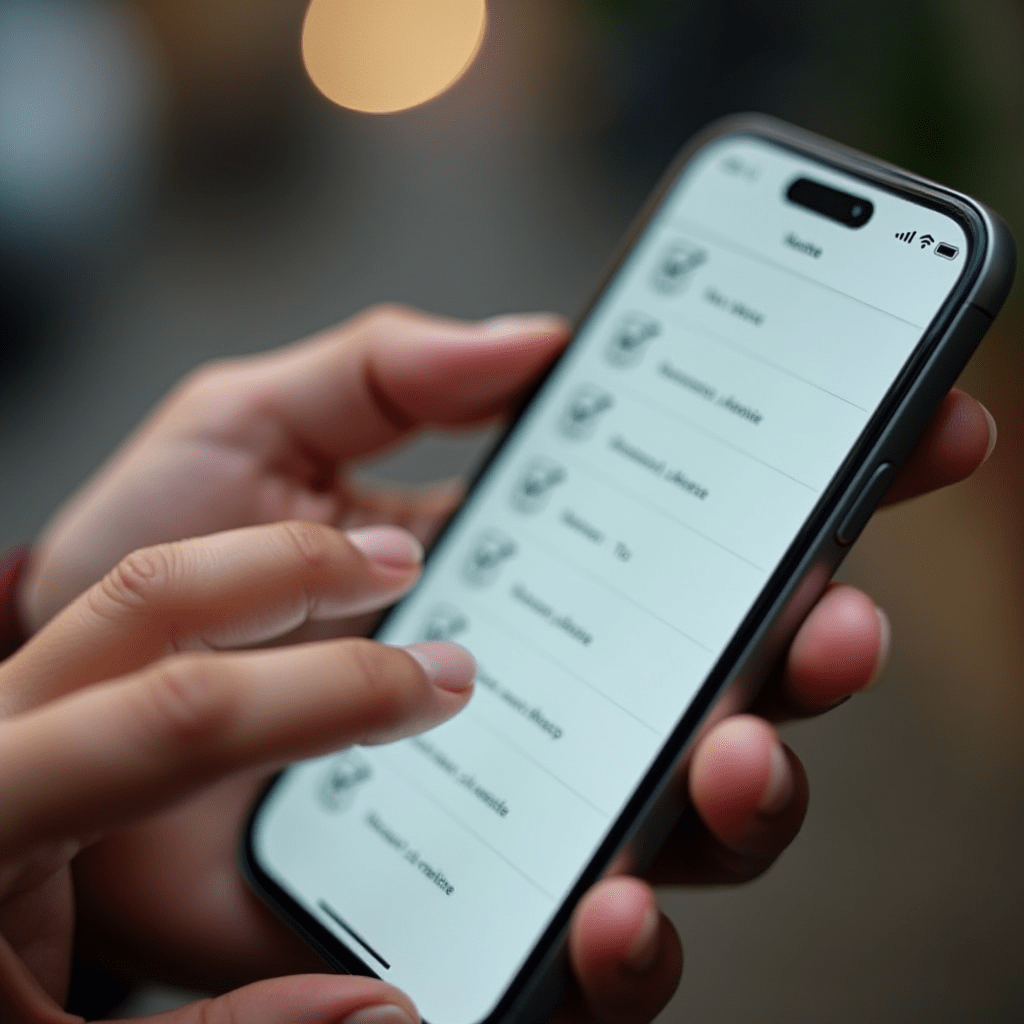
A to-do list written on a sticky note stops working the exact moment you have more than five tasks. You need a dynamic system that scales smoothly alongside your growing workload.
Asana handles complex team projects beautifully without feeling overwhelming. You can track exactly who is doing what and when, without forcing your team to learn a complicated interface.
Trello is a great alternative if you strongly prefer a visual Kanban board approach. Dragging cards from “Doing” to “Done” provides a tiny psychological reward that keeps you moving forward through the day.
For personal task tracking, Todoist remains my daily driver above everything else. Adding a due date and a priority level takes two seconds on your phone while waiting in line for coffee.
Pairing a robust team tool with a simple personal app gives you the best productivity balance. Your team stays perfectly aligned on big goals, and you keep your individual daily errands neatly organized.
Things You Need to Maximize Output
Software only gets you so far if your physical workspace fights you every step of the way. A few targeted hardware upgrades make a massive difference in your daily energy output.
First, grab a pair of Sony WH-1000XM5 headphones. The active noise cancellation completely blocks out chatty roommates, street construction noise, or barking dogs so you can focus during important calls.
Next, swap your standard plastic mouse for the Logitech MX Master 3S. The custom shortcut buttons and ergonomic shape prevent wrist fatigue during long spreadsheet or design sessions.
If late-night screen glare gives you pounding headaches, a pair of Felix Gray blue light glasses can genuinely save your eyesight. Combining these physical workspace upgrades with the best productivity apps creates an unbeatable remote workflow.
Focus Apps to Block Distractions
Willpower is a limited resource that naturally depletes by 3 PM every day. You will eventually click over to social media when a tedious task gets overwhelmingly boring.
Freedom lets you block distracting websites across all your devices simultaneously. You can set it to run on a strict, automated schedule during your core working hours.
If you respond well to gamification, try the Forest app on your phone. You plant a virtual tree when you start a focus timer, and the tree withers and dies if you exit the app to check Instagram.
Using a dedicated blocker is the easiest way to protect the best productivity hours of your morning. Stop relying on sheer willpower and let the software do the heavy lifting for you.
Over time, you will successfully retrain your brain to stop craving cheap dopamine hits from endless scrolling. Your focus will naturally deepen as a result.
Frequently Asked Questions
Are paid productivity apps worth the money?
Usually, yes. Free versions are great for testing, but paid tiers unlock features like automation, unlimited storage, and advanced reporting. If a tool saves you two hours a week, it pays for itself almost immediately.
How many apps should a remote worker use?
Keep it to a maximum of four or five. Too many tools mean you spend your day managing software instead of doing actual work. Pick one for chat, one for tasks, and one for focus.
What is the best productivity app for solo freelancers?
Todoist is perfect for solo workers. It is fast, simple, and available on every device you own. You can dump tasks in quickly and organize them by project without overthinking the process.
Can productivity apps actually cause burnout?
They absolutely can if you obsess over tracking every single minute. Use them to remove friction, not to micromanage yourself. If the app feels like a boss breathing down your neck, turn off the notifications.
ชอบบทความนี้? ค้นพบสินค้าที่เกี่ยวข้องบน Shopee